How to Use AI Image Editor Online to Transform Your Photos
In the past, editing a photo to look professional required expensive software, hours of learning, and a powerful computer. Today, that has completely changed. With the rise of Artificial Intelligence, anyone can create stunning visuals in seconds.
Welcome to the era of the AI Image Editor. Whether you are an e-commerce seller needing clean product shots, a content creator making memes, or just someone who wants to remove a stranger from a holiday photo, AI tools are your best solution.
In this guide, we will explore how EditAImg utilizes cutting-edge AI technology to simplify your workflow, saving you both time and money.


What is an AI Image Editor and How Does It Work?
An AI Image Editor is a tool that uses machine learning algorithms to analyze and modify images automatically. Unlike traditional editors where you have to manually select pixels or use a lasso tool, an AI editor "understands" what makes up your photo—people, objects, backgrounds, and lighting.
When you upload a photo to EditAImg, the AI scans the image to identify different elements. This allows you to perform complex tasks, such as removing a background or erasing an unwanted object, with just a single click. The result? Professional-grade editing without the steep learning curve.
Why You Should Switch to an Online AI Photo Editor
Many users are ditching heavy desktop software for browser-based solutions. Here is why an online AI editor is the superior choice for most users:
Instant Accessibility: There is no need to download or install huge software packages. You simply open your browser, visit the website, and start editing.
Cost-Effective: Professional software can cost hundreds of dollars a year. EditAImg offers powerful features for free, making high-quality editing accessible to everyone.
Speed and Efficiency: What used to take 30 minutes in manual editing now takes seconds. The AI automates the tedious parts, letting you focus on creativity.
Automatic Updates: You never have to worry about updating your software. The AI models are constantly improved on the server side, ensuring you always use the latest technology.
Key Features You Can Use Right Now
Our platform is designed to be the ultimate AI Image Editor for your daily needs. Here are the core capabilities you can leverage immediately:
1. AI Background Removal
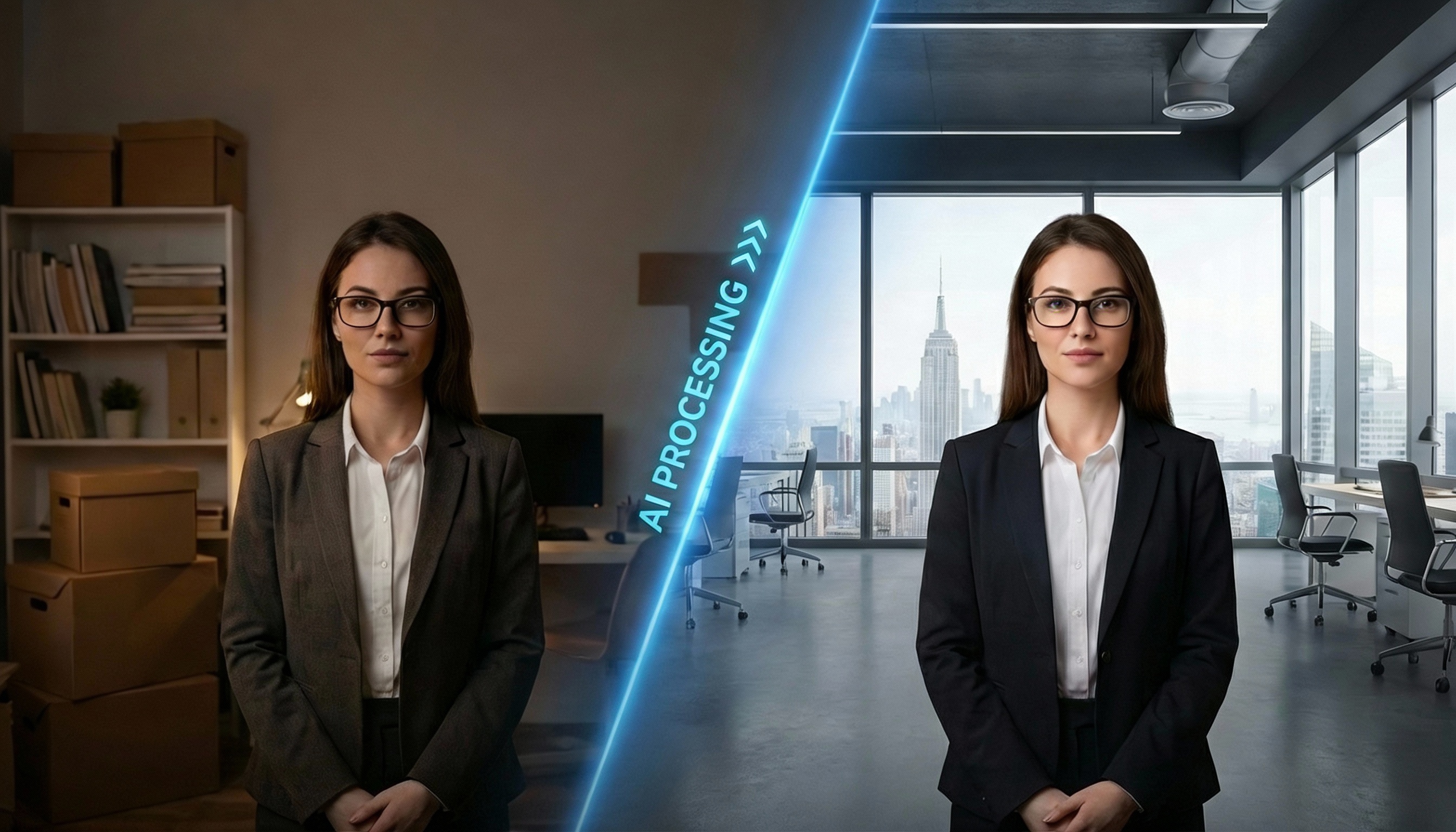
This is one of the most popular features. The AI detects the main subject of your photo—whether it's a person, a car, or a product—and instantly removes the background. You can leave it transparent or replace it with a new color. This is perfect for creating professional listing photos for Amazon, Shopify, or eBay.
2. Magic Object Eraser
Have a perfect shot ruined by a trash can in the background or a photobomber? The cleanup tool allows you to brush over the unwanted object. The AI then fills in the gap by analyzing the surrounding pixels, making it look like the object was never there.
3. Image Enhancement
Sometimes your photos might be blurry or have low lighting. The AI algorithms can sharpen details, adjust contrast, and upscale resolution to make your images crisp and clear.
Step-by-Step: How to Edit Photos in Seconds
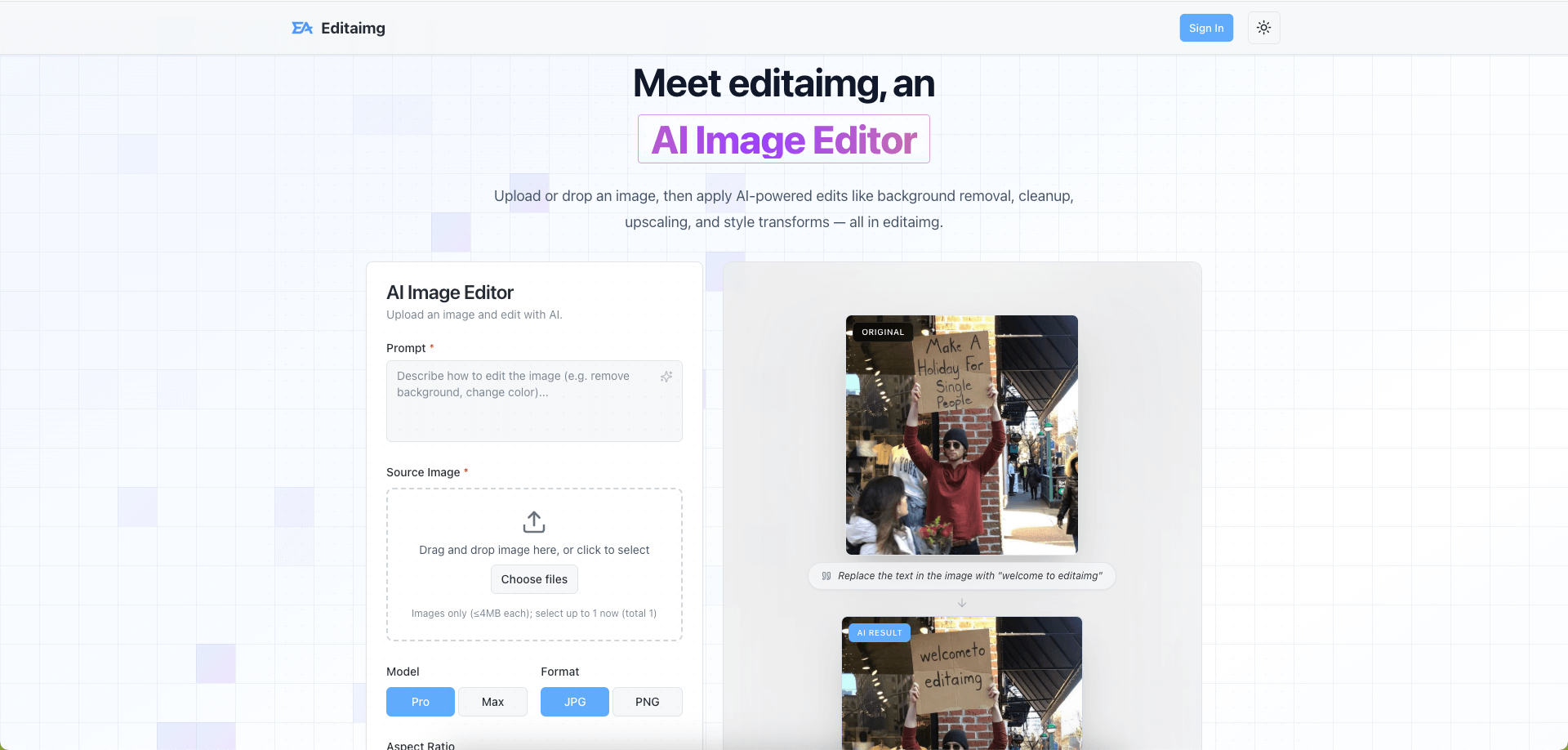
Using an AI Image Editor is incredibly simple. You don't need to watch long tutorials. Just follow these three easy steps:
Step 1: Upload Your Image
Navigate to the EditAImg Homepage. Drag and drop your image file (JPG, PNG, or WebP) into the upload area. Our system ensures your data is processed securely.
Step 2: Select Your AI Tool
Choose what you want to do. Do you need to remove the background? Or maybe remove an unwanted text watermark? Select the appropriate tool from the menu. The AI will process your request instantly.
Step 3: Download and Share
Once the AI has finished its magic, preview the result. If you are satisfied, simply click the "Download" button to save the high-quality image to your device. You are now ready to share it on social media or use it for your business.
Best Practices for AI Image Editing
While AI is powerful, following these tips will help you get the absolute best results from our AI Image Editor:
Use High-Resolution Inputs: Although AI can enhance photos, starting with a decent quality image ensures the most accurate detection of edges and objects.
Avoid Over-Editing: AI tools are fun, but keep your edits natural. If you are removing an object, make sure the generated background blends well with the rest of the scene.
Check Your Lighting: For background removal, photos with good contrast between the subject and the background usually yield the perfect cutouts on the first try.
Frequently Asked Questions
Is EditAImg free to use?
Yes, our goal is to provide accessible AI tools to everyone. You can start using the features immediately on our homepage.
Do I need design skills to use this AI Image Editor?
Not at all. The tool is designed for beginners. The AI handles the technical work, so you only need to make simple decisions.
Is it safe to upload my personal photos?
Privacy is our priority. Images are processed for the editing purpose and are not permanently stored or used for other purposes without your consent.
Conclusion
The landscape of digital art and photography has changed. You no longer need to be a Photoshop expert to create stunning images. With a powerful AI Image Editor like EditAImg, you have a professional design studio right in your web browser.
Whether you are optimizing product photos for your business or just cleaning up personal memories, AI technology is here to save you time and effort.
Ready to see the magic yourself? Click here to try EditAImg for free and start editing your photos today.