Christmas product photos
AI product photography scenes for the season: fireplace mantel, Christmas tree, gift-wrap flat lay, snowy window, rustic table and Nordic styling.
Christmas scenes for cards, gifts & handmade products
AI product photography turns one plain photo into seasonal images that sell.
Upload your mug, candle, keepsake or gift, or the flat artwork of your greeting card. Pick a scene, and AI product photography places your exact product in a realistic setting while keeping its shape, colours, printed text and personalisation.
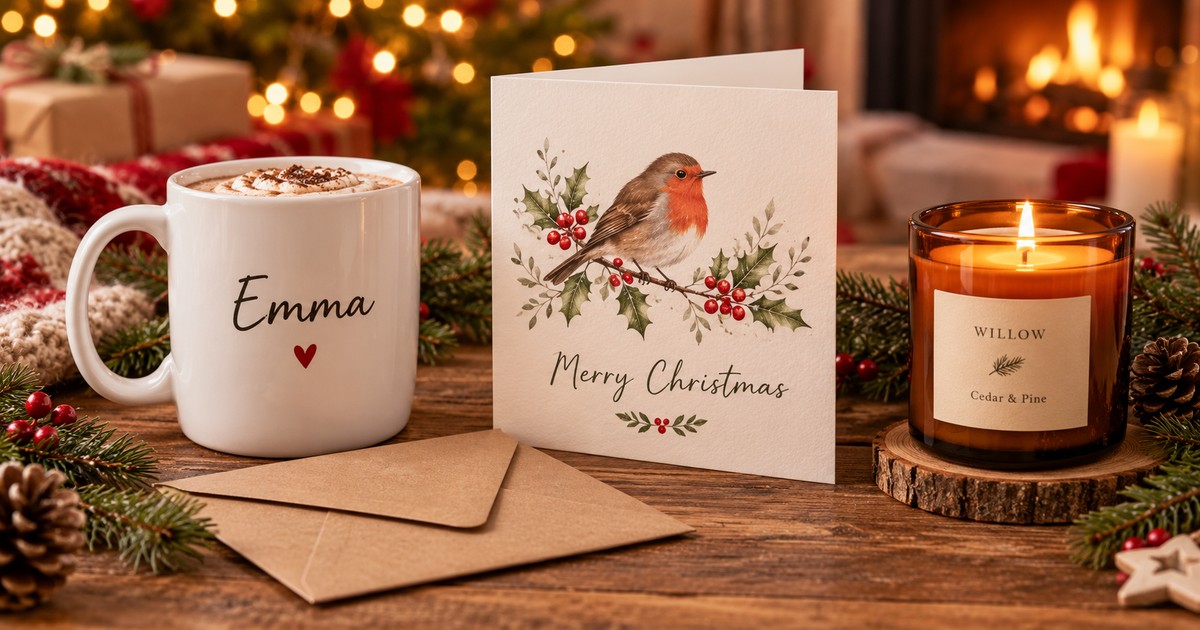
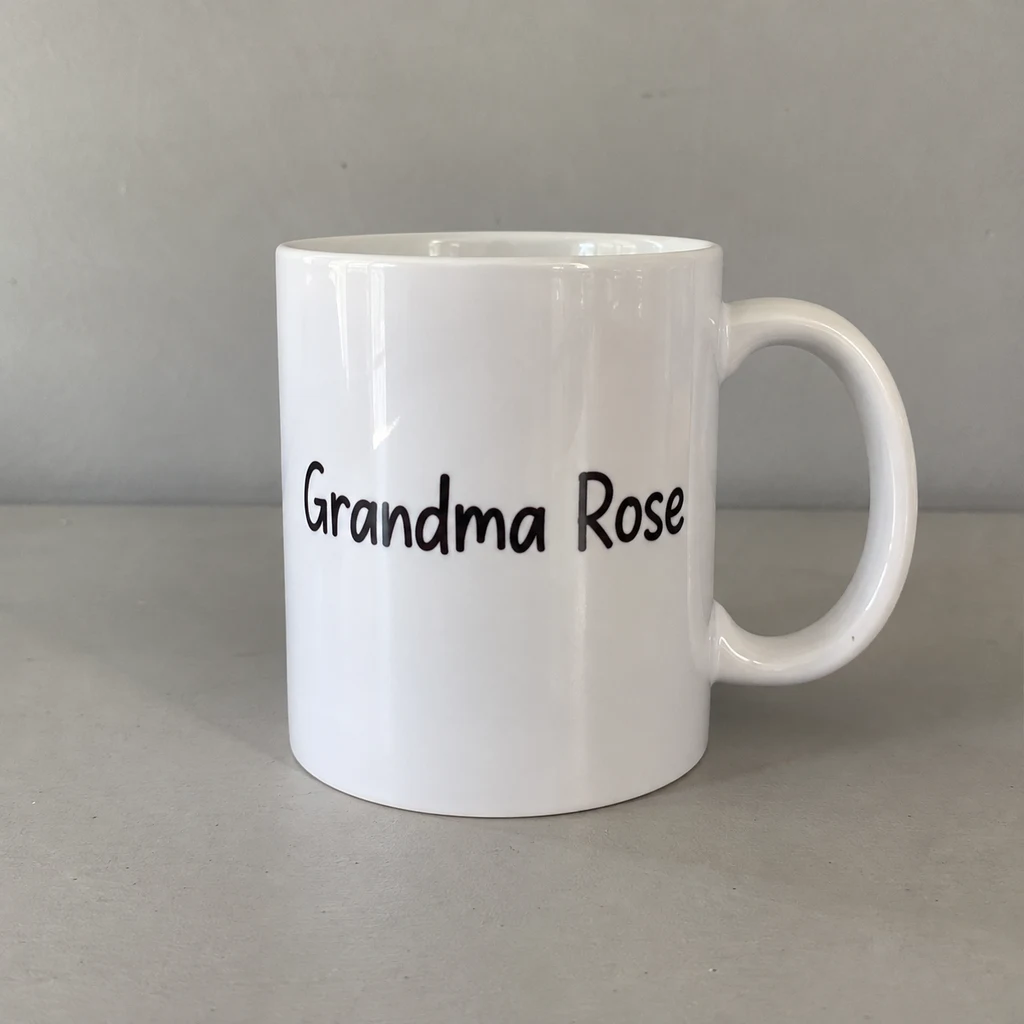
AI product photography for your shop: upload a product or card design and choose a scene.
Upload a clear photo of your product
Max 50MB
Notes change the scene only. AI product photography always keeps your product and its text.
1:1 suits most marketplaces; 4:3 or 3:4 suit Etsy and social posts.
Credits are only used when the image is created; failed images are refunded.
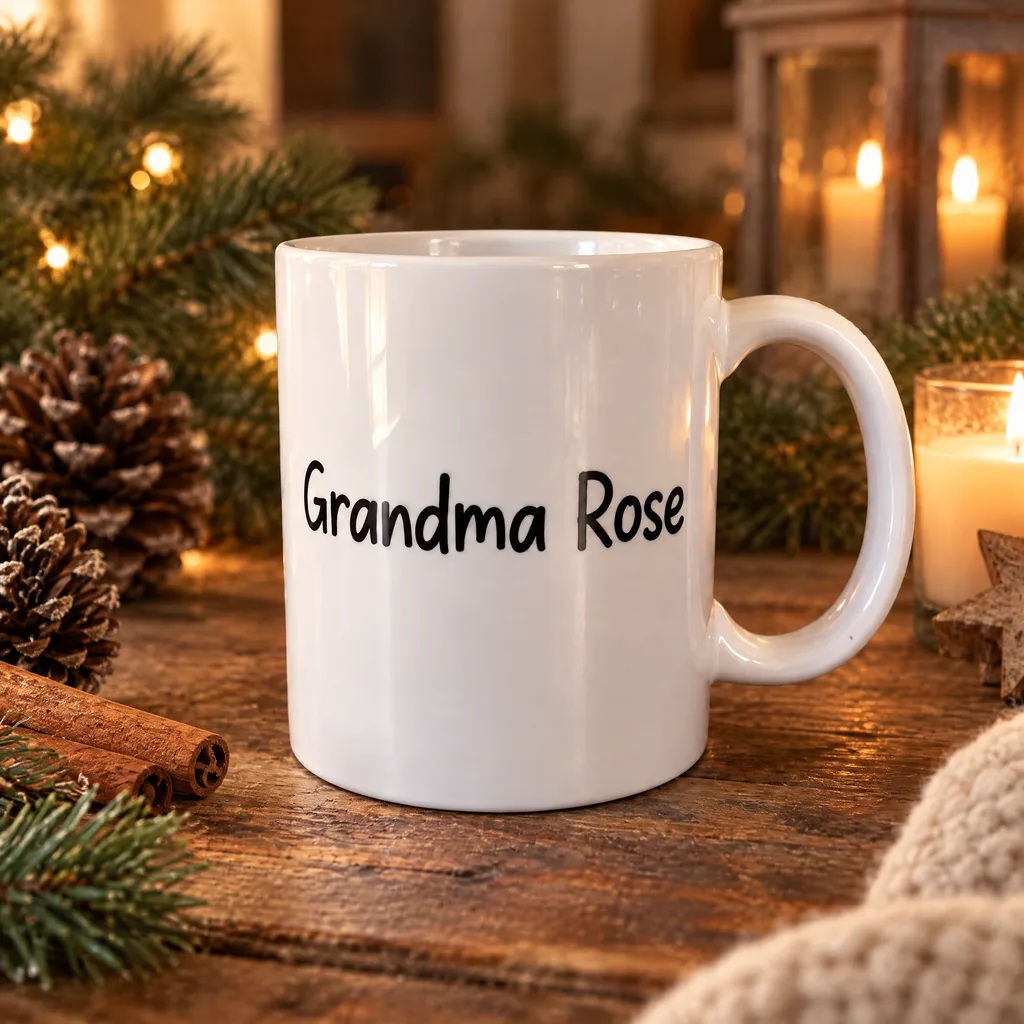 AI scene
Your photo
AI product photography replaces the photoshoot, not your product. You bring one clear photo; the tool builds the scene, light and shadows.
A clear phone photo of a physical product, or the front artwork of a greeting card. One image per run.
Pick a Christmas, everyday or card mockup preset, and add optional notes such as 'add holly'.
The credit cost is shown before you start. Download your AI product photography result or regenerate for a new variation.
Each pair shows the original upload and the AI product photography result from the named preset. Try the same scene on your own product with one click.
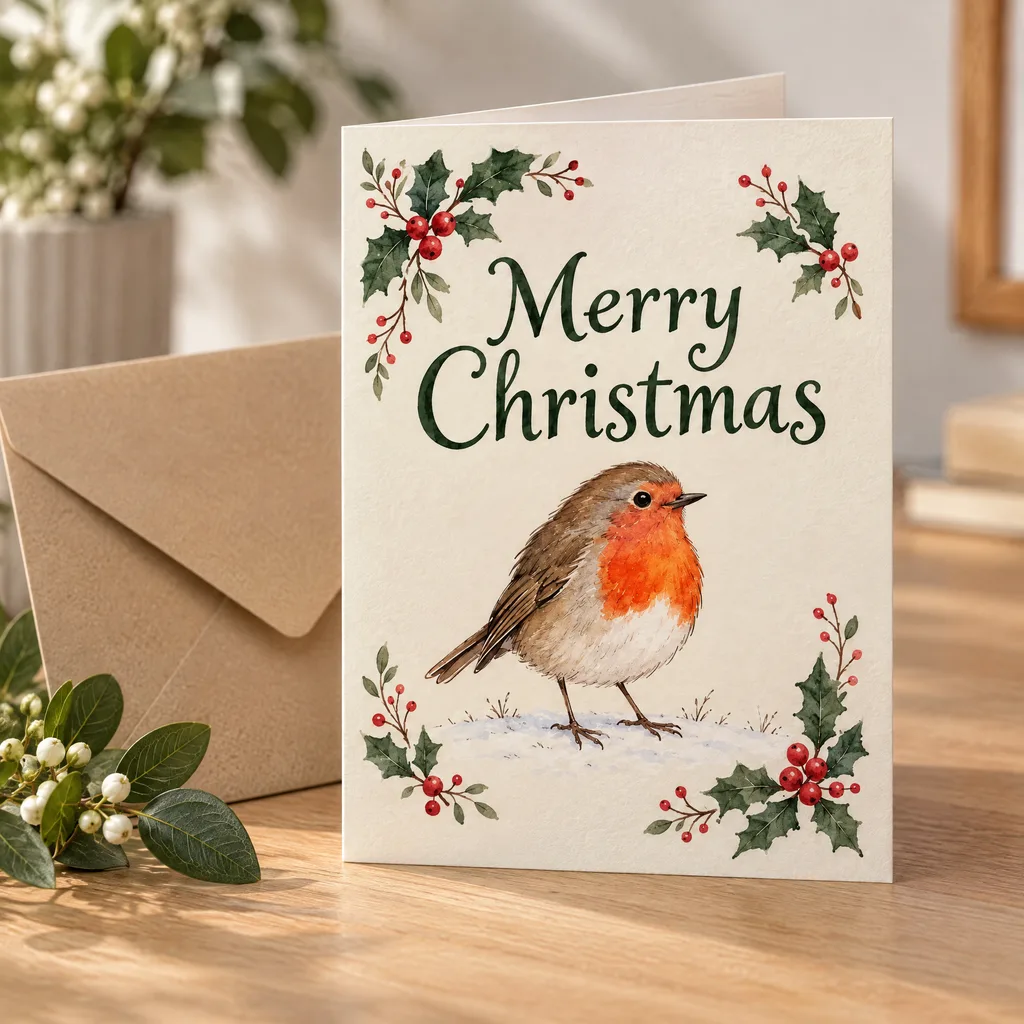
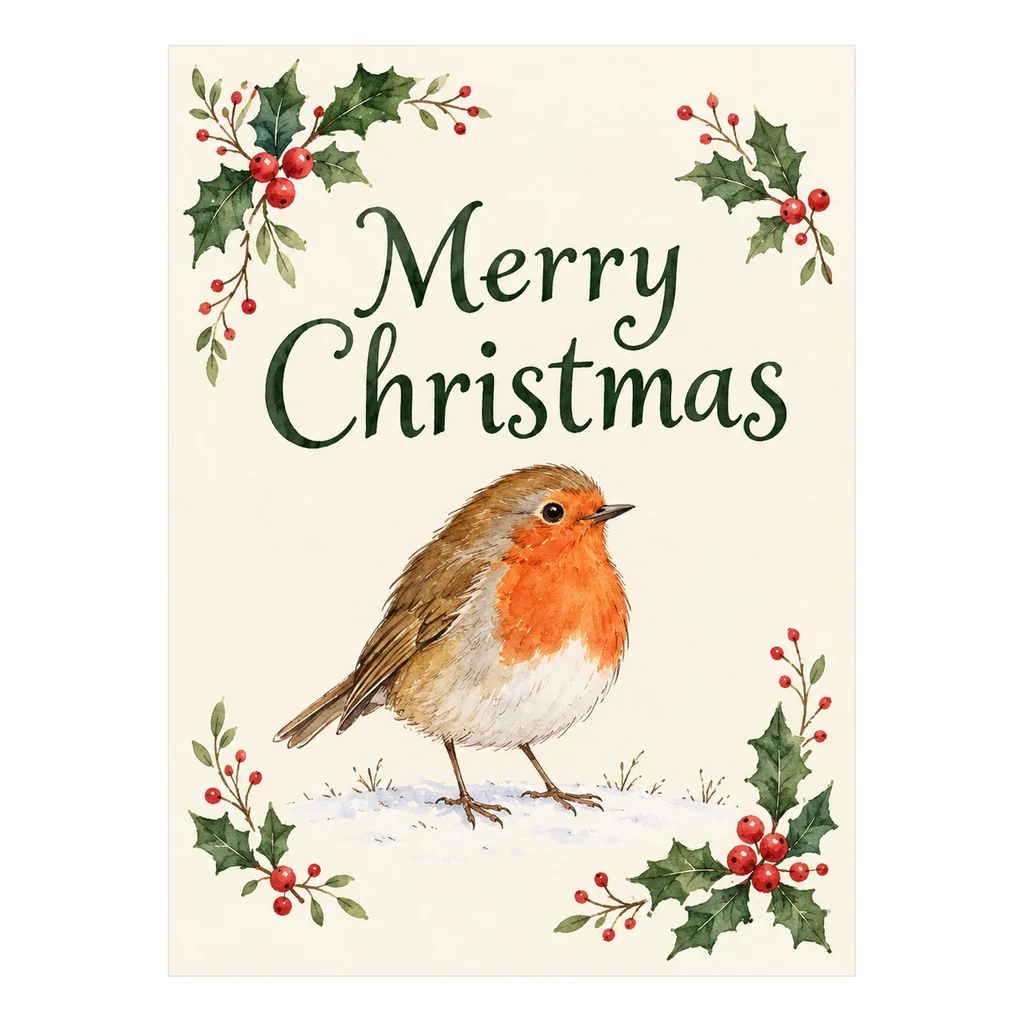
AI product photography turns a flat Christmas card design into a printed card beside its envelope, so you can list new designs before printing samples.
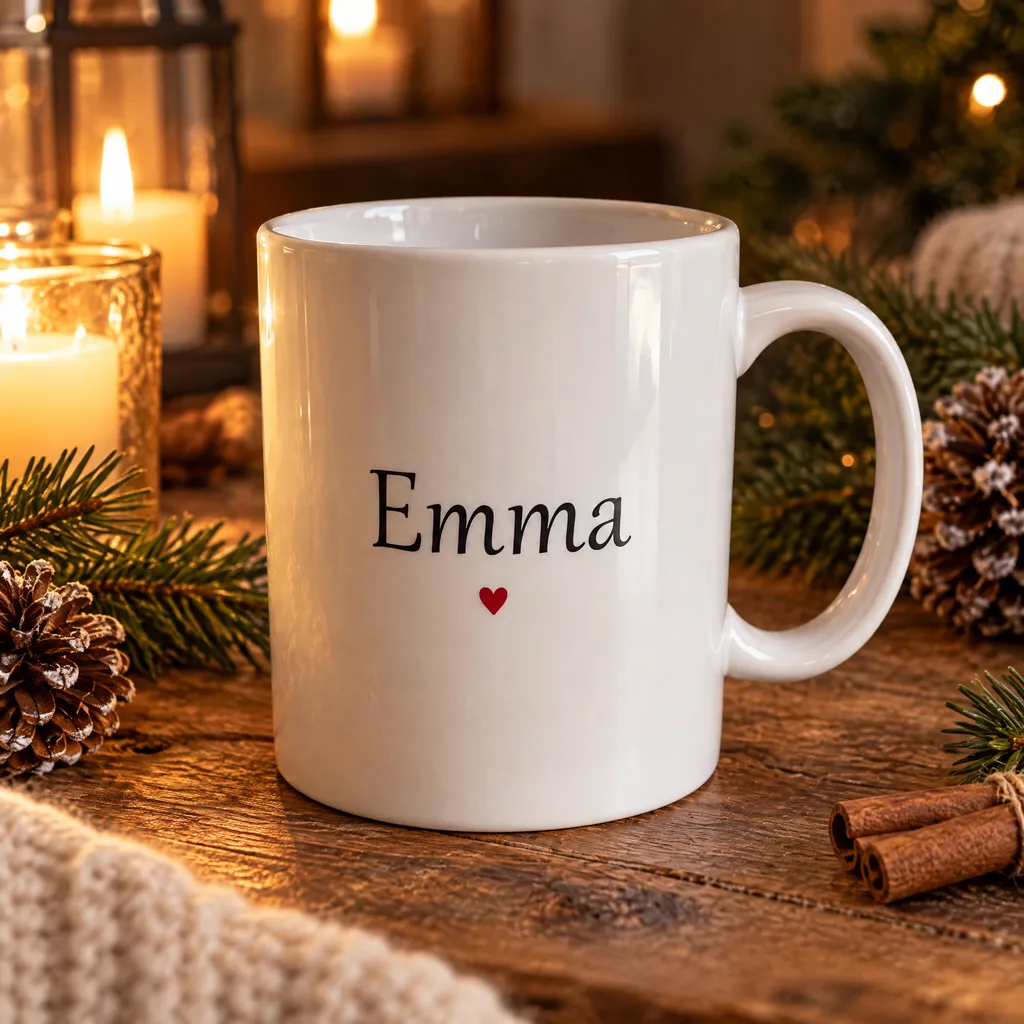
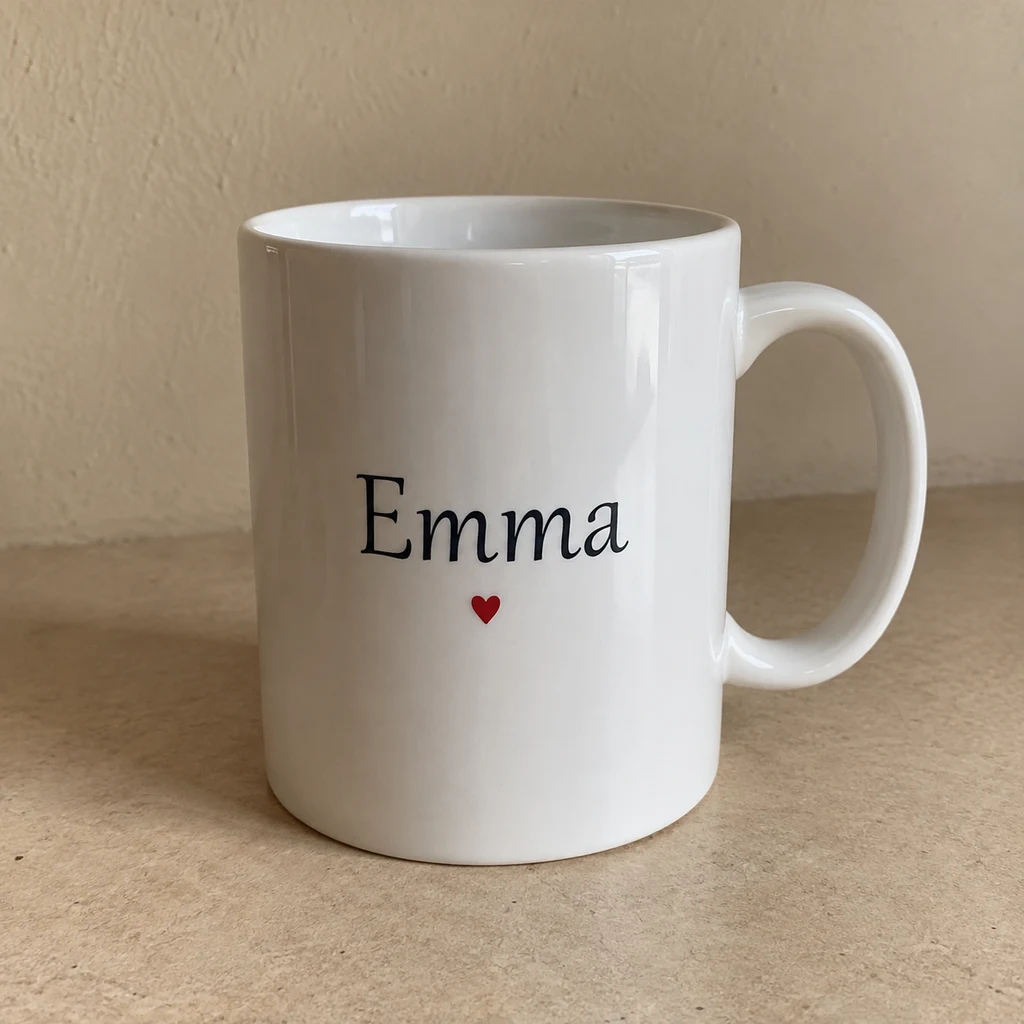
AI product photography moves a personalised mug onto a cosy Christmas table, and the printed name stays readable.
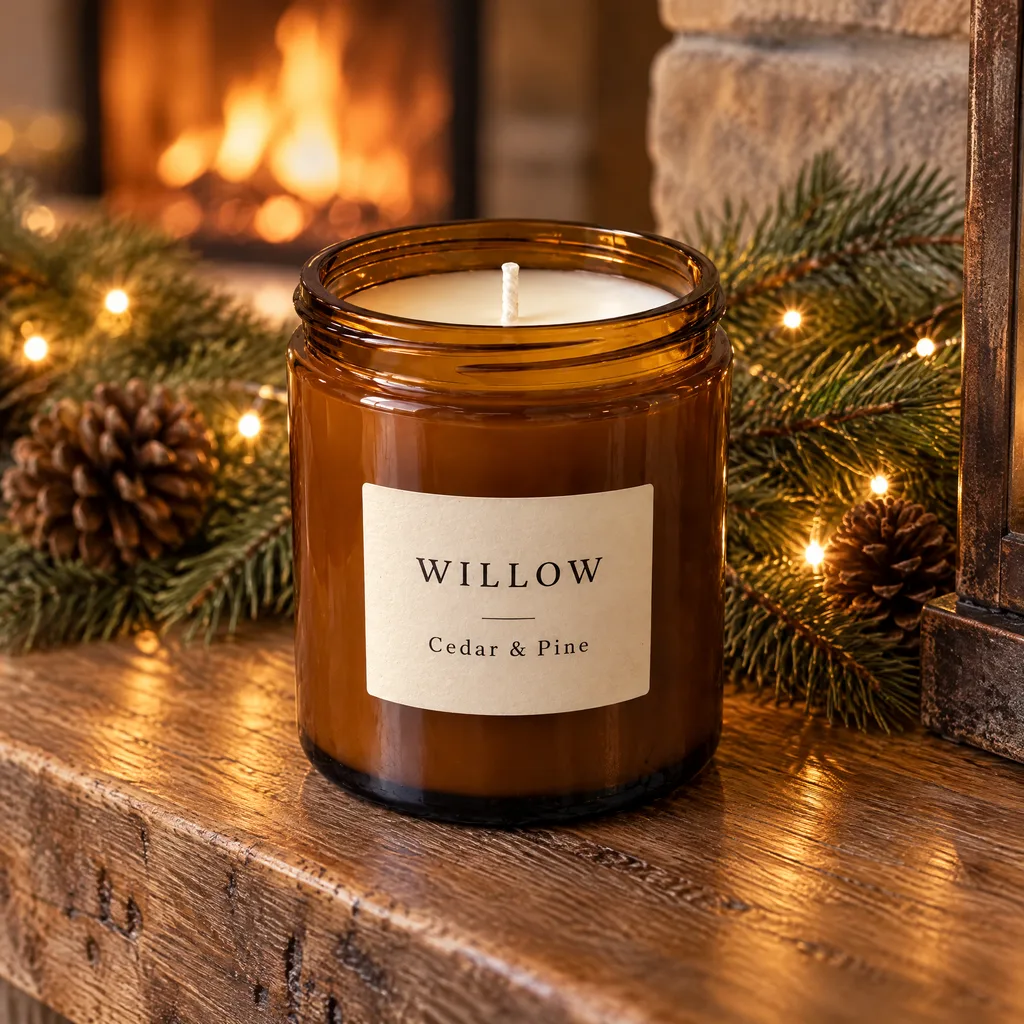
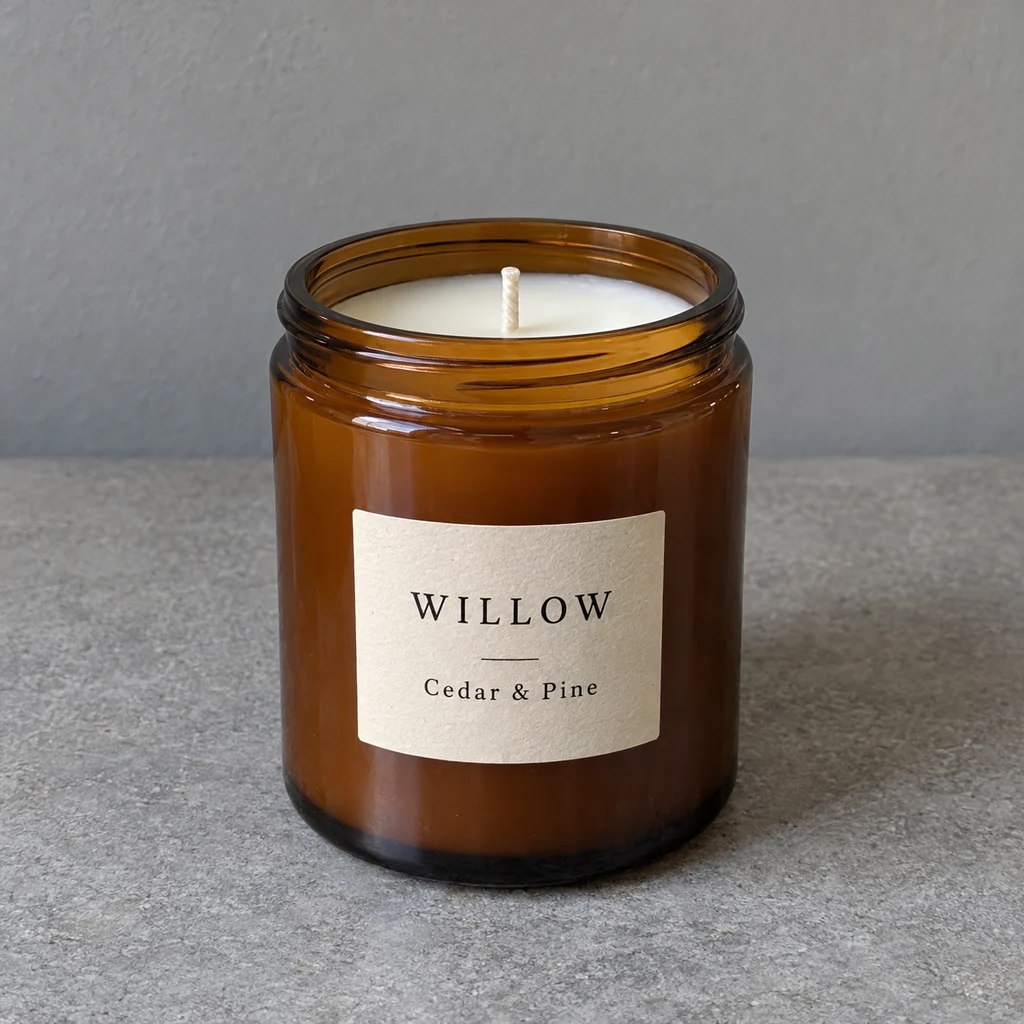
AI product photography places a candle on a decorated mantelpiece. The label, jar shape and wax colour are kept.
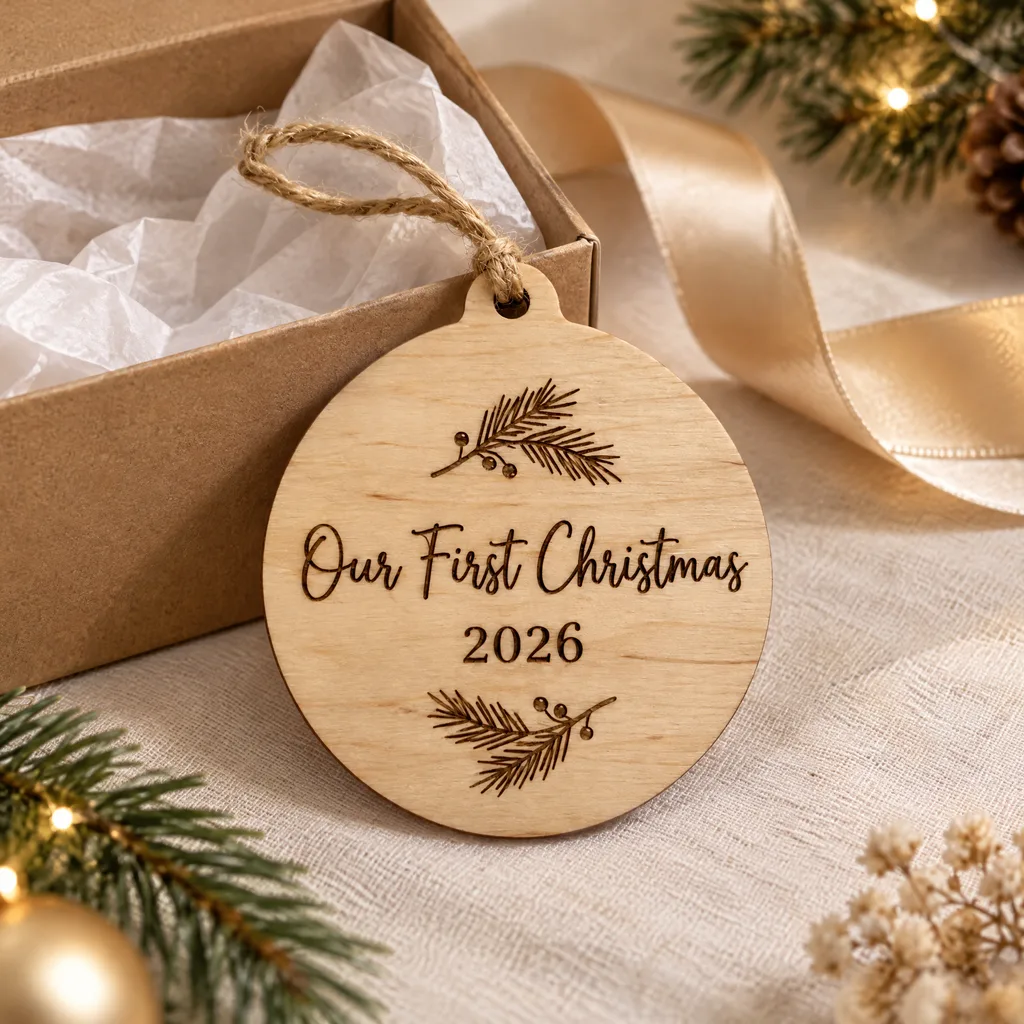
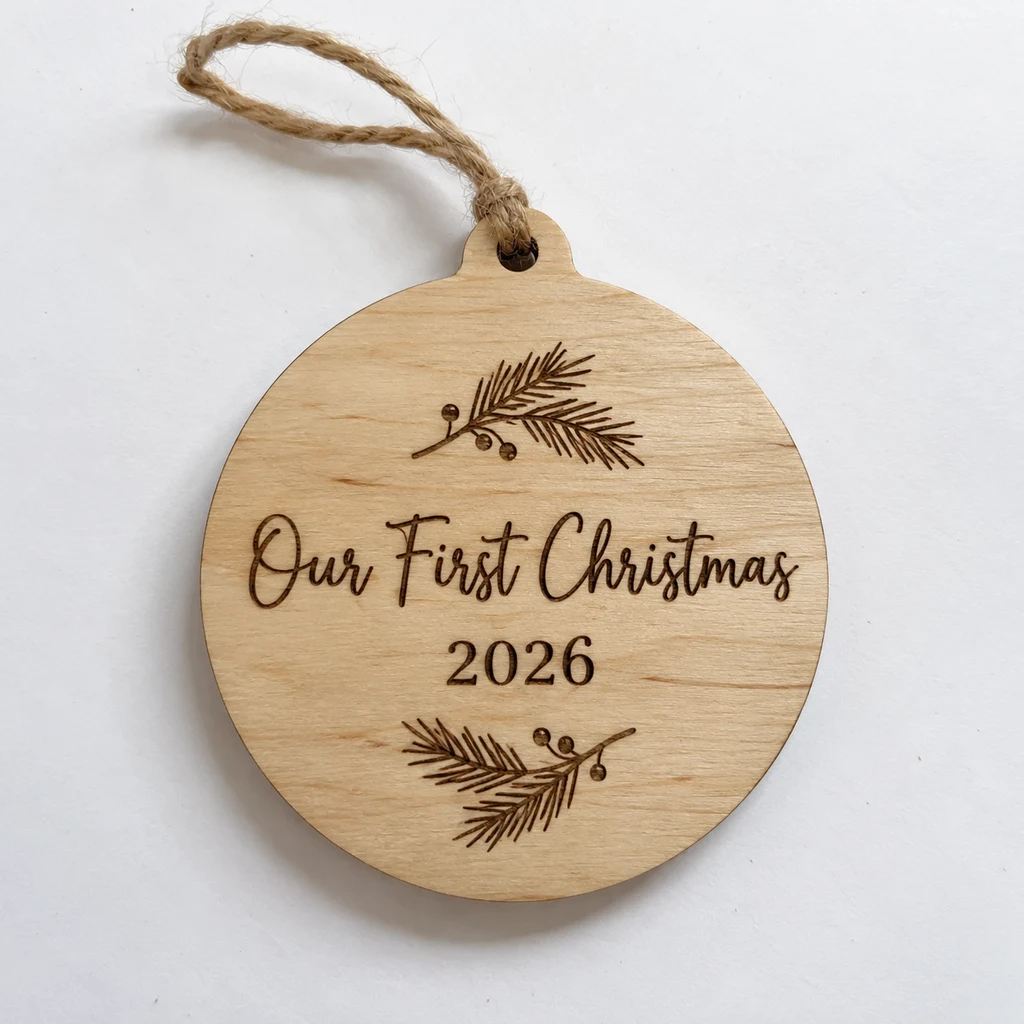
AI product photography sets an engraved keepsake beside an open gift box, ready for a gift guide or social post.
Every AI product photography preset is written for small sellers. Use one scene for a whole collection so your shop looks consistent.
AI product photography scenes for the season: fireplace mantel, Christmas tree, gift-wrap flat lay, snowy window, rustic table and Nordic styling.
Upload your card artwork and AI product photography prints it on a realistic card: with an envelope, in a hand or on a desk.
White marble, oak table, gift box and linen. Use these AI product photography scenes for birthdays and main listing images all year.
Buyers expect to receive what they saw, so this AI product photography tool tells the model to place your product, not redesign it.
Names, dates and greetings are kept word for word. The tool uses the model setting that protects small text best.
Your product keeps its outline and construction. Props are placed around it, never on top of it.
Glaze, wood, glass and paper stay true to the photo, and AI product photography matches the scene light so nothing looks pasted in.
In card mode, your design is printed onto a realistic card as it is, not redrawn or restyled.
AI product photography is made for small shops that need many seasonal images and cannot book a studio for every product.
Use AI product photography to show new designs as printed cards with envelopes before printing.
AI product photography of mugs, frames and keepsakes in Christmas and gifting scenes for every name.
Warm seasonal AI product photography without buying props or waiting for good daylight.
Extra listing images and social posts from the product photos you already have.
AI product photography does not replace every photographer, but it covers the seasonal images a small shop needs each year.
| Option | Cost per image | Time | Christmas scenes |
|---|---|---|---|
| DIY photoshoot | Props and your time | Hours per product | Need decorations and good light |
| Product photographer | Per image or session | Days to book | Usually one set per shoot |
| Stock mockup templates | Low, often a subscription | Minutes plus editing | Flat designs only |
| Editaimg AI product photography | Credits shown before you generate | Minutes | Many presets, real product kept |
AI product photography depends most on the photo you upload. These habits give the most faithful results.
Use window light and keep the whole product in focus. Sharp text in your photo means sharp text in the AI product photography result.
White or grey makes it easier to separate the product cleanly.
For card mockups, the flat design file gives cleaner text.
Run a whole range of AI product photography with the same preset and aspect ratio so listings look like one shoot.
Answers to what shop owners ask before buying credits for AI product photography.
AI product photography uses an image model to place a real product photo into a new, realistic scene. You upload your product or card design, choose a scene, and the tool builds the background, light and shadows.
Every AI product photography prompt asks the model to keep shape, proportions, colours and details exactly as photographed, and the tool uses the model setting tuned for this. Results are generated, so compare each image with your real product before publishing.
Yes, keeping text unchanged is part of every prompt. Large, clear text is kept most reliably; tiny, curved or engraved lettering can occasionally change, so zoom in and regenerate if needed.
Yes. Choose 'Card design', upload the front artwork and pick a card scene such as a card with an envelope. Christmas and everyday scenes work for cards too.
Mugs, candles, cards, prints, frames, ornaments, keepsakes and other small gifts suit AI product photography. For white-background jewellery images, use our dedicated retouch tool.
Each AI product photography image uses credits based on the resolution and mode you pick, and the exact number is shown on the button before you start. Credit packs are one-time payments with no subscription, and the credits do not expire.
Each new generation, including a regeneration of the same photo, uses credits again. If a generation fails, the credits are refunded automatically.
Yes. Under our Terms you own the images you generate, so you can use your AI product photography in listings, ads and print, provided you have the rights to the product and artwork you upload.
Choose 1K, 2K or 3K. 2K suits most listings; 3K leaves room for cropping and print. Some aspect ratios are 1K only.
One clear, well-lit photo with the whole product in focus on a plain background. For cards, upload the flat design instead of a photo of the card.
Christmas scenes are featured now. Everyday AI product photography scenes work all year, and you can add styling such as Valentine's hearts in the notes field.
The AI Image Editor follows any instruction for any photo. AI product photography is focused on sellers, with ready-made scenes, card mockups and prompts that protect your product and text. Open the AI Image Editor · Jewellery Retouch
Upload one product photo or card design, choose a scene and get your AI product photography in minutes. The credit cost is shown before you generate.
Start AI product photography