Jewellery Retouch — Clean White-Background Photos in Seconds
Upload your jewellery product photo — on a coloured background or worn on a model — and get back a polished, catalogue-ready image in seconds. Jewellery retouch swaps in a pure white background, evens out the lighting and keeps metal and gemstones true to life — no Photoshop, no studio, no waiting days for a photographer.
Jewellery Retouch
Upload a jewellery photo and get a clean white-background catalogue retouch — ready for Etsy, Shopify or Amazon.
Upload your jewellery photo here
Max 50MB
1:1 is the default for white-background catalogue shots — ideal for Amazon, Etsy and Shopify listing images.
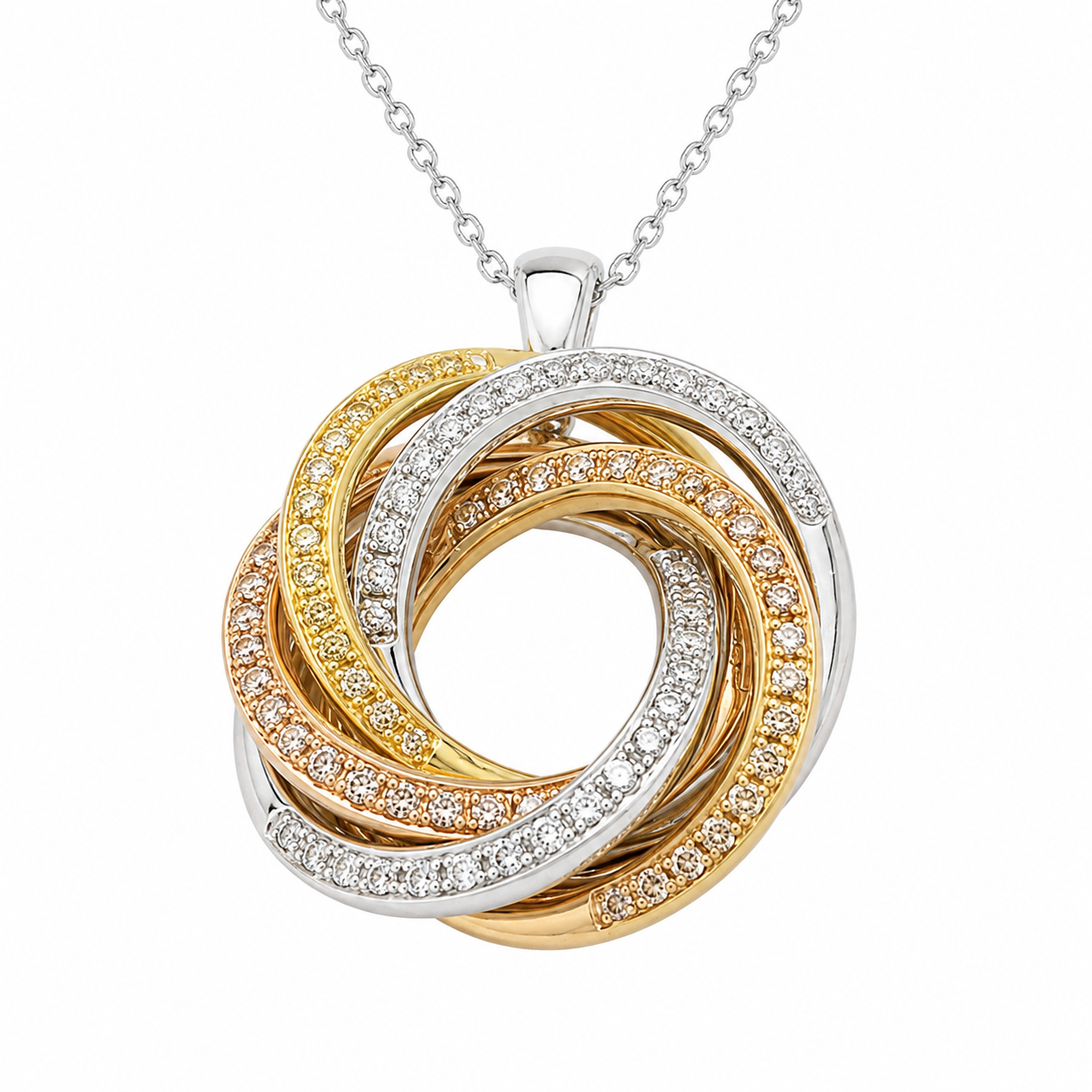
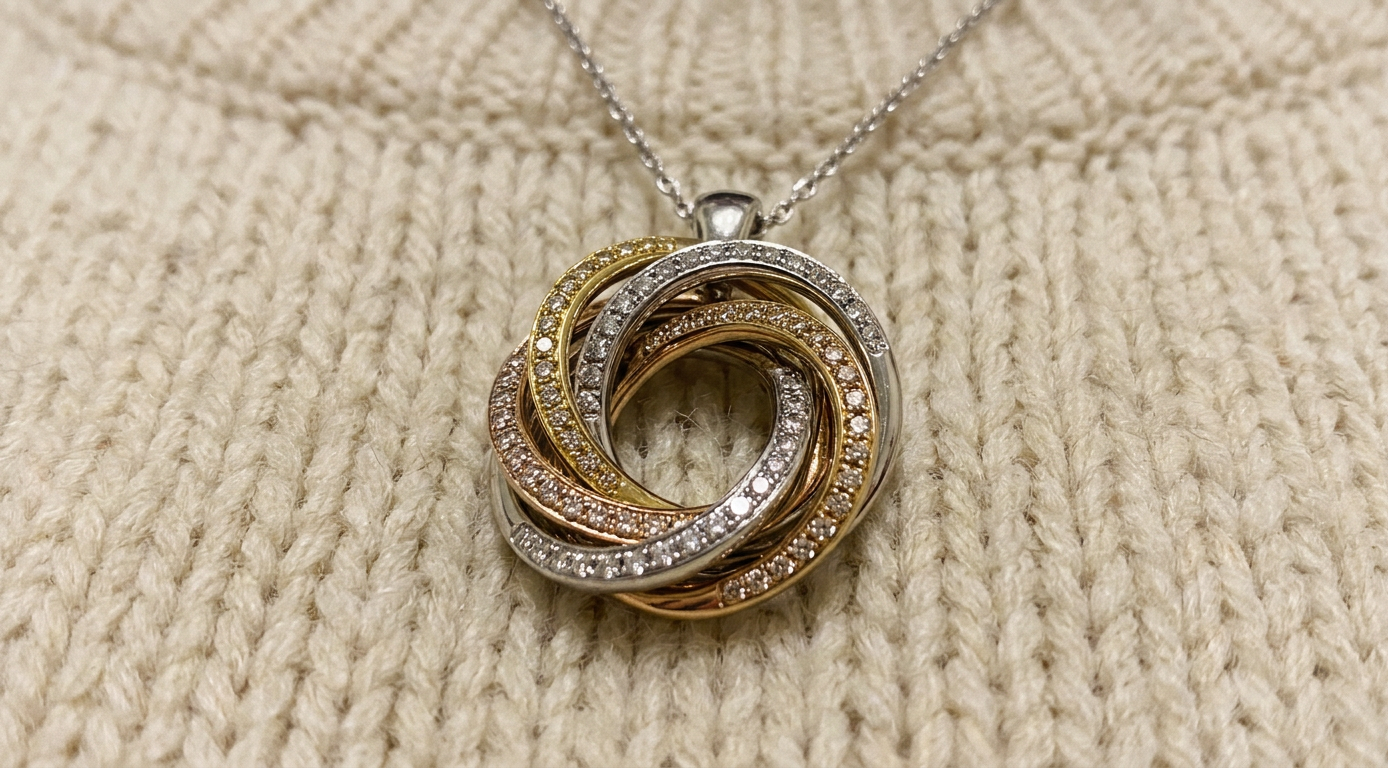 OriginalRetouched
How Jewellery Retouch Works
Three simple steps take your jewellery retouch from an everyday product photo to a clean, marketplace-ready image — no design software or editing skills required, whether you're retouching one ring or a whole seasonal collection.
Upload Your Jewellery Photo
Drop in a JPEG, PNG or WebP of your ring, necklace, earring or bracelet — on a coloured background, a plain backdrop or worn on a model. Any angle works, and a phone photo is all you need to get started.
AI Runs the Jewellery Retouch
Our model examines the metal type and surface finish, removes the coloured background and stray reflections, boosts gemstone brilliance and swaps in a pure white, evenly lit backdrop — all in a single automated pass, without changing your design.
Download Your Result
Get a high-resolution, catalogue-ready photo in seconds. Download it and upload straight to Etsy, Amazon, Shopify or eBay — no extra retouching or colour correction needed.
Jewellery Retouch Before & After
Real jewellery retouch results, shown side by side — the same product photo turned into a clean, marketplace-ready listing image in seconds, with no manual editing involved at any step. Browse the examples below to see how consistent a jewellery retouch batch looks once every photo follows the same lighting and background.
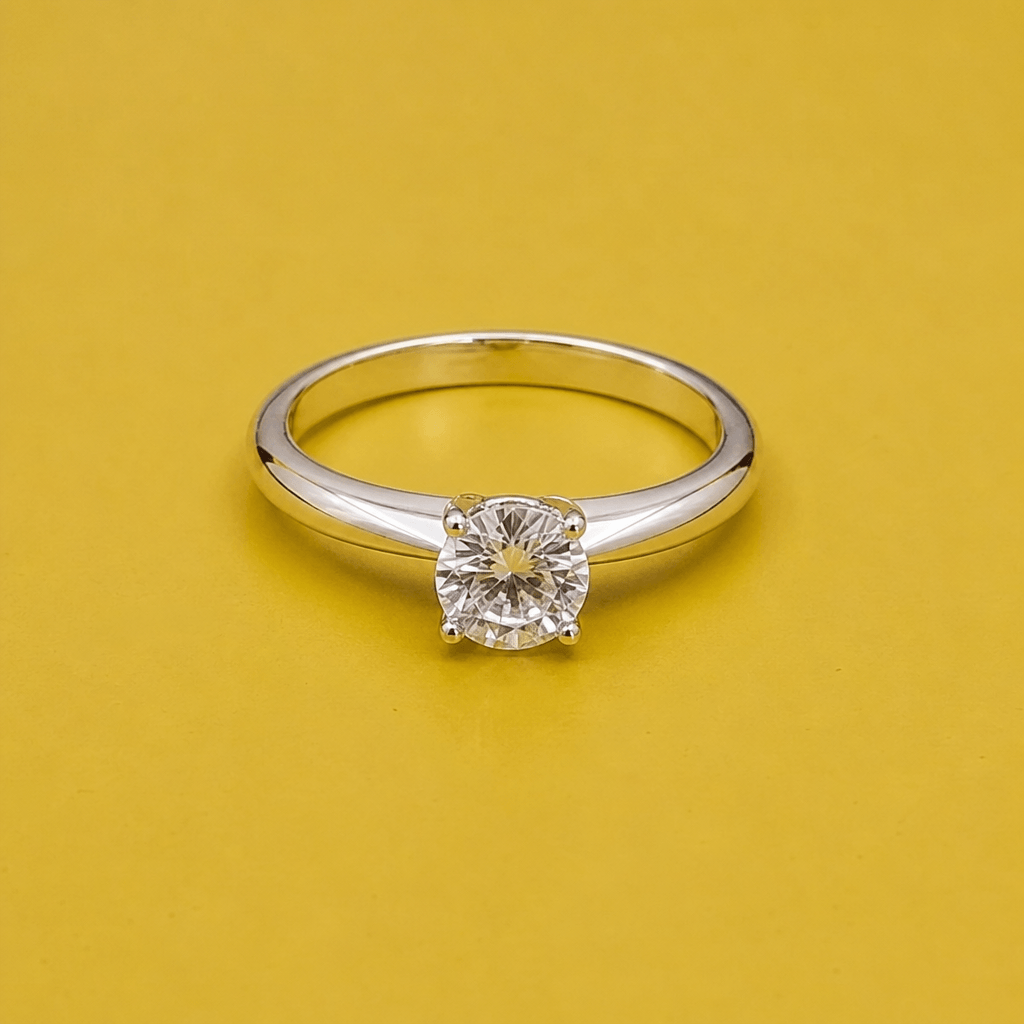
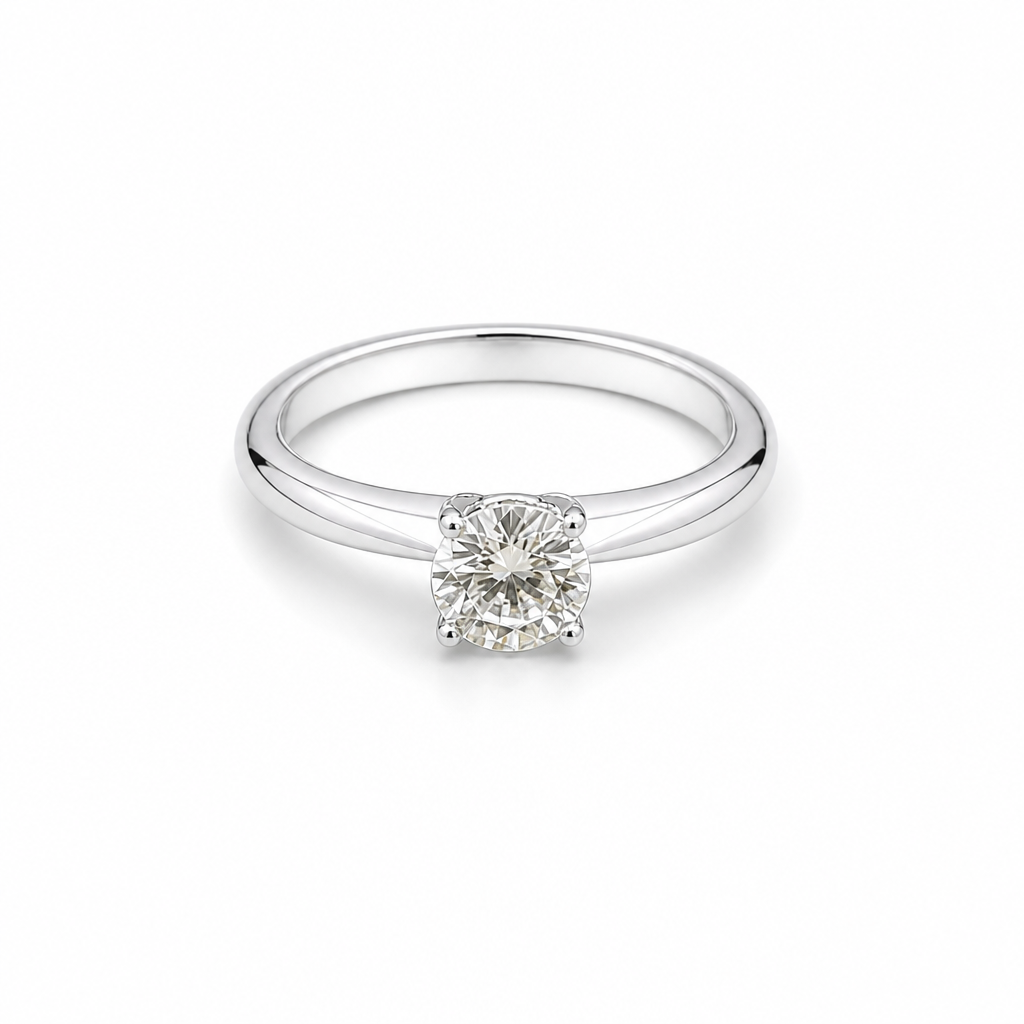
Ring Jewellery Retouch
A colour-background product shot becomes a centred, pure white-background listing image with clean, reflection-free metal and sharp stone facets.
Necklace Jewellery Retouch
The coloured backdrop and stray reflections disappear, leaving the pendant polished on a seamless white background that matches marketplace guidelines.
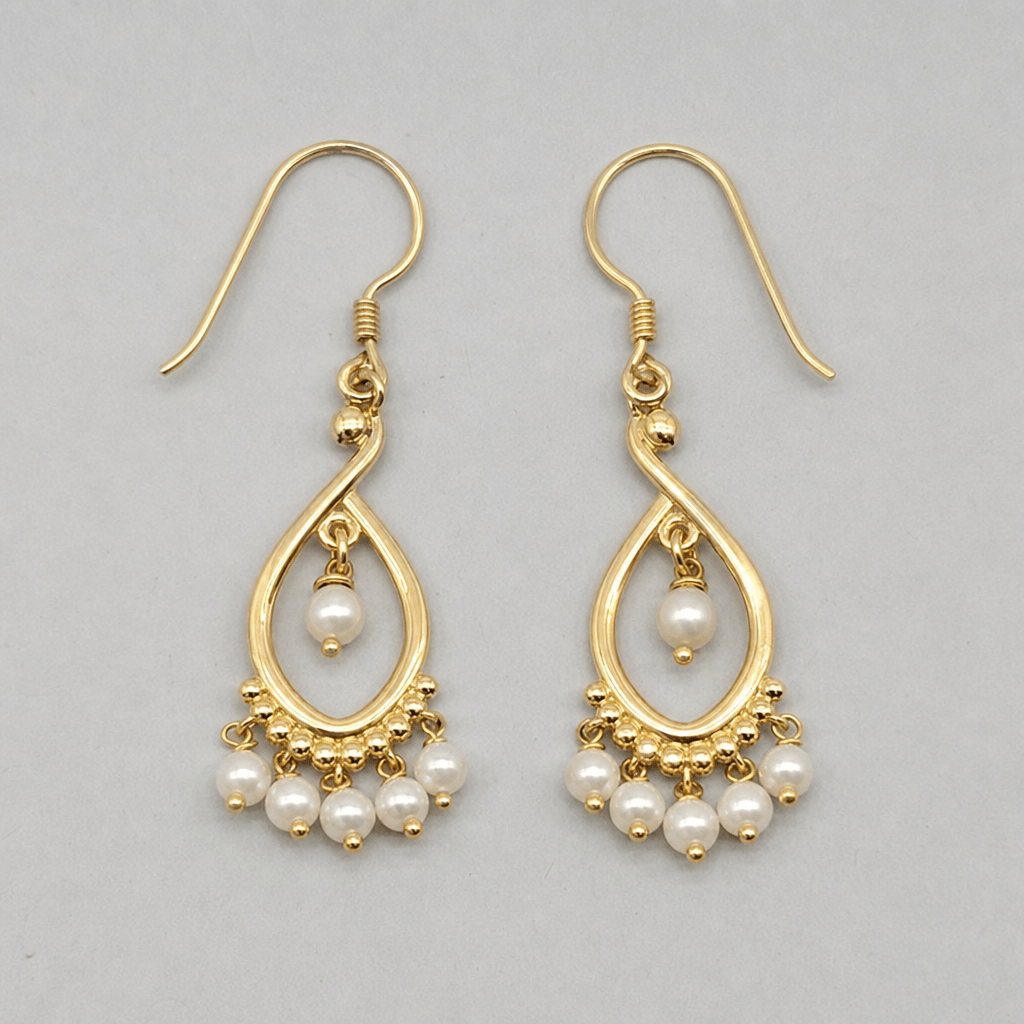
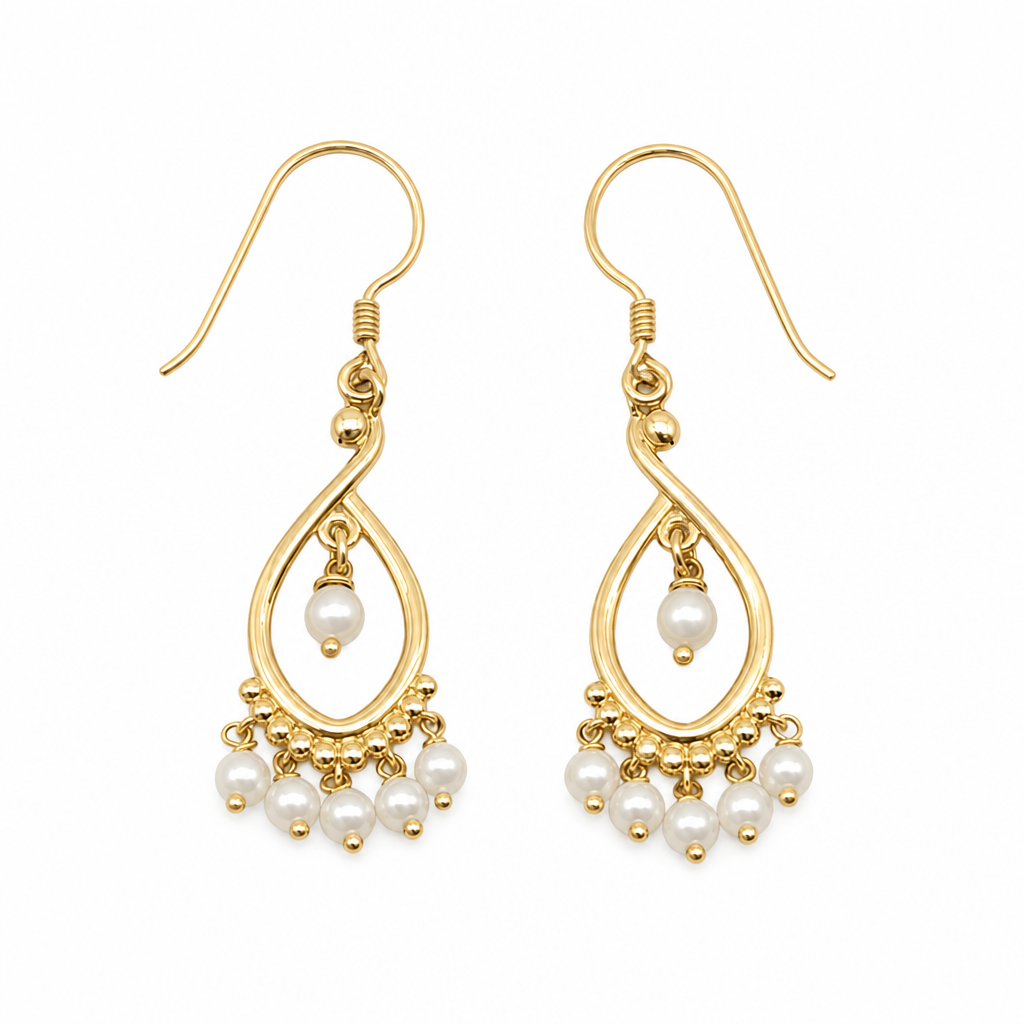
Earrings Jewellery Retouch
An uneven, colour-cast background and mixed lighting are replaced with a pure white backdrop and soft, even studio-style light across both earrings.
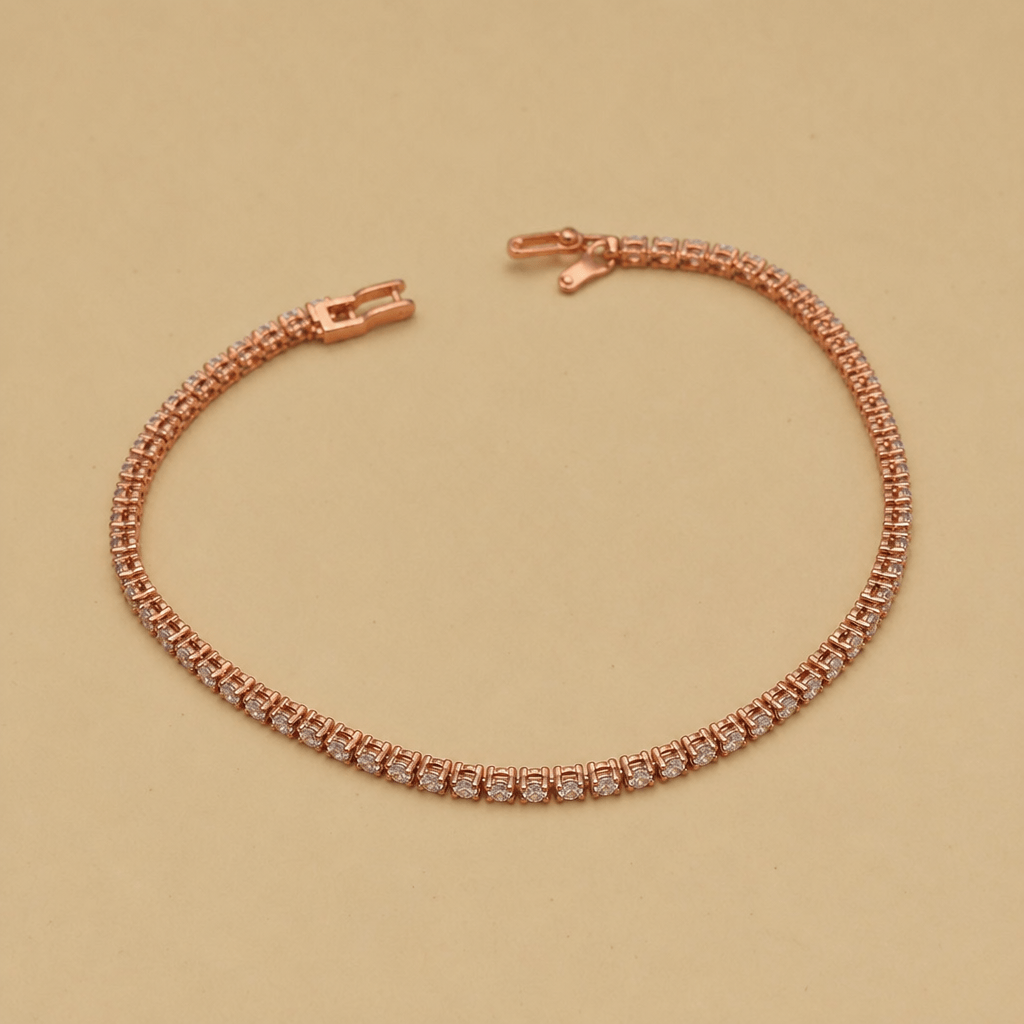
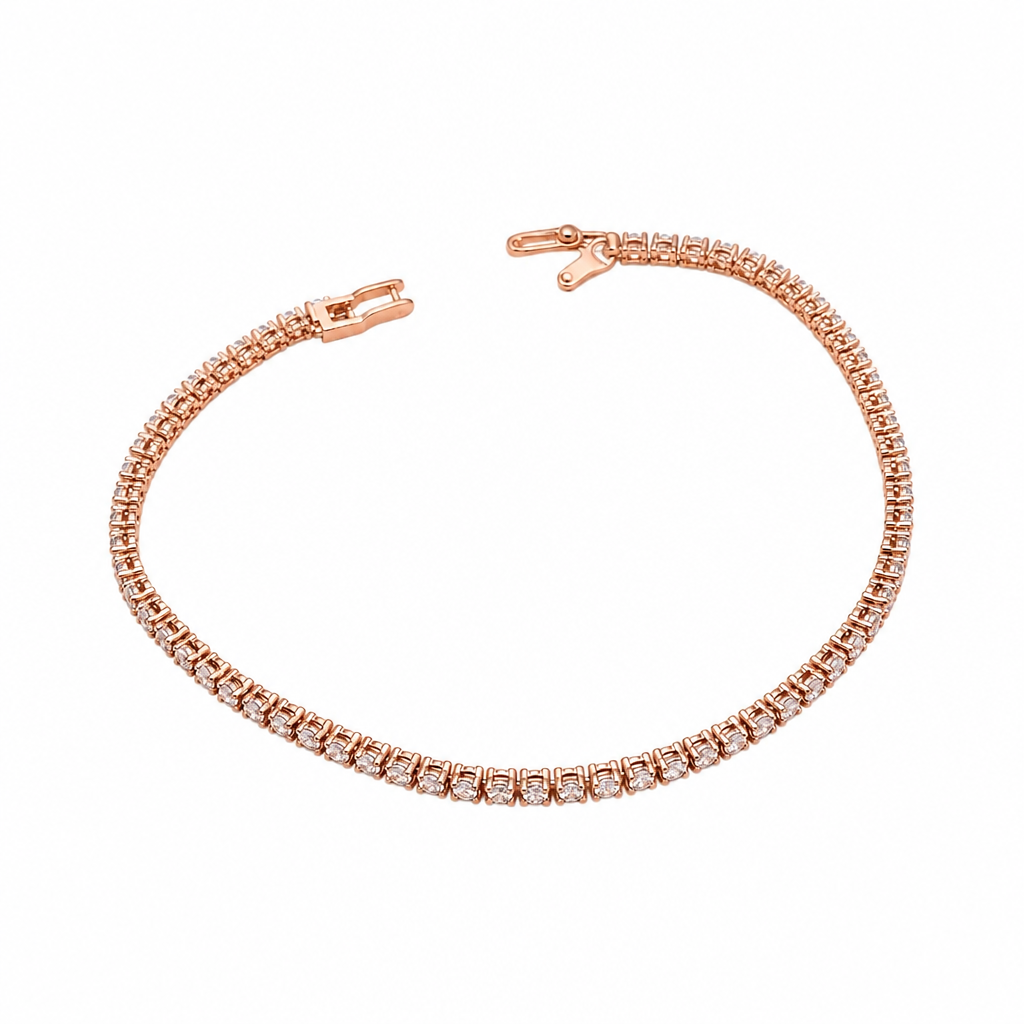
Bracelet Jewellery Retouch
Colour cast and harsh glare from the original backdrop are gone, leaving a clean, catalogue-ready bracelet photo with balanced shadow beneath it.
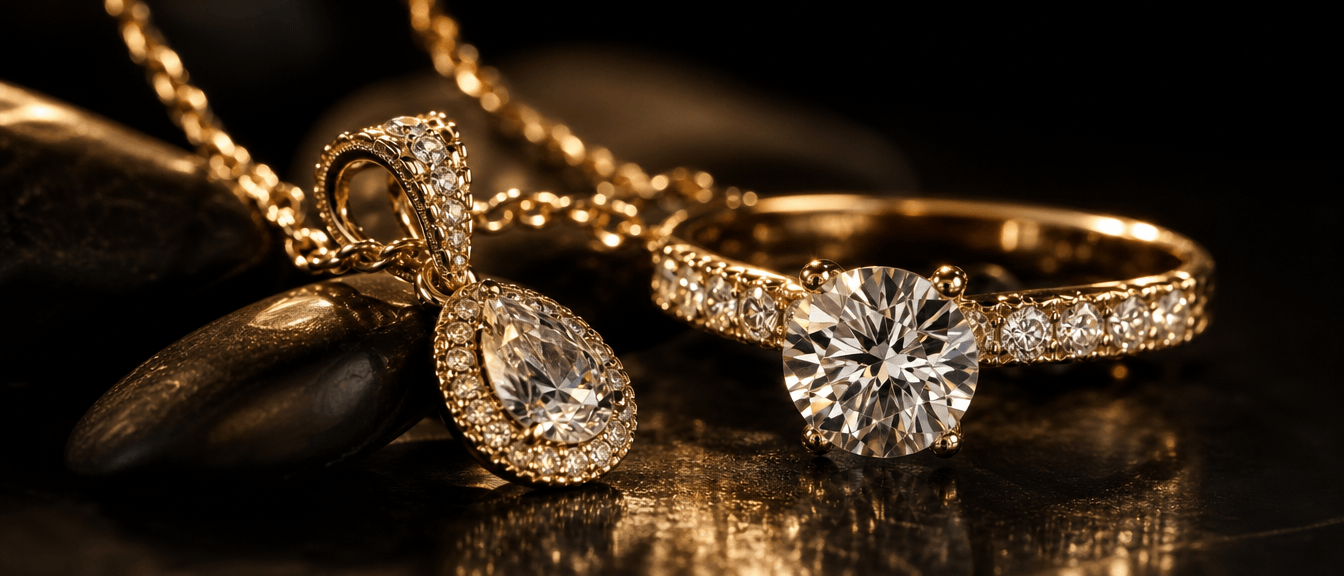
Cleaner backgrounds, more controlled reflections and brighter-looking gemstones — all in a faster jewellery retouch workflow built for product photography.
What Jewellery Retouch Fixes
Four things every jewellery product photo needs before it is ready to list — and every one of them is handled automatically, without a single manual edit, no matter how many photos are in your queue.
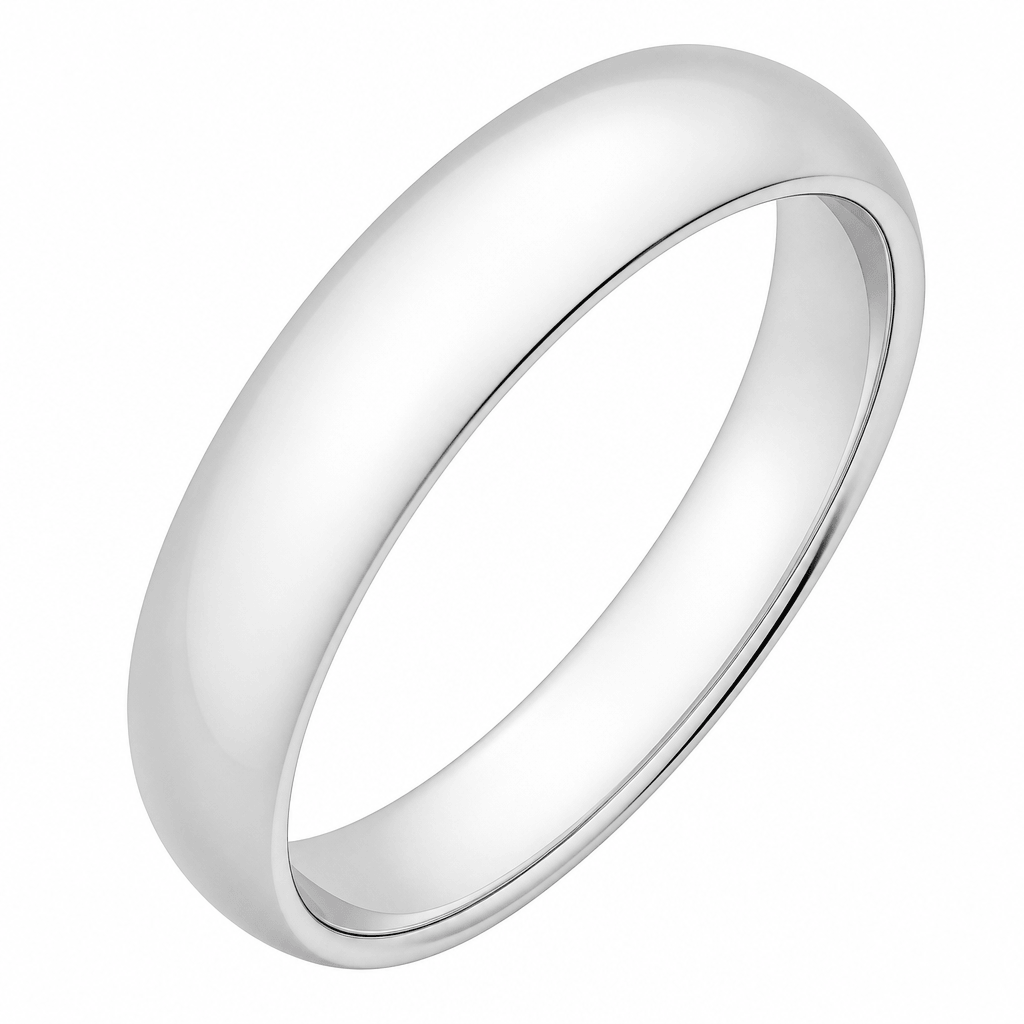
Jewellery Retouch Removes Reflections
Eliminates unwanted mirror-like reflections and colour cast from polished metal surfaces — the original backdrop, props and room all disappear, leaving only the clean outline of the piece itself.
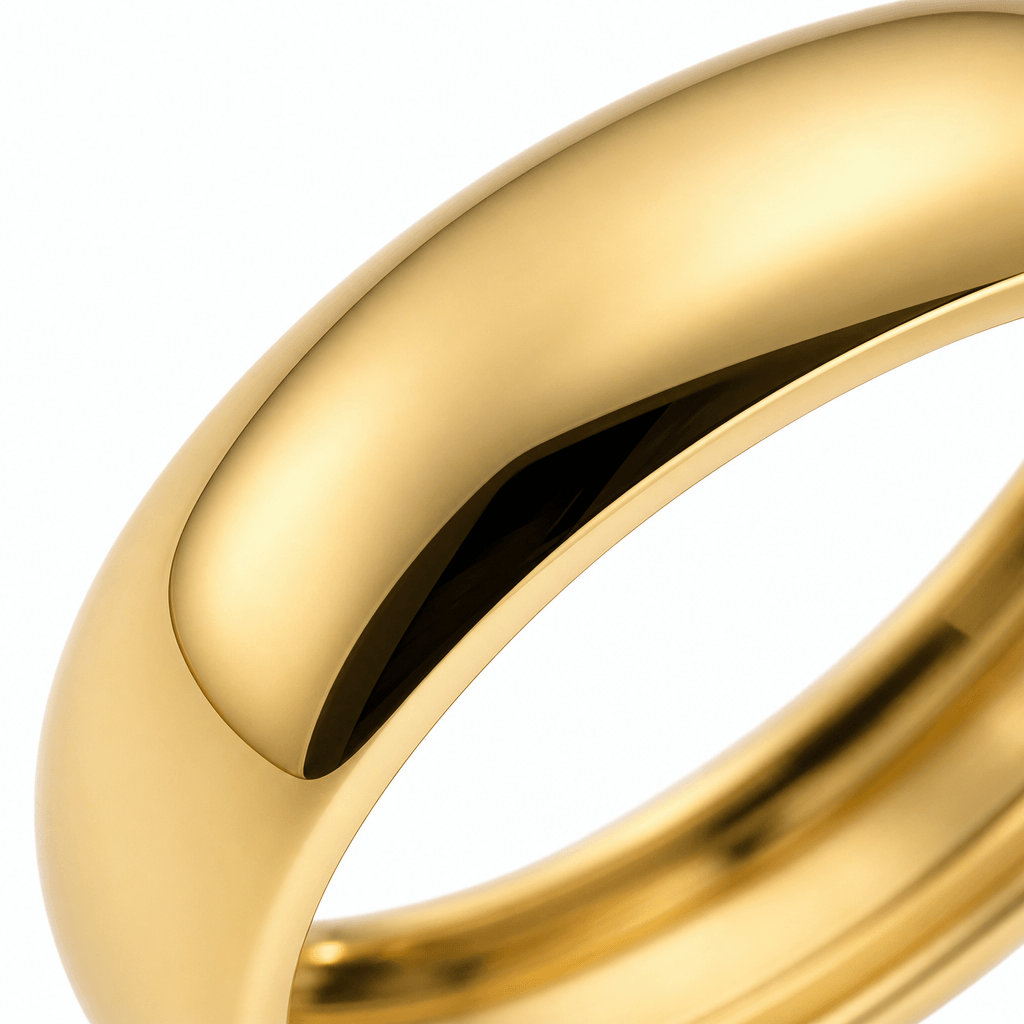
Jewellery Retouch Polishes Metal Surfaces
Evens out colour cast and dull patches on gold, silver, rose gold and platinum, giving every surface a high-end studio finish without touching the underlying design or proportions.
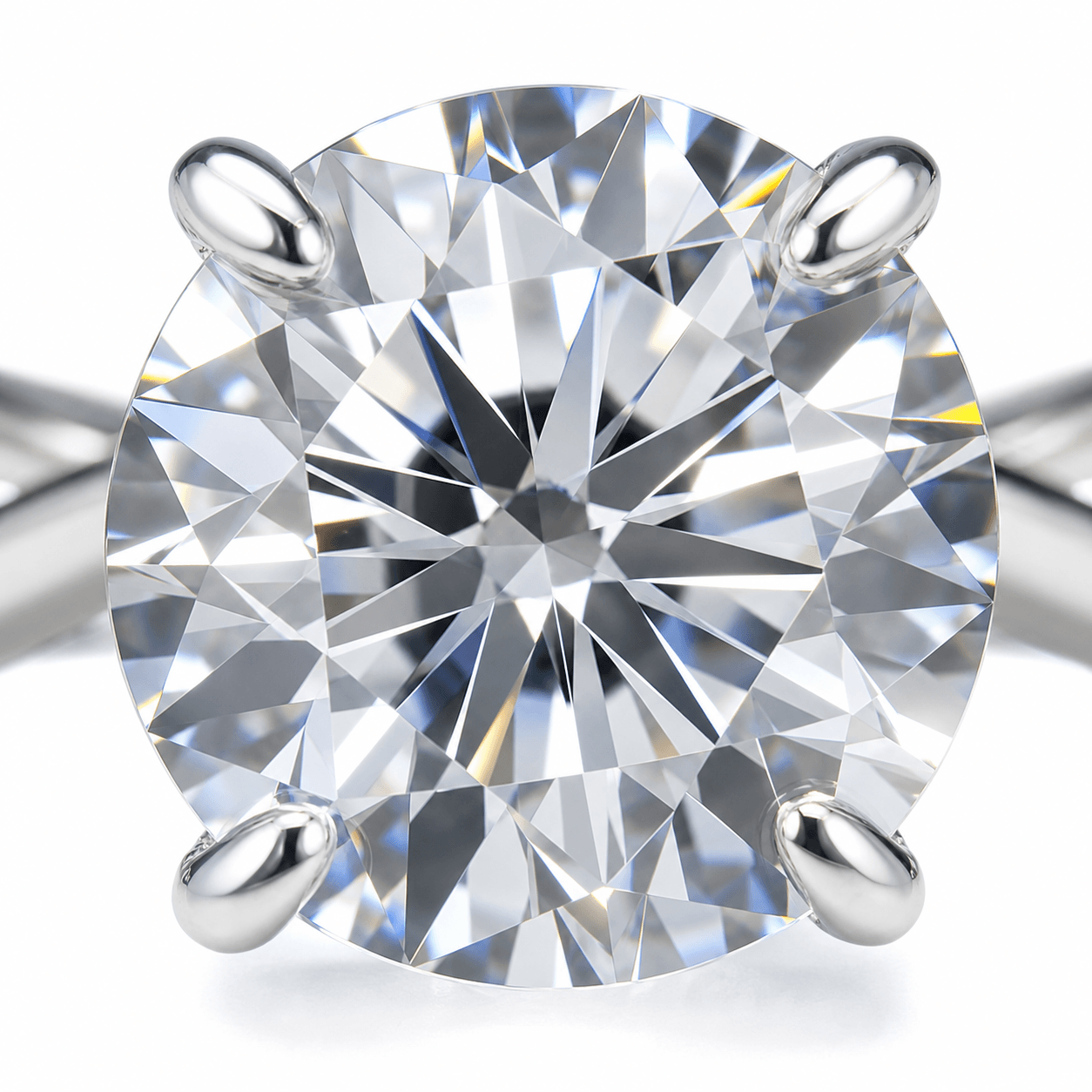
Jewellery Retouch Enhances Gemstones
Enhances the clarity, brilliance and natural appearance of gemstones while aiming to preserve their original shape, colour and cut. For jewellery with intricate settings or multiple stone cuts, review the result carefully before publishing.
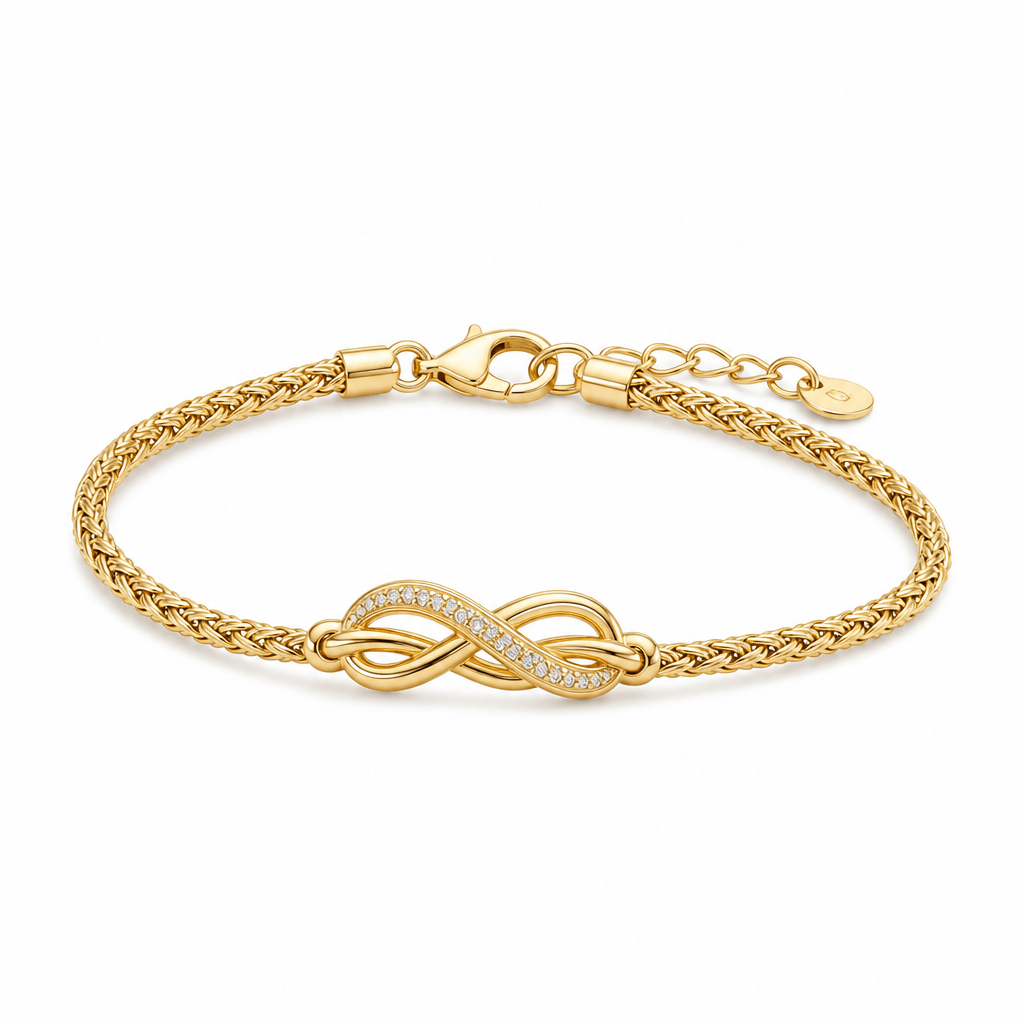
Jewellery Retouch Delivers a Clean White Background
Replaces coloured, patterned or inconsistent backdrops with a pure white surface that meets Etsy, Amazon and Shopify main-image listing requirements out of the box.
Who Uses Jewellery Retouch
Jewellery retouch is built for anyone who needs clean, consistent product photos fast, without hiring a full-time in-house photo team.
Etsy Sellers
Clean white-background photos that meet Etsy's own listing image standards without extra editing software, so listings look professional from day one.
Shopify Stores
Consistent product photography across an entire storefront catalogue, even with hundreds of live SKUs, which keeps the whole store feeling cohesive.
Amazon Listings
Pure white backgrounds that satisfy Amazon's strict main-image rules on the very first upload, avoiding the back-and-forth of a listing review.
Jewellery Photographers
Faster turnaround for high-volume client shoots, reshoots and last-minute catalogue updates, freeing up billable hours for actual shoots.
Handmade Jewellery Makers
Studio-quality photos for independent makers who don't have a studio budget or a retoucher on staff, which helps protect margins on every sale.
Jewellery Retouch vs Manual Editing
Four ways to get a clean jewellery photo, and how they really compare on cost, speed and consistency once you factor in your own time. Most sellers only compare sticker price and miss the hours spent editing, waiting or re-shooting.
| Cost | Turnaround | Consistency | |
|---|---|---|---|
| DIY Photoshop | $20+ per month, plus hours of manual work | 30–60 minutes per photo | Inconsistent — quality depends on your own Photoshop skill and patience |
| Professional Photography | $25–200 per photo | 2–5 days | High, but expensive to repeat every season or restock |
| Freelance Retoucher | $5–25 per photo | 24–48 hours | Varies from editor to editor, even within the same order |
| Jewellery Retouch AI | Pay-per-image credits, no subscription | Under a minute | Fast, repeatable processing with consistent lighting and background goals; results may vary with image quality and jewellery complexity |
Jewellery retouch with AI can reduce editing time and cost by applying the same lighting and background goals across a catalogue, with results that vary by source image and jewellery complexity.
Jewellery Retouch FAQ
Everything sellers ask before trying jewellery retouch for the first time on their own catalogue.
How long does jewellery retouch take?
Will jewellery retouch change my design?
Can jewellery retouch fix reflections in lifestyle photos?
Which image formats does jewellery retouch support?
Is jewellery retouch free to try?
Do I still need Photoshop after jewellery retouch?
Does jewellery retouch work for Etsy and Amazon listings?
How is jewellery retouch different from a freelance retoucher?
Can I use jewellery retouch for a large catalogue at once?
What resolution do I get from jewellery retouch?
Start Your Jewellery Retouch Today
Join jewellery sellers, photographers and handmade makers who use AI-powered jewellery retouch to turn everyday product photos into clean, marketplace-ready images in seconds, not days, so you can spend less time editing and more time growing your shop.
- Removes reflections
- Polishes metal surfaces
- Enhances gemstone brilliance
- Clean white background
- Marketplace-ready output
- Instant download