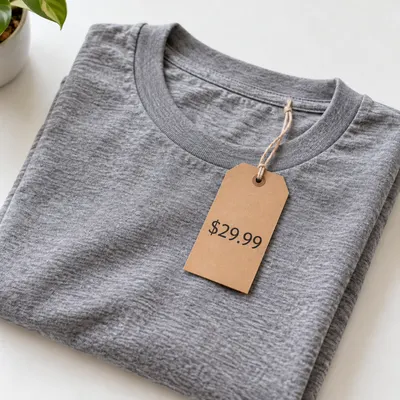
Prices and discounts
Old price, sale price, percent-off and currency on a badge or a price tag.
For Amazon, Etsy and Shopify listing images
Change prices, badges and packaging text without a reshoot.
Upload a product photo you already use, write what the text should say, and get the same photo back with only that text changed. The product, the light and the background stay as they were, and the new words follow the original font and colour.
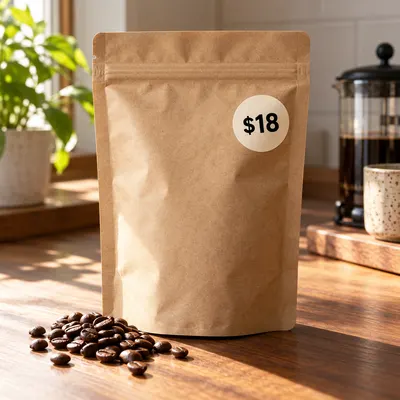
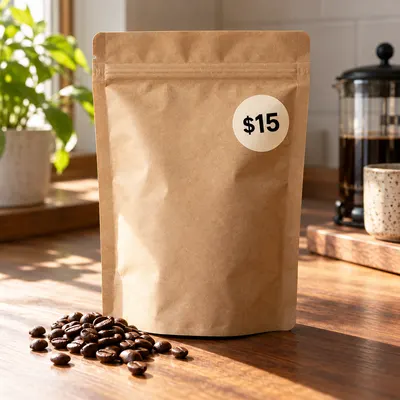 After
AfterChange the price '$18' to '$15' on the round sticker. Keep everything else the same.
Upload one product photo and write which text to change.
Drag and drop image here, or click to select
Images only (≤10MB each); select up to 8 now (total 8)
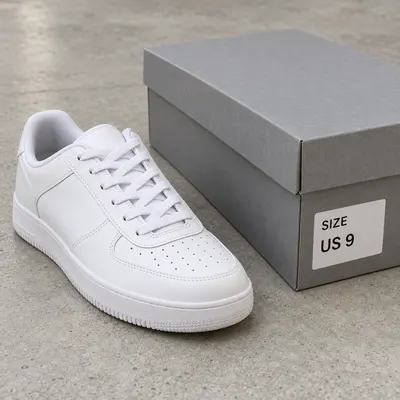 Original
 AI Result
 Original
 AI Result
 Original
 AI Result
Quote the old text, quote the new text, keep the photo.
To edit text on a product image, upload the photo, name the exact words and what they should become (a price, a sale badge, a size, a claim or a short tagline), and generate. The AI rewrites only that text in a matching font and keeps the product, lighting and background, so you skip the reshoot and the design file.
Before and after
Each pair is the same file before and after one prompt. Only the named text changed.
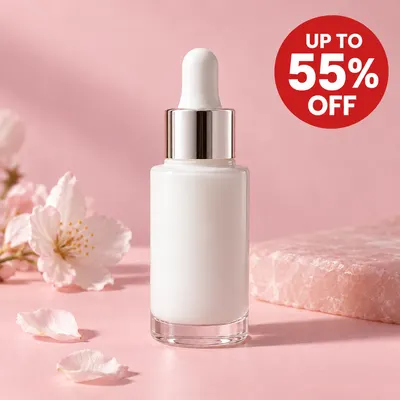
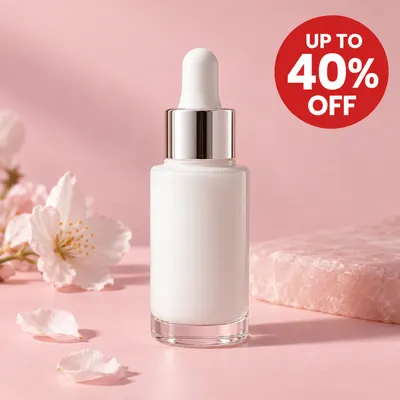
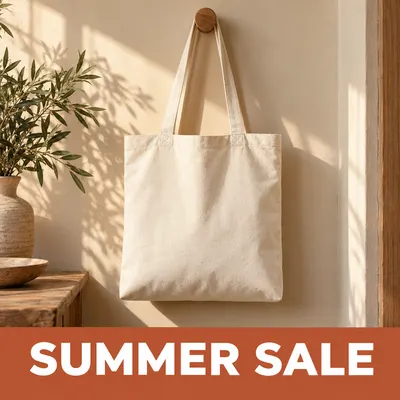
The promotion goes from 40% to 55% off for its final hours, and the designer who owns the file is offline. One prompt updates the badge; the bottle and the light do not move.
Change '40%' to '55%' on the red sale badge. Keep everything else exactly the same.
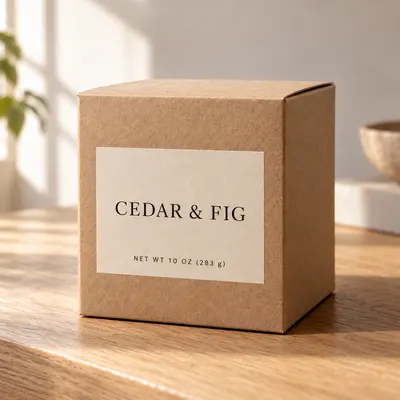
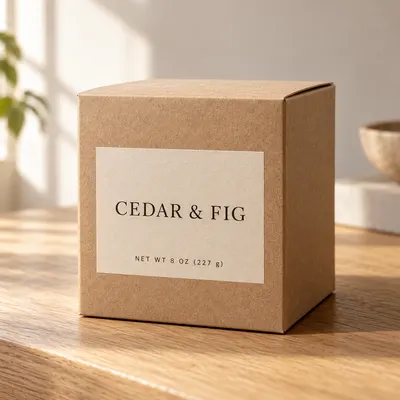
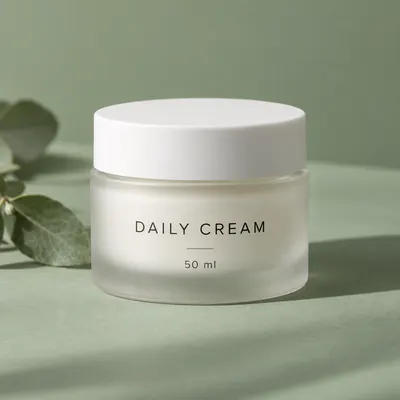
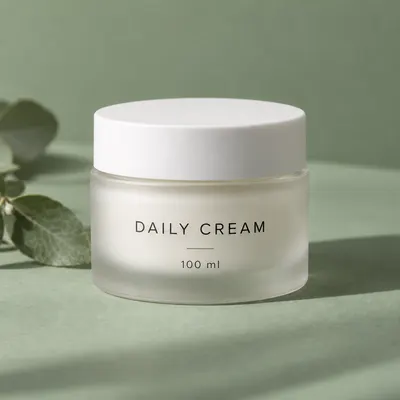
The candle now ships in a larger size. Instead of reshooting every packaging photo, change the printed weight and keep the rest of the label.
Change 'NET WT 8 OZ (227 g)' to 'NET WT 10 OZ (283 g)' on the box. Keep the font, the label and everything else the same.
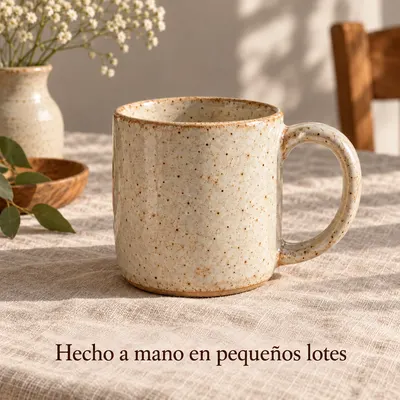
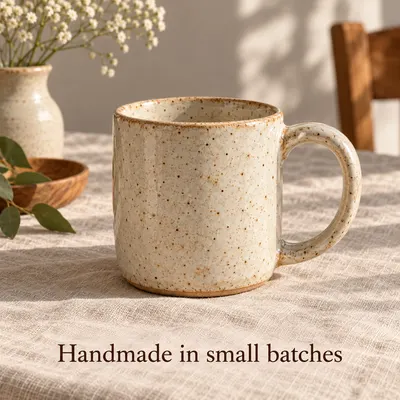
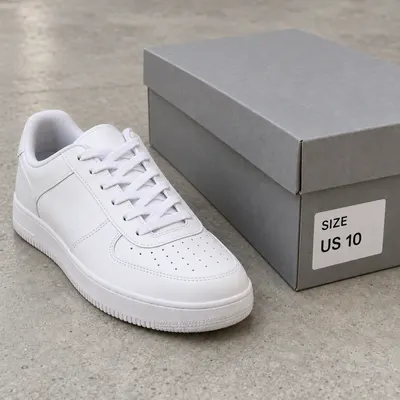
Opening a Spanish storefront? Swap the short tagline on the listing image into Spanish, in the same font and spot, and keep the product shot you already have.
Replace 'Handmade in small batches' with the Spanish 'Hecho a mano en pequeños lotes'. Keep the same font, size, color and position.
Edit types
Short text that sits on the product or on the listing image.
Old price, sale price, percent-off and currency on a badge or a price tag.
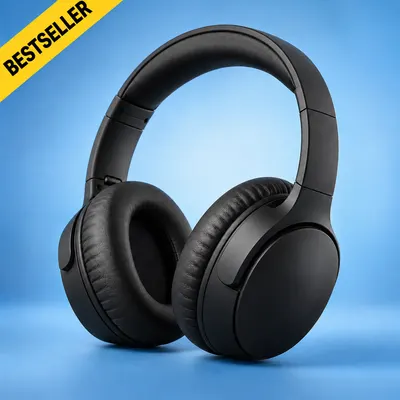
NEW, BESTSELLER, LIMITED, a holiday offer or a free-shipping line.
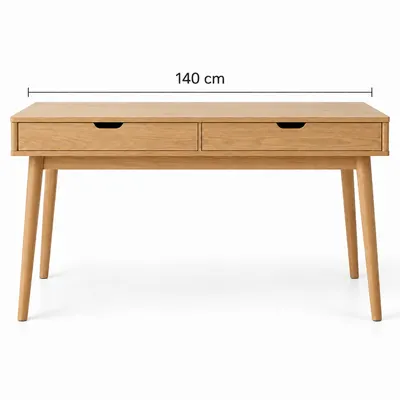
Net weight, volume, dimensions, pack count or a model number printed on the pack.
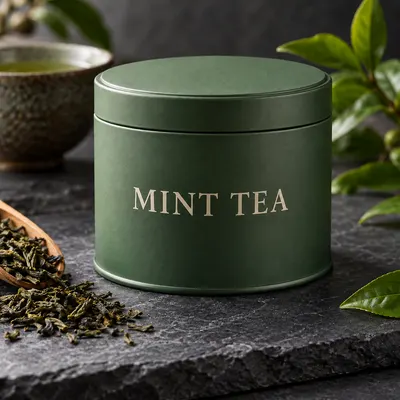
Words printed on a box, jar, label or bag, following its angle and curve.
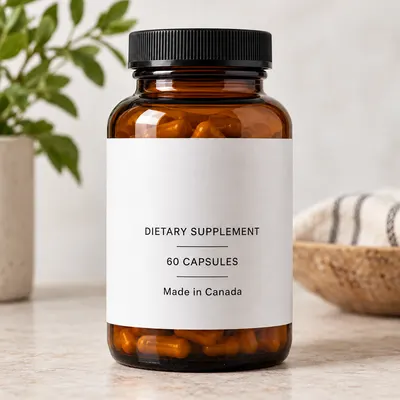
An updated ingredient call-out, a warning line or a country-of-origin note.
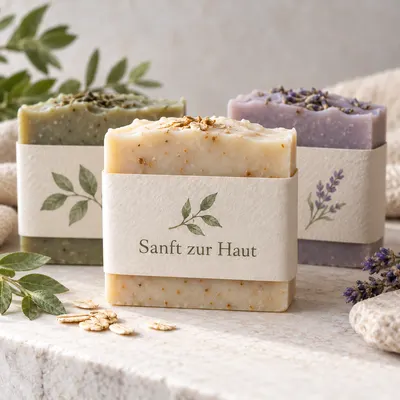
A one-line headline or tagline rewritten in the language of a new storefront.
Use cases
The common reason is the same: the photo is still good, only the words are out of date.
Costs went up or a coupon ended. Update the price on each colourway image instead of reopening the design file.
Add or change a sale badge for a weekend, then change it back when the offer ends.
Reuse the same product shots for another storefront and swap the short on-image copy.
A new size, an added warning or a corrected claim, without waiting for new samples to photograph.
Three steps
Three steps. The credit cost is shown on the button before anything runs.
PNG, JPEG or WebP up to 10 MB. Use the sharpest version you have, with the text clearly readable.
Quote both, and say where it is: Change '8 OZ' to '10 OZ' on the label. One clear change per run works best.
Check every letter and number against what you sell, then download. If something is off, regenerate or refine the prompt.
The tool edits pixels; the listing is still yours. Run through this before the image goes live.
FAQ
What sellers ask before changing text on a listing photo.
Short text on the product or on the listing image: prices, percent-off and sale badges, sizes and net weights, packaging words, claim and warning lines, and one-line taglines. Short words and numbers give the most reliable results.
The AI matches the font style, weight, colour and angle of the text it replaces, so the edit looks printed rather than pasted on. Unusual or hand-lettered fonts can come out close rather than identical, so zoom in before you publish.
Yes. Words printed on a box, jar, label or bag can be changed, and the new text follows the surface. Flat, well-lit labels work best; tight curves, foil and tiny print are where mistakes happen.
Yes. You download a regular image file, so it works on any marketplace or store. Keep in mind that Amazon's main image should show the product without added text or badges, so promo edits belong in the secondary images.
Editing your own listing images is normal, but the image has to describe the real product. Do not change sizes, claims or prices to something you do not sell, and only edit photos and brand names you have the rights to use.
Not in one upload. Each run edits one image, and up to two runs can process at the same time. For a set of colourways, run each image with the same prompt so the wording stays identical.
Tiny, blurry or heavily curved text is the hardest case. Use the highest-resolution photo you have, quote the exact old and new text, and change one thing per run. If a character is still wrong, regenerate and check again.
Regenerate or refine the prompt. A regeneration is a new run and uses credits again; if a generation fails, its credits are refunded.
New accounts get free credits to try it. After that, credit packs are a one-time payment with no subscription, and the credits do not expire.
This page is for changing specific words, such as one tagline. To translate every line of text on an image, use the AI Image Translator. AI Image Translator
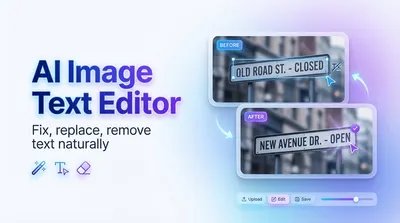 Image Text EditorAdd, edit or remove text on any image, not only product photos.
 AI Image TranslatorTranslate all the text in an image into another language.
 AI Product PhotographyPlace a product photo into Christmas and lifestyle scenes.
 Image UpscalerGet a product photo at 2x resolution with detail kept.
Upload a product image, quote the old text and the new text, and check the result before it goes live.
Edit a product image