Add Someone to Photo - Bring Your Precious Moments Back
Easily add someone to photo and bring absent family, friends, or loved ones back into your precious moments. Whether it's a missed gathering or a tribute to someone special, our AI seamlessly blends them into the scene, making every picture—and every memory—truly complete.
AI Photo Editor to Add Someone to Photo & Restore Moments
Upload a photo and seamlessly add a person to it with AI.
Upload Background
Max 10MB
Upload Person
Max 10MB
Choose a suitable aspect ratio to leave enough space for the added person, especially in crowded group photos.
Add Missing Family Member to Photo - Graduation Example
Make the celebration whole. See how AI brings a brother back into the frame to complete this special graduation memory.
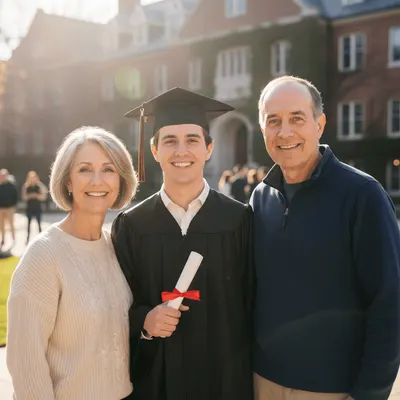 The Gathering
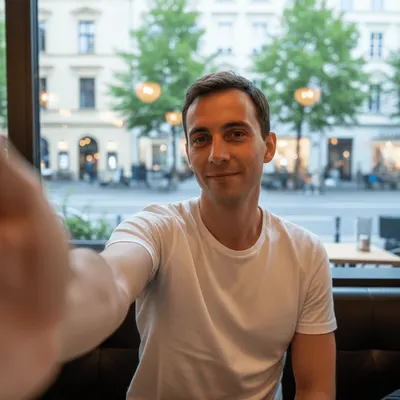 The Missing Piece
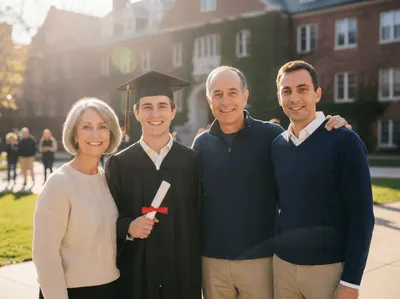 Family Reunited
How to Add Someone to a Photo (Step by Step)
A real case about adding a bedridden classmate to a trip photo, follow the steps to witness their friendship and learn how to add someone to photo.
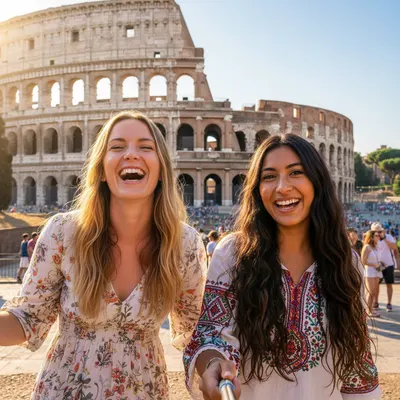
Upload Base Photo
Choose a clear background image where the story begins. This sets the scene for your new memory.

Upload the Person
Select a photo of the person you want to add. Don't worry about the background; we'll handle it.
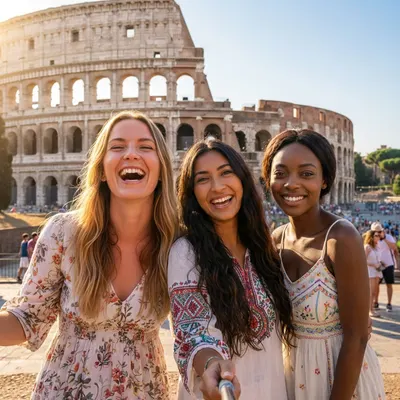
Magic Merge
Watch as our AI seamlessly blends them into the group. Lighting, shadows, and tones adjust automatically.
More Than Editing, It's Mending Regrets
Whether you need to add a person to a picture for a family portrait, add someone to a photo who couldn't be there, or create the perfect group shot - our AI photo editor makes it simple and realistic.
Hover over the images to see how we complete the story, about adding someone special to a photo.
— See the use cases, compare before-and-after results, and understand what it's for.
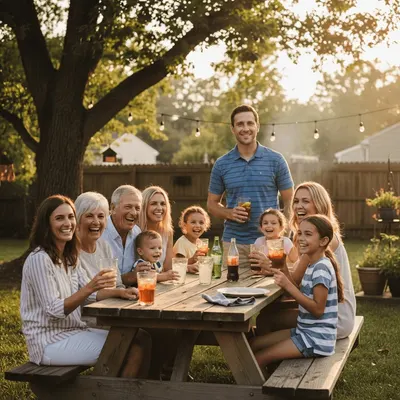
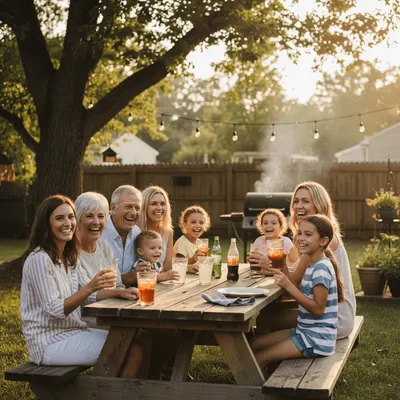
You were always the one behind the camera. Now, add yourself back into those precious family portraits to complete the memory.
Add Father to Photo
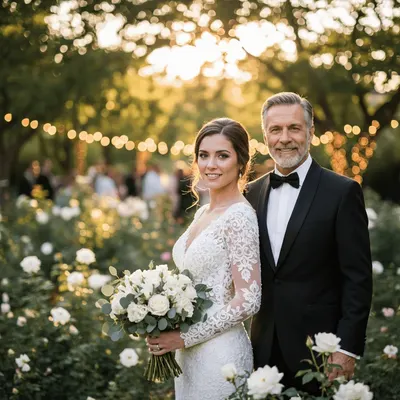
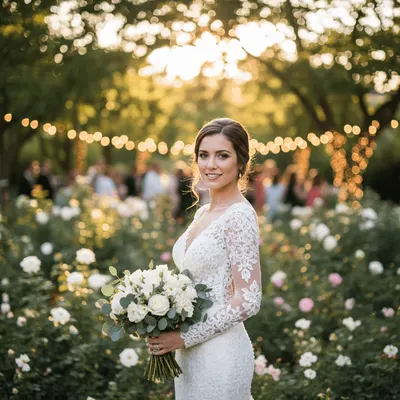
They couldn't make it to your graduation or wedding, but they can still be in the photo. Honor their memory by keeping them close.
Add Deceased Loved One
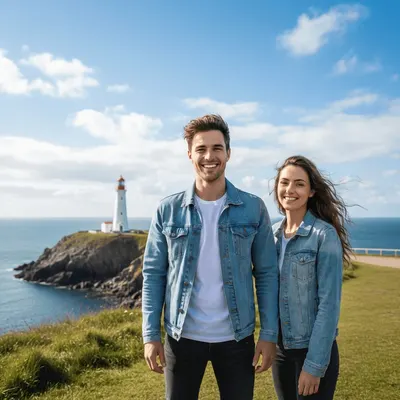
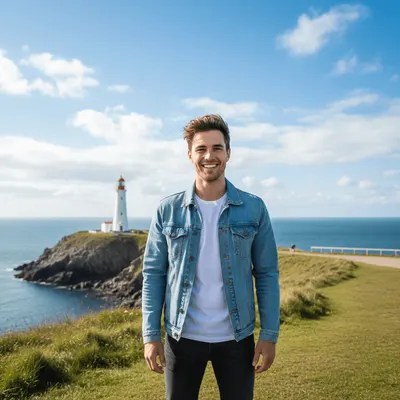
Miles apart but together in spirit. Create shared memories with your long-distance partner even when you can't be in the same place.
Add Girlfriend to Photo


Need a model for your product shot? Skip the casting call and let AI place a professional model in your scene instantly.
Add Model to Photo
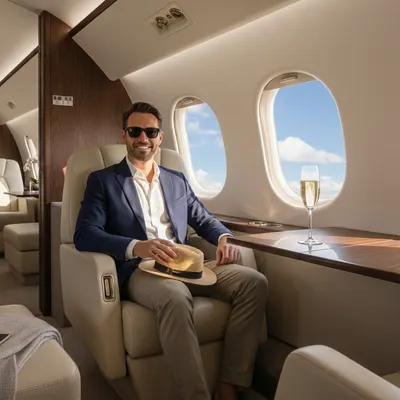
Put your friends in wild scenarios or create the next big meme. The only limit is your imagination for your next viral post.
Add Self to Photo


Someone called in sick on photo day? No problem. Add them in later so no one is left out of the company milestone.
Add Colleague to Photo
Add People to Photo: Make Your Memories Truly Complete
Pictures are how we hold onto moments, but sometimes the people we love can't be there to share them. Distance, timing, or life's circumstances shouldn't leave a gap in your memories. We believe every photo should tell the whole story.
With just a few clicks, you can bridge the miles and the years. Our tool intuitively blends your missing loved ones into the scene—perfecting the light, the shadows, and the vibe—so it looks and feels like they were right there with you. Complete the picture, complete the memory.
Natural Belonging
It's not just about pasting a cutout; it's about belonging. Our AI ensures they look like they were there all along, not just added in.
Atmosphere Matching
From the golden hour glow to the soft indoor warmth, we match the light and color so the mood feels exactly right.
Perfect Perspective
We handle the scale and angles, so whether they're standing by your side or in the background, the composition feels balanced and true.
Cherish the Details
Every smile and every detail matters. We preserve the quality of your original photos so your memories stay sharp and beautiful.
Why Does It Look So Real?
When you use Editaimg to add someone to a photo, it does more than just cut and paste. Our AI photo Editor intelligently analyzes the physics of your scene—lighting, shadows, and perspective—to ensure the new person looks like they were truly there.
Subtle shadow matching, color temperature alignment, and perspective correction help you add a person to a photo without breaking realism. The result looks consistent with the original environment and camera angle.
Intelligent Lighting Match
Editaimg analyzes the scene's lighting—direction, intensity, and warmth—to ensure the new subject casts the right shadows and reflects the right hues.
Automatic Perspective Correction
Our AI photo Editor intelligently adjusts angles and scale based on the background's depth, so the subject fits naturally, respecting the scene's geometry.
Multi-Subject Fusion
Add multiple people at once without compromising realism. Each person is individually processed to blend perfectly with the environment.
Everything you need to know about adding people to photos with AI.
Got questions about how to add someone to a photo? We've compiled the most common inquiries to help you understand how our AI photo editor works, ensuring you get the best results for your family portraits and memorial photos.
How do I add someone to a photo?
Will the added person look realistic?
Can I add a deceased loved one to a family photo?
What kind of photos work best?
Is my photo data safe?
Can I use this for professional edits?
Do I need Photoshop skills?
Is it free to try?
How to add a person to an existing photo?
How to add someone to a picture online free?
Can I add a person to a photo on mobile?
Can I add multiple people to one photo?
Start add someone to photo now
Join thousands of happy users who are completing their family albums and creating magical memories. Try it today and see the difference AI can make.
- Instant Background Removal
- Smart Lighting Adjustment
- Realistic Shadow Generation
- Preserves Original Quality
- Easy to Use Interface
- Secure & Private