AI Image Text Editor - Add, edit, or remove text from images
Powerful AI image text editor to add text to image, edit text in image, or remove text from image and watermarks. Fix typos, update signage, or add captions while keeping fonts and styles consistent.
AI Image Text Editor
Upload an image to add, edit, or remove text using AI.
Drag and drop image here, or click to select
Images only (≤10MB each); select up to 8 now (total 8)
 Original
 AI Result
 Original
 AI Result
 Original
 AI Result
Edit Text in Images: Fix, Replace, Remove With Natural Results
Text is everywhere in photos, but editing it by hand takes time and design skills. We believe every image should be easy to update without losing its original look.
With a few clicks, you can edit text in image, add new labels, or remove unwanted words. The AI keeps fonts, lighting, and texture consistent so the result looks original.
Font & Style Match
AI matches font, color, size, and texture so added text blends naturally with the original design.
Clean Text Removal
Remove text from image or erase watermarks with smooth background reconstruction and natural texture recovery.
Precise Text Edits
Edit text in image with accurate spacing, alignment, and perspective so replacements look native.
High-Resolution Output
Export crisp results without blur or artifacts, keeping your image sharp and ready to share.
What Can Image Text Editor Do?
The image text editor lets you update text in photos without rebuilding the design from scratch. It understands fonts, spacing, and texture so your changes look like they were always part of the image.
Below are three common scenarios with original prompts and clear editing steps. Generate the original images with the prompts, then apply the edits exactly as described to produce the after results.
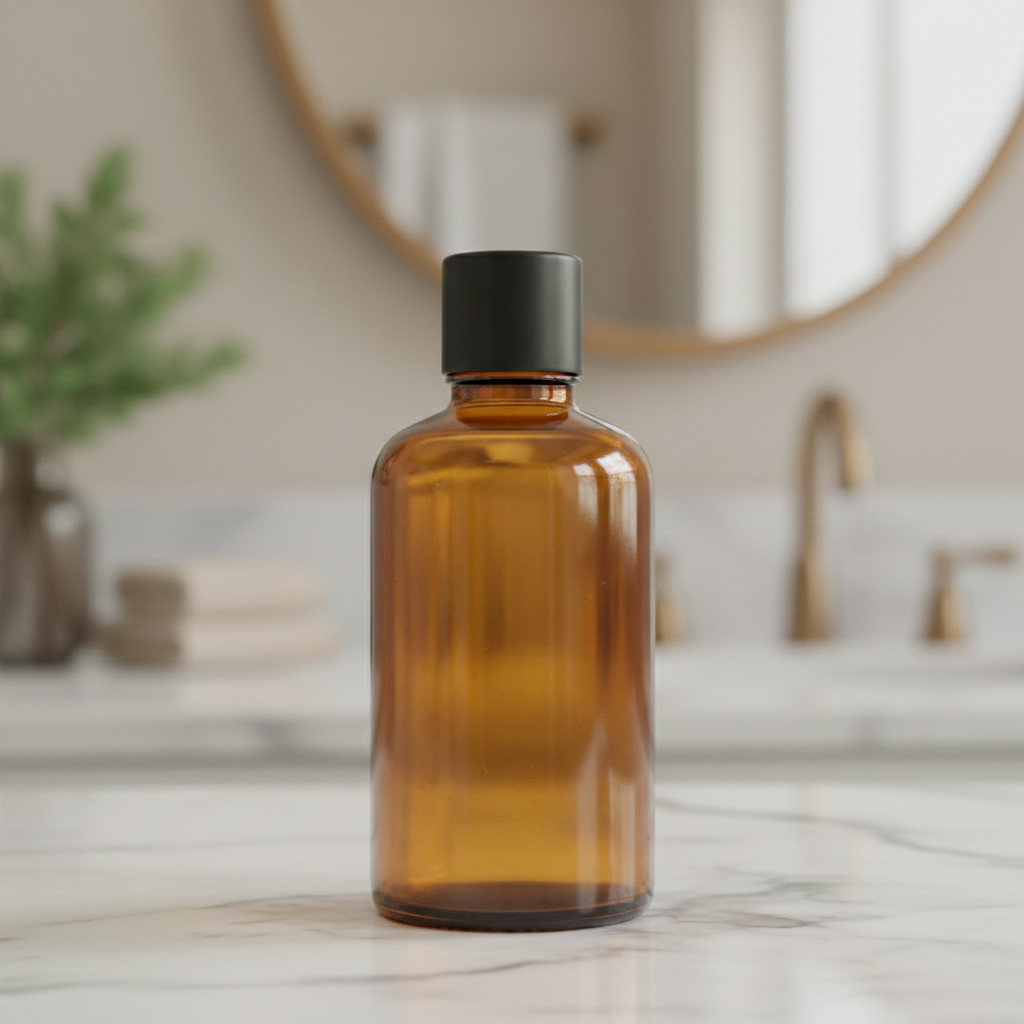
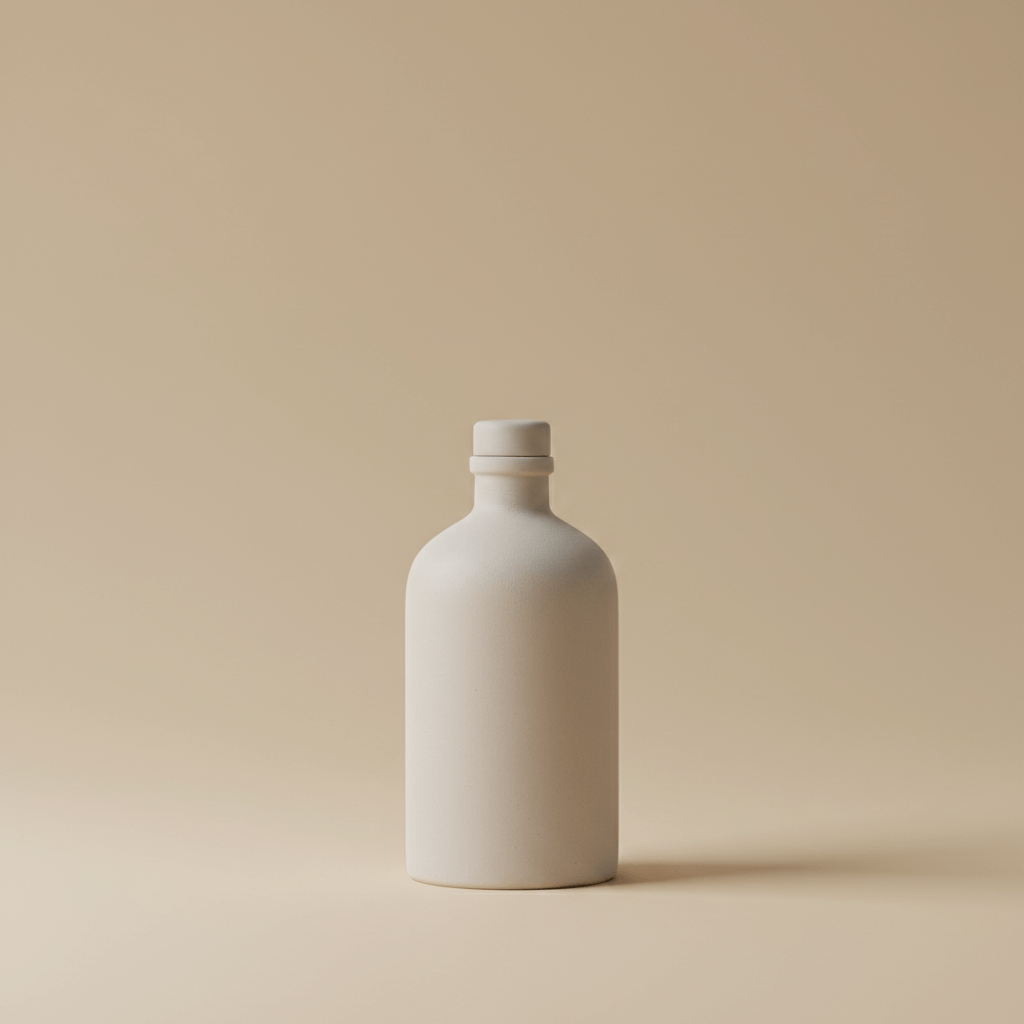
Add Text to Image
Add a headline that matches the poster style so the new text feels intentional and balanced.
"Add the headline “NEW SEASON COLLECTION” at the top center, use a thin serif font, warm gray color, and keep letter spacing wide for a premium look."

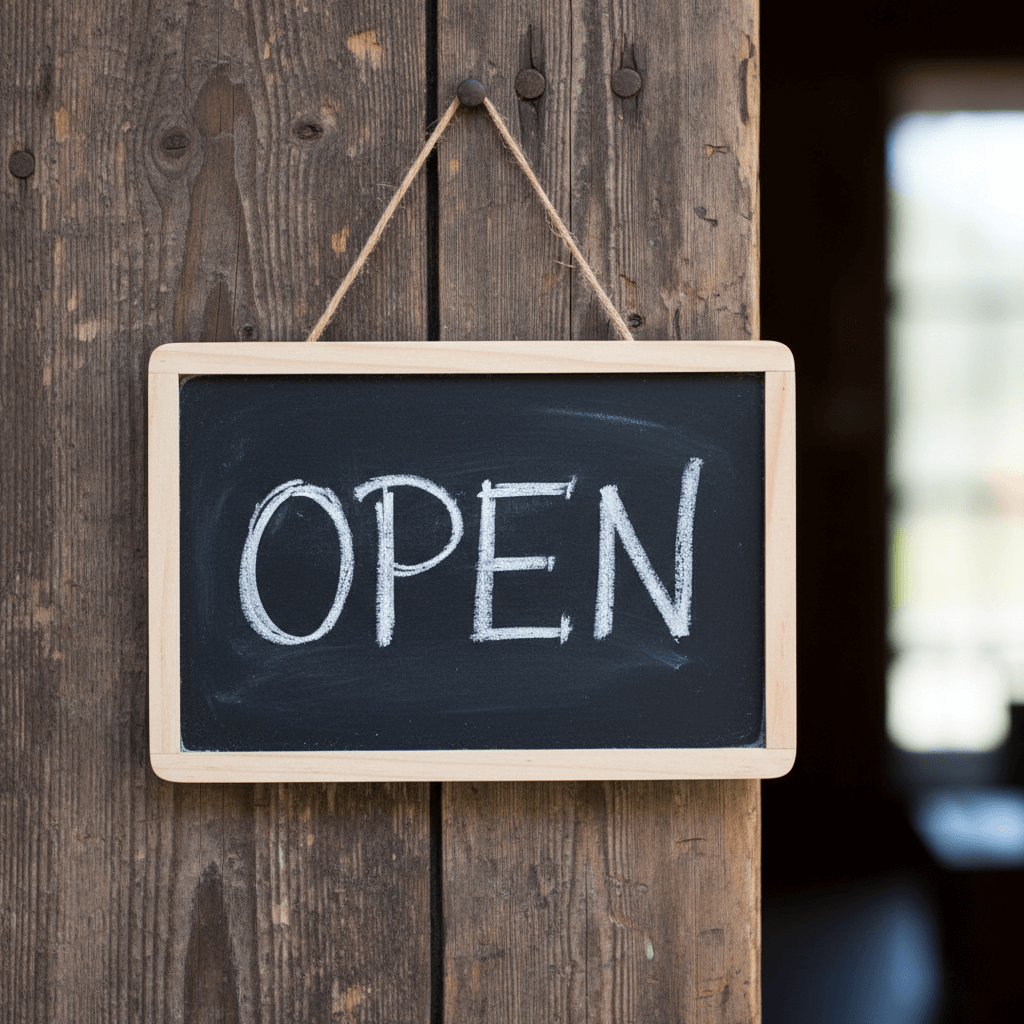
Edit Text in Image
Update existing text while preserving font weight, spacing, and perspective.
"Change the text \"OPEN\" to \"CLOSED\" on the chalkboard, keeping the same chalk handwriting style."

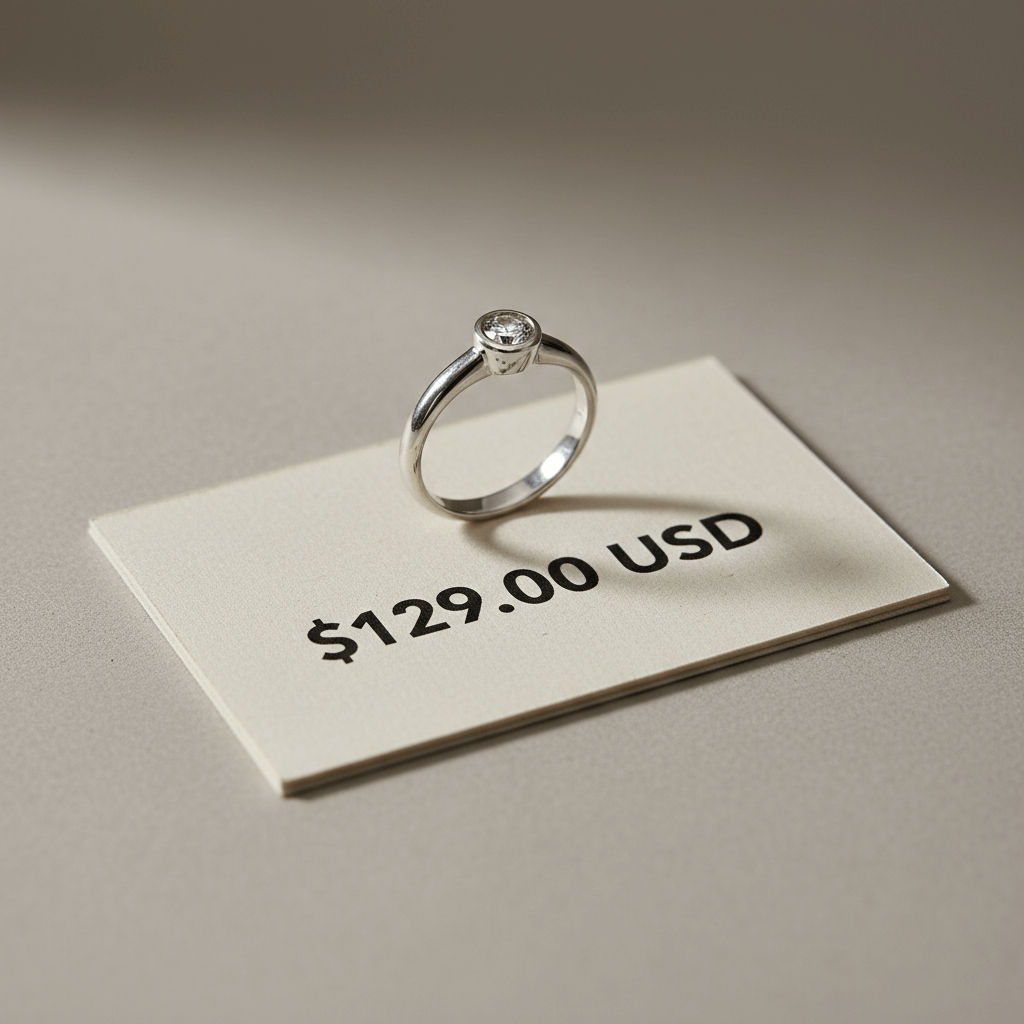
Remove Text from Image
Remove unwanted words or watermarks while keeping the background texture intact.
"Remove the large price text printed across the display card and reconstruct the card texture so it looks clean and consistent."
Why Does the Text Look Natural?
When you use the image text editor, it does more than paint over pixels. Our AI analyzes fonts, textures, lighting, and perspective so the edited text blends naturally with the original image.
Font & Color Matching
AI detects font style, size, and color so new or edited text looks like it belongs in the original design.
Perspective & Curvature
Text follows the surface angle and curvature of signs, screens, or labels for a realistic fit.
Multi-Text Area Editing
Edit multiple lines or regions at once while keeping spacing and alignment consistent.
High-Definition Export
Export in crisp resolution with clean edges so your edited text stays sharp.
Everything you need to know about editing text in images with AI.
Got questions about how to add text to image, edit text in image, or remove text from image? Here are the most common answers to help you get the best results.
Can I edit text in image with the same font?
How can I edit text in a JPEG image online?
Is there a screenshot text editor?
Is there a screenshot text editor without watermark?
How to remove text in image without changing background?
Can I remove text or watermarks?
Will the new text match the original font?
Can I add new captions or labels?
What kind of images work best?
Is my photo data safe?
Do I need Photoshop skills?
Is it free to try?
Start editing image text now
Join creators who update signage, clean watermarks, and add captions in seconds. Try it today and see how natural AI text edits can look.
- Accurate Font Matching
- Clean Background Reconstruction
- Multi-Text Area Support
- Fast One-Click Edits
- High-Resolution Download
- Secure & Private