AI Teeth Fixer — Whiten, Straighten & Polish a Smile in Photos
AI Teeth Fixer is a focused photo editor for smiles. Upload a portrait and let the built-in repair improve the dental area while keeping the rest of the face, light, clothing, and background intact. This AI Teeth Fixer is a picture edit, not a medical treatment, and it is built for headshots, selfies, and group photos where a small smile issue is distracting.
AI Teeth Fixer
Upload one smiling photo. This AI Teeth Fixer runs a built-in smile repair automatically, so there is nothing to write.
Drop one smiling photo here or click to upload
Max 50MB
2K isn't available for this aspect ratio — choosing it switches to 1:1.


Drag the divider to preview a natural AI Teeth Fixer whitening example. Upload one photo to create your own result.
How This AI Teeth Fixer Works
Three simple steps turn a distracting smile into a cleaner portrait. This AI Teeth Fixer handles upload, the dental-area instruction, and download without masks, layers, or retouching software.
Upload a Clear Smiling Photo
Drop in a JPEG, PNG, or WebP where the teeth are visible. A sharp, well-lit face gives this AI Teeth Fixer enough enamel, gum line, and lighting context. Selfies, headshots, and group portraits all work when the smile is not hidden.
Let the Built-In Repair Run
The hidden instruction tells this AI Teeth Fixer to change only the teeth: gentle whitening, a small gap, a chip, or mild alignment. There is no prompt field to manage, so the interface stays focused on the photo and a natural result.
Review and Download
Compare the result with the original, then download it at 1K or 2K. If the first pass feels too bright or too perfect, run this AI Teeth Fixer again rather than accepting an over-edited Hollywood veneer look.
What You Can Fix With This AI Teeth Fixer
This AI Teeth Fixer is not a one-click beauty filter that floods the whole mouth with fake white. Describe one of the five photo edits below, or combine a mild whitening request with a small alignment note, and keep the rest of the portrait recognizable.
Whiten Stained Teeth
Ask this AI Teeth Fixer to brighten coffee, tea, or smoke stains into a natural enamel tone. The goal is a believable clean smile, not a glowing billboard white that fights the rest of the skin.

Even Slightly Crooked Teeth
Use this AI Teeth Fixer to even a mildly crooked front tooth in a headshot. Keep the request conservative so the smile still looks like the same person rather than a full digital braces makeover.
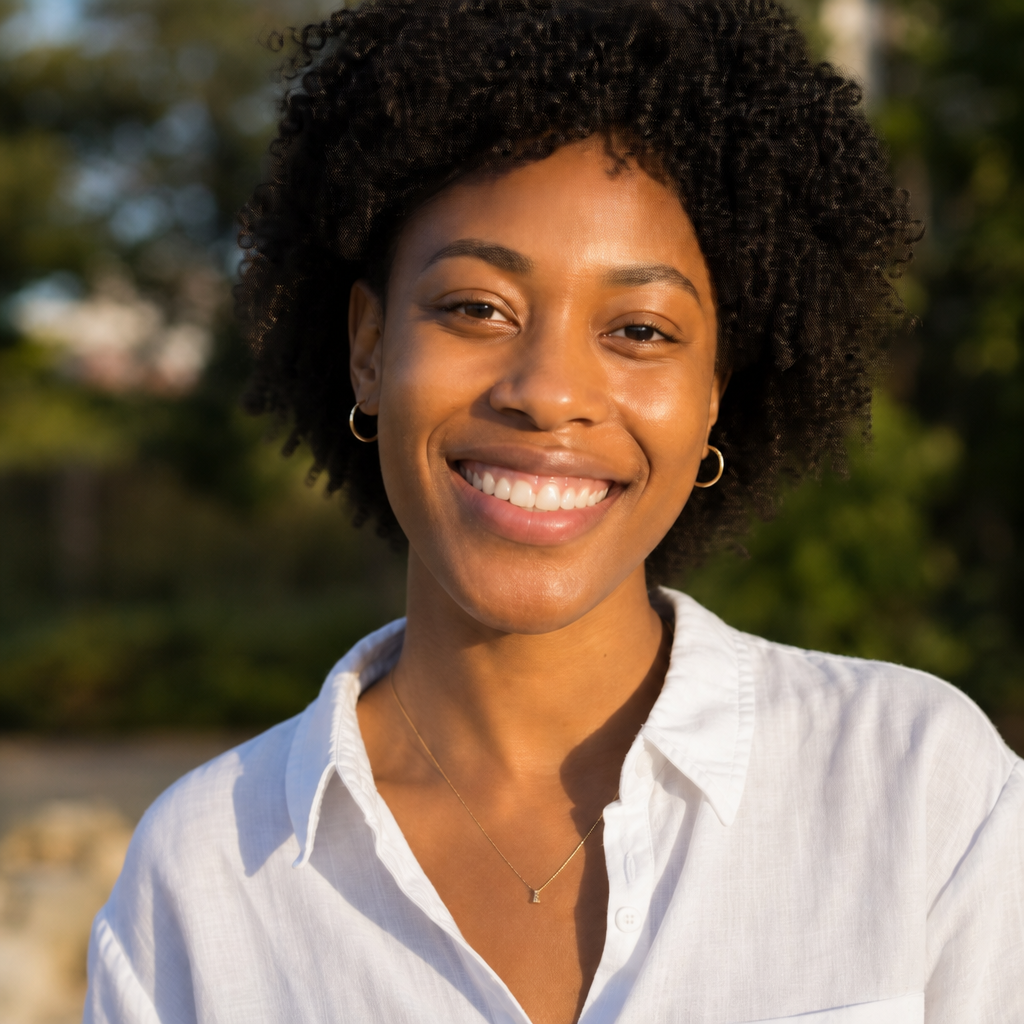
Close a Small Gap
This AI Teeth Fixer can close a small diastema in a photo when you want a tighter smile for a profile picture. Leave larger gaps alone if they are part of the person's look and you only wanted a cleaner tone.
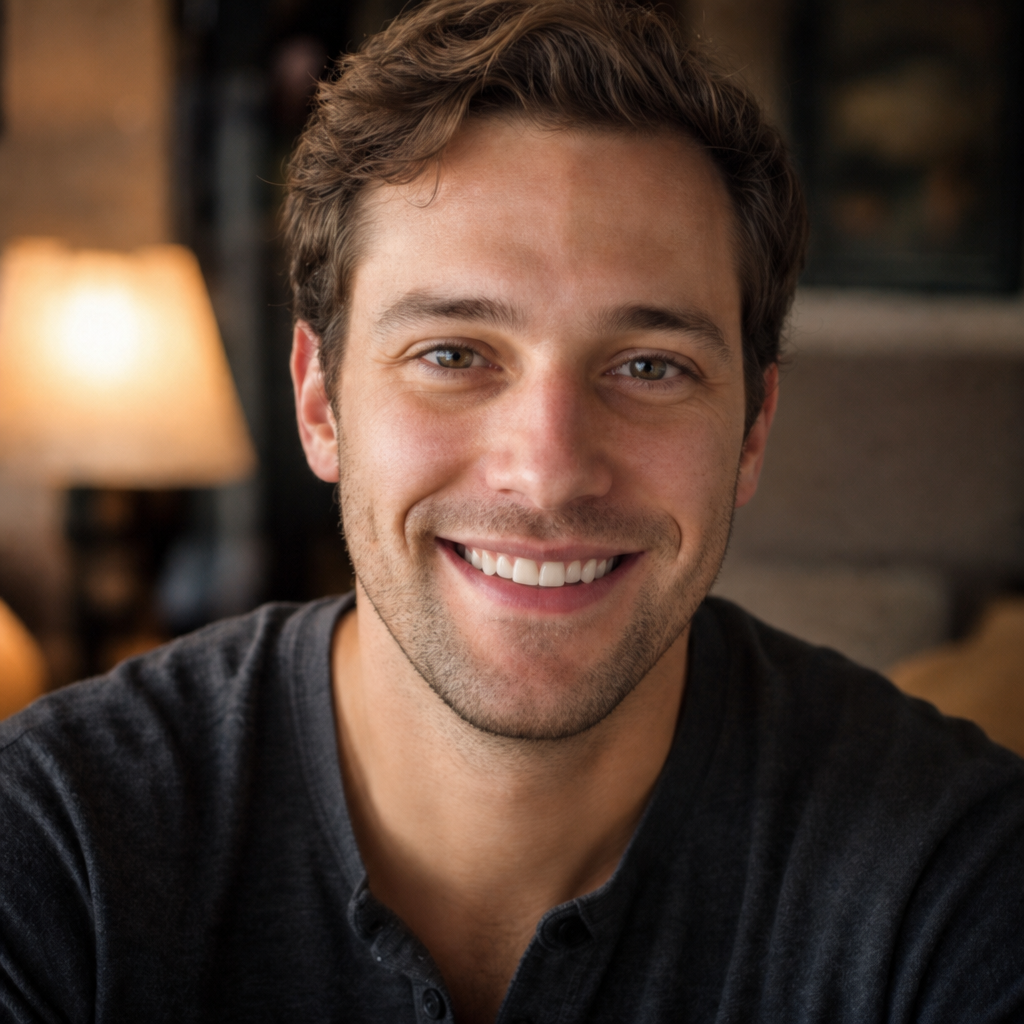
Repair a Visible Chip
Describe a chipped corner and let this AI Teeth Fixer rebuild that edge in the picture. It is a photographic repair for a keepsake or listing photo, not a substitute for seeing a dentist about a real broken tooth.
Keep a Natural Polish
If you only want a subtle clean-up, tell this AI Teeth Fixer to polish the smile without reshaping anything. A light pass is often enough for a résumé photo, dating profile, or family picture that already almost works.
Who Uses This AI Teeth Fixer
This AI Teeth Fixer fits anyone who already has a good photo except for the smile. It is for pictures, not treatment plans, and it helps when a reshoot is impossible or a second studio session is too expensive.
Job Seekers and LinkedIn
Polish a résumé or LinkedIn headshot when the lighting and expression already work. This AI Teeth Fixer keeps professional photos looking like you, only with a cleaner smile.
Social and Dating Profiles
Brighten a selfie or close a small gap before you post. The AI Teeth Fixer is useful when you like the moment and do not want a second round of poses.
Portrait Photographers
Use this AI Teeth Fixer as a fast client preview for smile cleanup before a full retouch. It is a starting point, not a replacement for careful high-end finishing.
Everyday Keepers
Save a birthday, reunion, or holiday frame when one smile issue is the only flaw. This AI Teeth Fixer is built for pictures you already love.
AI Teeth Fixer Before and After
Hover or press a card to reveal the original. Each pair keeps the same person, pose, clothing, and light. Only the described dental detail changes, which is the intended use of this AI Teeth Fixer.
Natural Whitening
This AI Teeth Fixer brightens dull enamel while the woman's expression, knit sweater, and cafe light stay matched to the original portrait.

Gentle Alignment
This AI Teeth Fixer evens a mildly crooked smile in a studio headshot while the navy shirt, backdrop, and identity remain unchanged.
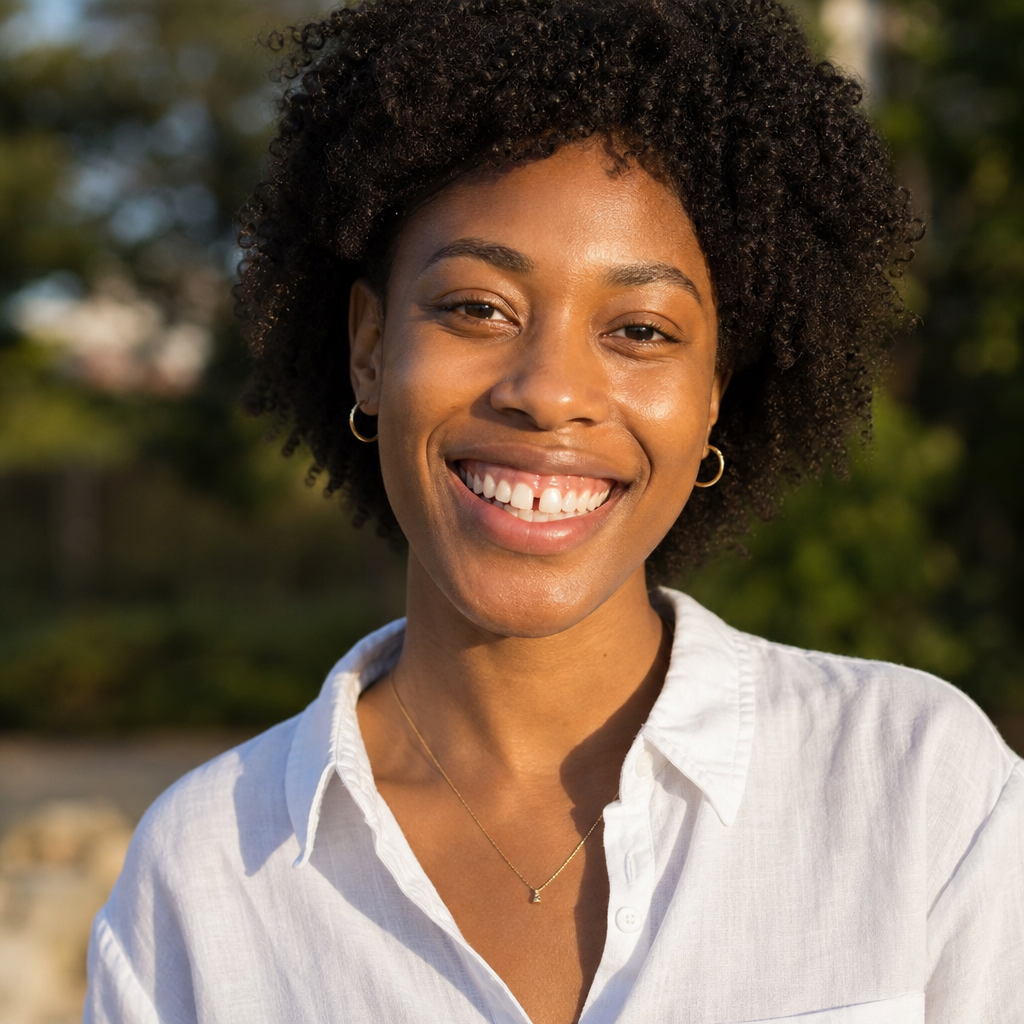
Small Gap Closed
This AI Teeth Fixer closes a small front gap for a lifestyle portrait while hair, linen shirt, and park light stay consistent.
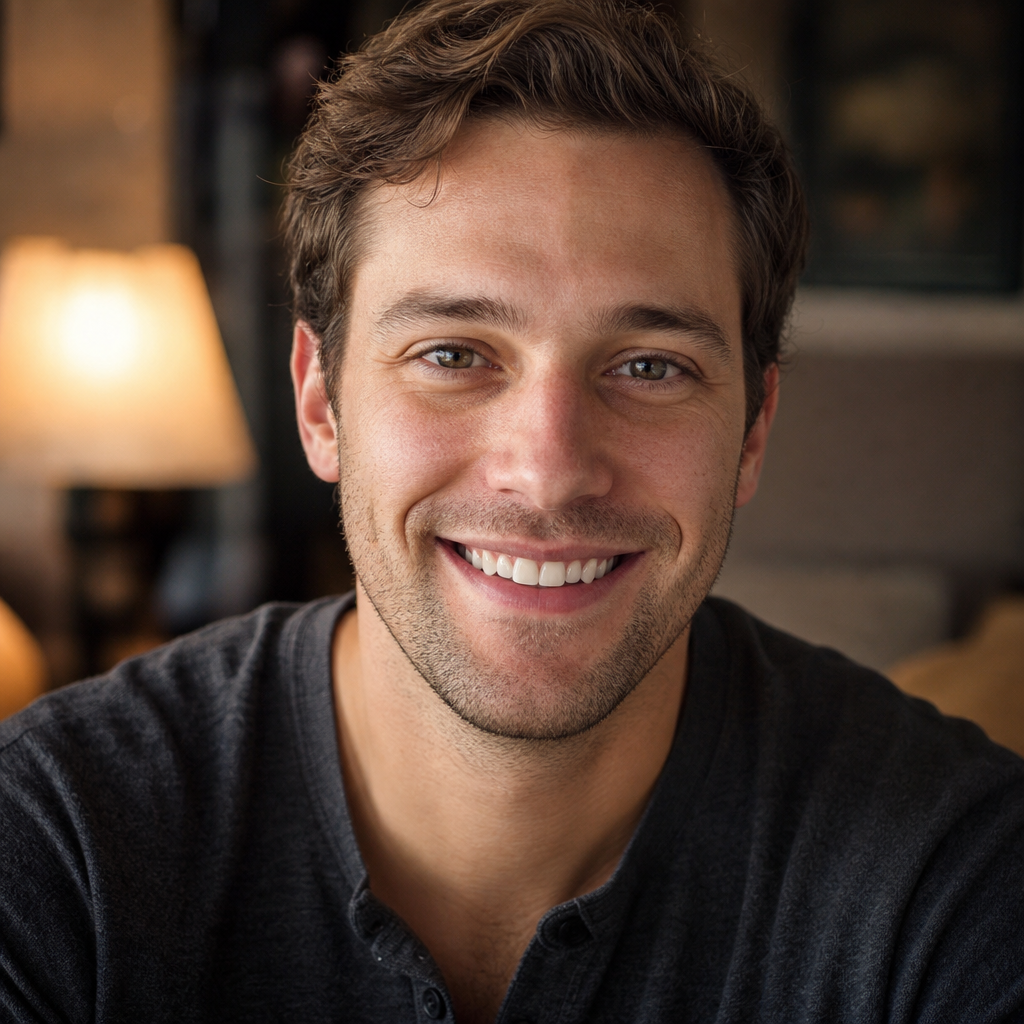
Chip Repaired
This AI Teeth Fixer restores a small chipped corner in a candid indoor portrait without changing stubble, clothing, or the room.

A good photo should not fail because of one distracting smile. Use this AI Teeth Fixer to keep the moment and polish only the teeth.
AI Teeth Fixer Compared With Other Options
People often try a beauty filter, open Photoshop, or hire a retoucher when a smile looks off. This AI Teeth Fixer sits in the middle: faster than manual work, more targeted than a whole-face filter, and still a photo edit rather than dental care.
| Method | Skill needed | Turnaround | Smile control |
|---|---|---|---|
| Beauty filters | None, but little control | Instant | Often over-smooths the whole face |
| Manual Photoshop | High: cloning, masks, color | Hours for a careful pass | Excellent if you already know the tools |
| Retoucher | None on your side | Usually days | High, at a higher cost per photo |
| This AI Teeth Fixer | None — just upload a photo | Seconds per attempt | Focused on teeth; review each result |
Choose this AI Teeth Fixer when you want a targeted photo smile edit without learning retouching software. Keep a dentist appointment for real pain, chips that bother you in daily life, or any medical question.
AI Teeth Fixer FAQ
Clear answers about photo-only smile edits, realism, files, credits, and how this page differs from a full image editor.
What does this AI Teeth Fixer do?
How does this AI Teeth Fixer work?
How is this different from the AI Image Editor?
Is this AI Teeth Fixer a dental treatment?
Can I try this AI Teeth Fixer for free?
Will the result always look natural?
Which files does this AI Teeth Fixer support?
Is this AI Teeth Fixer suitable for sensitive photos?
Try This AI Teeth Fixer on Your Portrait
Upload the picture you already like and let this AI Teeth Fixer change only the teeth — a cleaner smile for a headshot, selfie, or group keepsake, without a reshoot.
- One smiling photo is enough
- Whiten, straighten, gaps, or chips
- No prompt writing or masks
- Choose 1K or 2K output
- Photo edit, not dental treatment