Jewelry Photo Retouching for E-Commerce: Pro AI Workflow
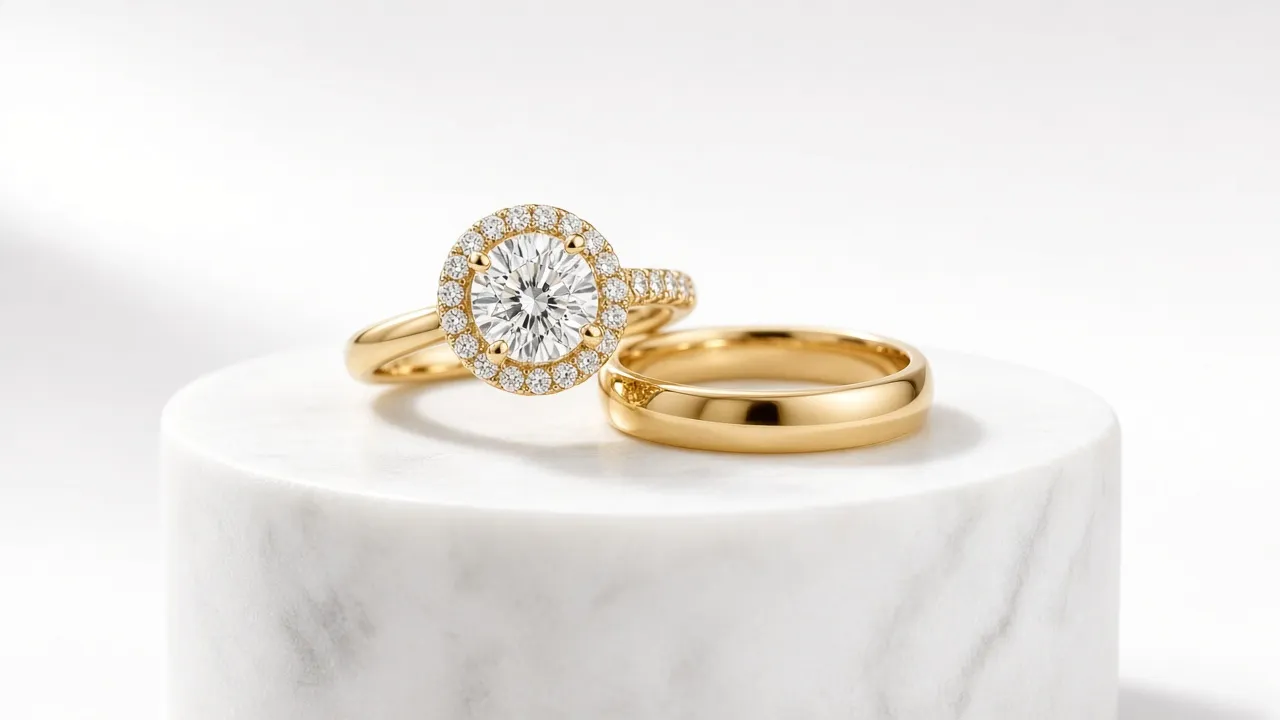
Selling fine jewelry online is unforgiving. Industry benchmark data puts luxury jewelry e-commerce conversion rates between 0.8% and 1.5%—the lowest tier of any online retail category. Because buyers cannot hold a ring up to the light or feel the weight of a platinum band in person, every single buying decision hinges on macro visual clarity. If your product photography displays dark camera reflections, cloudy gemstone facets, or murky grey backdrops instead of pure white, potential customers assume the craftsmanship itself is flawed.
Yet for independent designers, Shopify boutique owners, and high-volume Etsy jewelers, getting catalog-grade photos is a notorious bottleneck. Traditional studios charge between $5 and $20 per photo for manual pen-tool clipping, frequency separation, and dodge-and-burn passes. Doing it yourself in Photoshop requires expensive macro glass, focus stacking rails, and twenty minutes of meticulous pixel-pushing per shot. This guide breaks down how high-end jewelry e-commerce retouching works in 2026, where manual editing creates friction, and how a purpose-built AI workflow cleans reflections, restores metal luster, and outputs marketplace-compliant white backgrounds in seconds.
The 4 Flaws That Kill Online Jewelry Conversions
Unlike apparel or home goods, jewelry consists of highly reflective curved metals and multi-faceted refractive crystals. Standard lightbox setups create immediate visual artifacts that degrade perceived value:
- Black Reflection Bands: Highly polished 18k yellow gold or rhodium-plated sterling silver acts like a convex mirror. The metal reflects your smartphone body, tripod legs, ceiling fixtures, and room shadows as stark black or brown smears across the shank.
- Color Casts and Dull Patina: Ambient reflections introduce unwanted color contamination—fluorescent greens or warm orange wall bounce that make crisp platinum look tarnished and vibrant yellow gold look sickly.
- Milky, Lifeless Gemstone Facets: Soft diffused lighting eliminates harsh glare but frequently flattens the internal sparkle of diamonds, moissanite, and emeralds. Instead of crisp contrasting facet reflections with natural fire, the stone looks like clouded glass.
- Muddy Off-White Backgrounds: Amazon, Google Shopping, and leading luxury marketplaces require pure white (#FFFFFF / RGB 255, 255, 255) backdrops for primary hero images. Without dedicated clipping, DIY lightboxes produce dingy #E5E5E5 grey corners that look amateurish in grid listings.
Studio-Grade Jewelry Retouching in One Click
Eliminate black reflection smudges, polish dull gold and silver textures, and generate pure white backgrounds with natural grounded shadows automatically.
Try Jewellery Retouch Free →Traditional Photoshop vs. Purpose-Built AI: A Workflow Breakdown
Understanding where time disappears in traditional post-production reveals why modern online jewelry brands are shifting to generative material reconstruction:
| Retouching Stage | Manual Photoshop Workflow | Editaimg Dedicated AI Engine |
|---|---|---|
| Background Cutout | 10–15 mins manually tracing chains and prong gaps with Pen Tool | Instant neural segmentation of hollow links and prongs onto #FFFFFF |
| Metal Reflection Cleanup | Frequency separation, healing brush, and synthetic gradient maps | Physics-aware specular reconstruction removes phone reflections automatically |
| Gemstone Clarity & Fire | Selective high-pass sharpening and curve contrast painting on facets | Facet edge recovery and brilliance balance without digital halo artifacts |
| Shadow Creation | Simulated drop shadow or blurred layer mask (often looks fake/floating) | Physically plausible contact ambient occlusion shadow on the ground plane |
| Processing Time | 20–35 minutes per finished image | Under 15 seconds per asset |
How to Retouch E-Commerce Jewelry Photos: Step-by-Step
You do not need to install complex desktop software or create layer masks. Here is the streamlined production pipeline for taking raw smartphone or mirrorless captures directly to listing-ready assets:
- Capture Clean Source Frames: Keep your camera level with the piece and lock your white balance. Even with AI retouching, avoiding motion blur and severe lens distortion gives the underlying model much better geometry to reconstruct. Use an acrylic prop or white putty that can be removed cleanly.
- Upload to Editaimg's Jewellery Retouch Tool: Drop your JPG, PNG, or WebP photo into the studio canvas. The platform automatically assesses metal reflection density, gemstone facets, and edge contours.
- Select Target Output Resolution: Choose your export fidelity based on platform requirements. For hero zoom images on Shopify or Amazon, select 2K or 4K to enable customers to inspect diamond cut and hallmark engravings without pixelation.
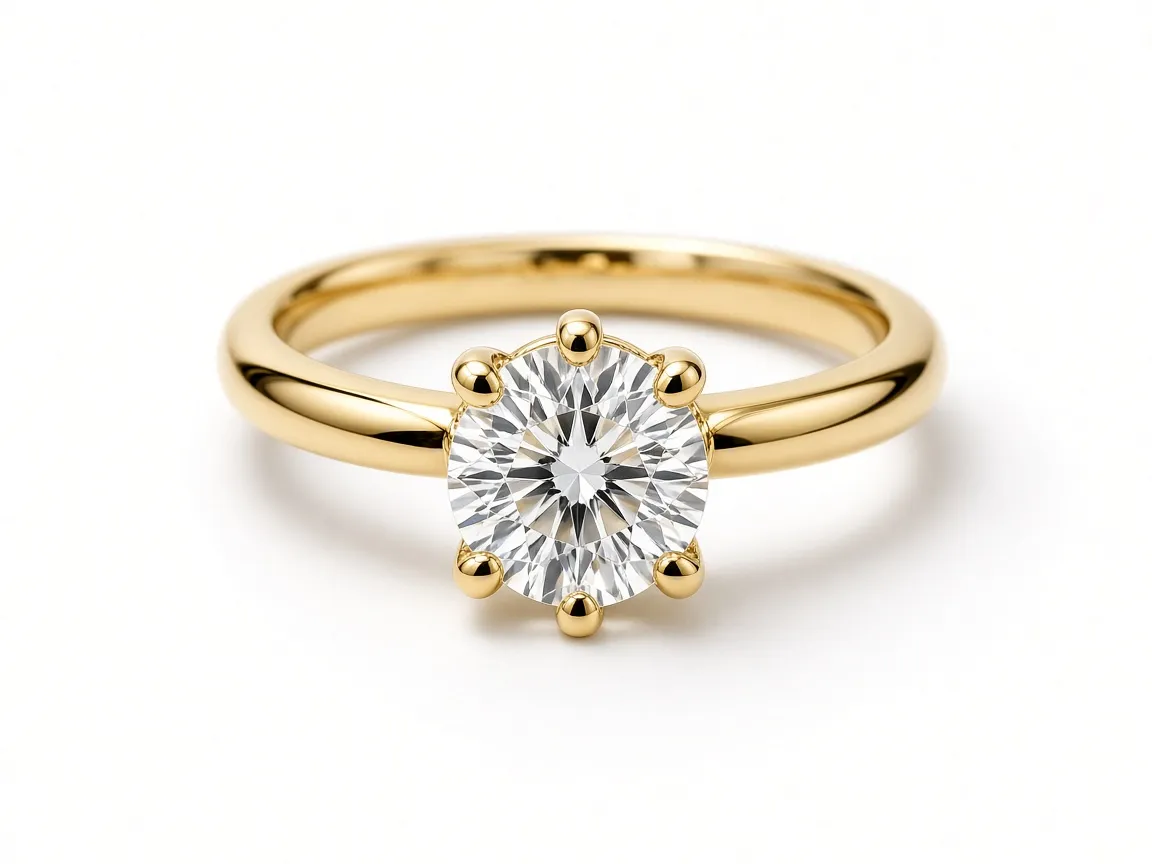
- Review and Export: In under 15 seconds, the AI outputs an ultra-clean master file. The specular highlights on gold and platinum flow naturally around curves, foreign room reflections vanish, and the base rests on a gentle contact shadow that anchors the product onto pure white.
Preserving Design Fidelity: What Ethical AI Retouching Keeps Intact
A common concern among fine jewelry artisans is whether AI photo enhancement alters the actual design of the piece. Faking a diamond's clarity grade, smoothing away hand-engraved milgrain, or shifting a natural untreated emerald into synthetic neon green creates immediate chargeback risks and destroys customer trust.
Editaimg's jewelry engine is built specifically for material restoration, not artistic hallucination. Here are the boundaries the model strictly respects:
- Prongs, Bezels, and Settings: Claw prongs, split shanks, and bezel thicknesses remain dimensionally identical to your physical piece. The tool does not redraw your mounting style.
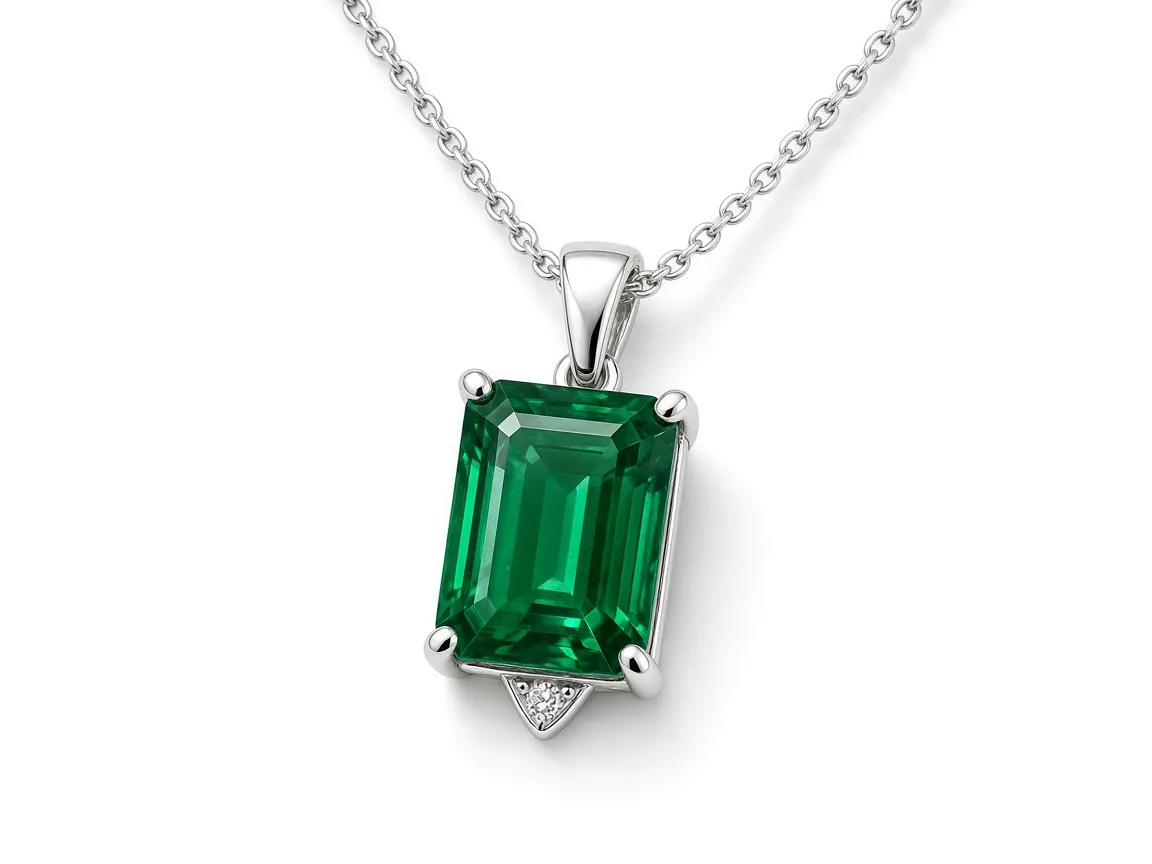
- Gemstone Faceting: The algorithm balances contrast across existing facet junctions rather than inventing new facet geometries. An emerald cut remains an emerald cut; a hearts-and-arrows round brilliant retains its exact optical pattern.
- Metal Karat Character: 14k yellow gold retains its subtle warmth compared to rich 24k butter gold, while rose gold keeps its copper undertones without sliding into unnatural magenta.
- Chain Link Integrity: Delicate cable, curb, and rope chains maintain clear internal transparency through every link—avoiding the ugly "webbed" solid background fill common in generic cutout tools.
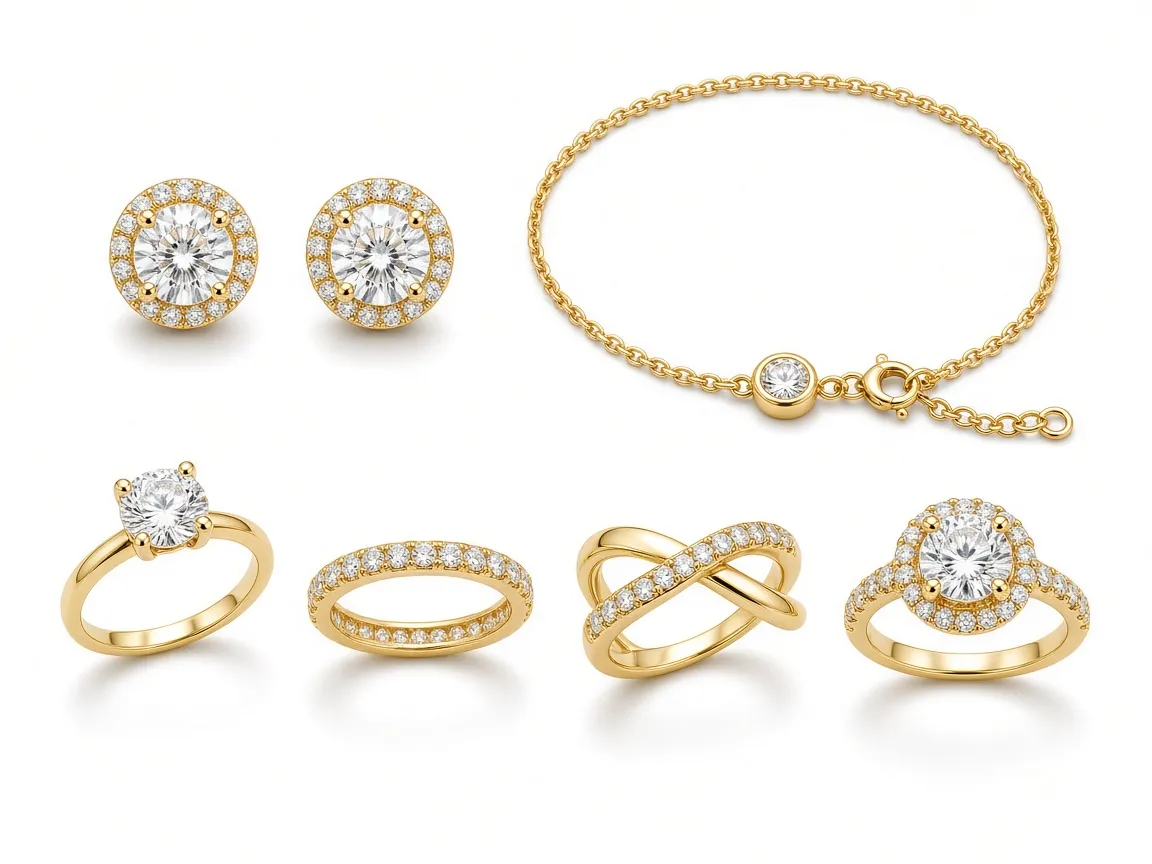
2026 E-Commerce Standards Checklist for Online Jewelry Listings
Before publishing retouched jewelry photos to your store or third-party marketplaces, verify your output against these technical benchmarks:
- Background Value: Exactly #FFFFFF (255, 255, 255) across the outer perimeter of your primary hero thumbnail to blend seamlessly with marketplace listing cards.
- Resolution for Dynamic Zoom: At least 2000px on the longest edge (2000×2000 for square formats). Amazon and Shopify zoom viewers require this minimum dimension to trigger detailed loupe inspection.
- Color Space: Always export in sRGB. Wide-gamut spaces like AdobeRGB or Display P3 often render dull or washed out when viewed on uncalibrated mobile screens.
- Grounded Contact Shadow: Avoid floating objects. A clean, subtle gradient shadow directly under the point of contact gives your product physical weight while keeping the rest of the canvas pristine.
- Aspect Ratio Uniformity: Standardize your entire collection on 1:1 square or 4:5 vertical frames so collection pages align into a clean, luxury shopping grid.
Frequently Asked Questions
Does AI jewelry retouching change my gemstones or diamond clarity?
No. The AI engine restores lighting clarity and facet edge definition that was obscured by macro camera limitations or poor lighting. It does not replace the stone or add fake brilliance stars. What your customer sees in the retouched image remains an accurate depiction of the physical piece.
Can this tool clean complex chain necklaces and filigree earrings?
Yes. Traditional background erasers frequently blur or fill the tiny gaps between fine necklace links and filigree metalwork. Editaimg's engine isolates intricate negative space and preserves wire-thin details against pure white without manual clipping paths.
What if my original photo was taken with an iPhone or Android phone?
Smartphone cameras have capable sensors but struggle with macro focal depth and room reflections. The AI specializes in taking phone captures with uneven lighting and reconstructing high-polish metal textures and studio-grade contrast automatically.
How does the AI handle reflections on highly curved rings?
Rather than smudging the metal with a blur tool, the model understands the physics of polished metals. It detects phone, hand, and room reflections, dissolves the foreign shapes, and recreates smooth, continuous light gradients that match professional softbox lighting.
Is this tool free to test on my jewelry catalog?
Yes. You can test your own product photos directly in Editaimg's Jewellery Retouch Tool without installing software, paying monthly subscriptions, or outsourcing to overseas retouching agencies.
Upgrade Your Jewelry Photography Today
Turn DIY smartphone captures into high-converting luxury studio assets. Remove reflections, polish metals, and export 4K marketplace-ready photos in seconds.
Start Retouching Now →