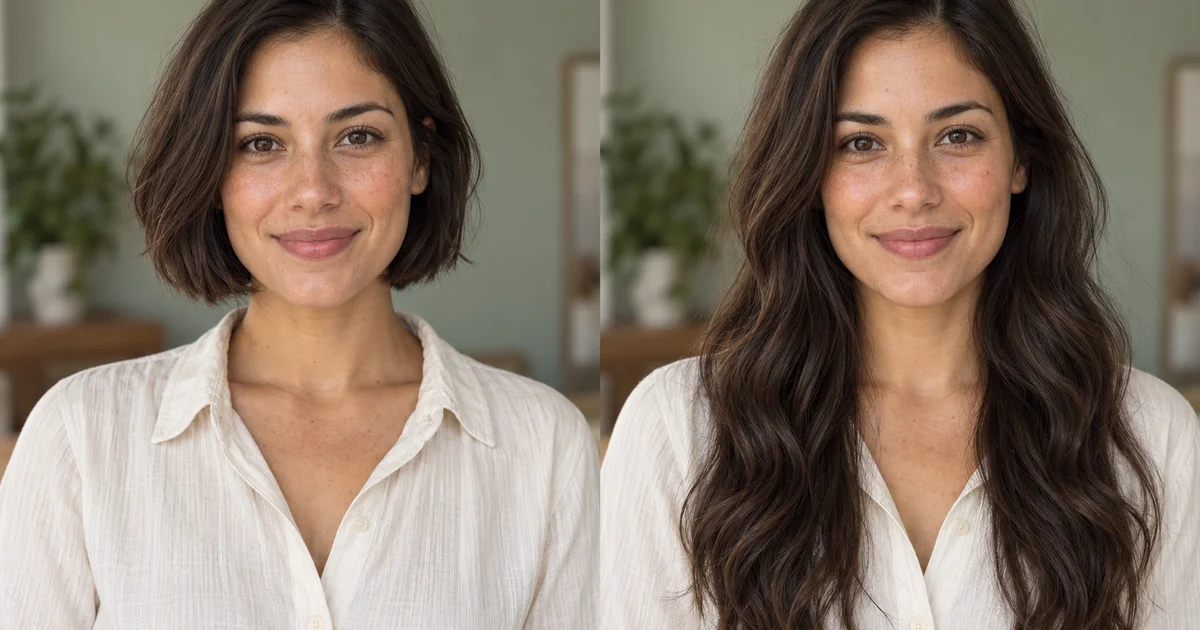
Long Hair Preview
Preview shoulder-length hair, long waves, a short bob or a new hair color on your own photo.
Upload or drop an image into AI image editor, then apply AI-powered edits like background removal, cleanup, upscaling, and style transforms — all in editaimg.
Upload an image and edit with AI.
Drag and drop image here, or click to select
Images only (≤50MB each); select up to 8 now (total 8)
2K isn't available for this aspect ratio — choosing it switches to 1:1.

 OriginalAI Result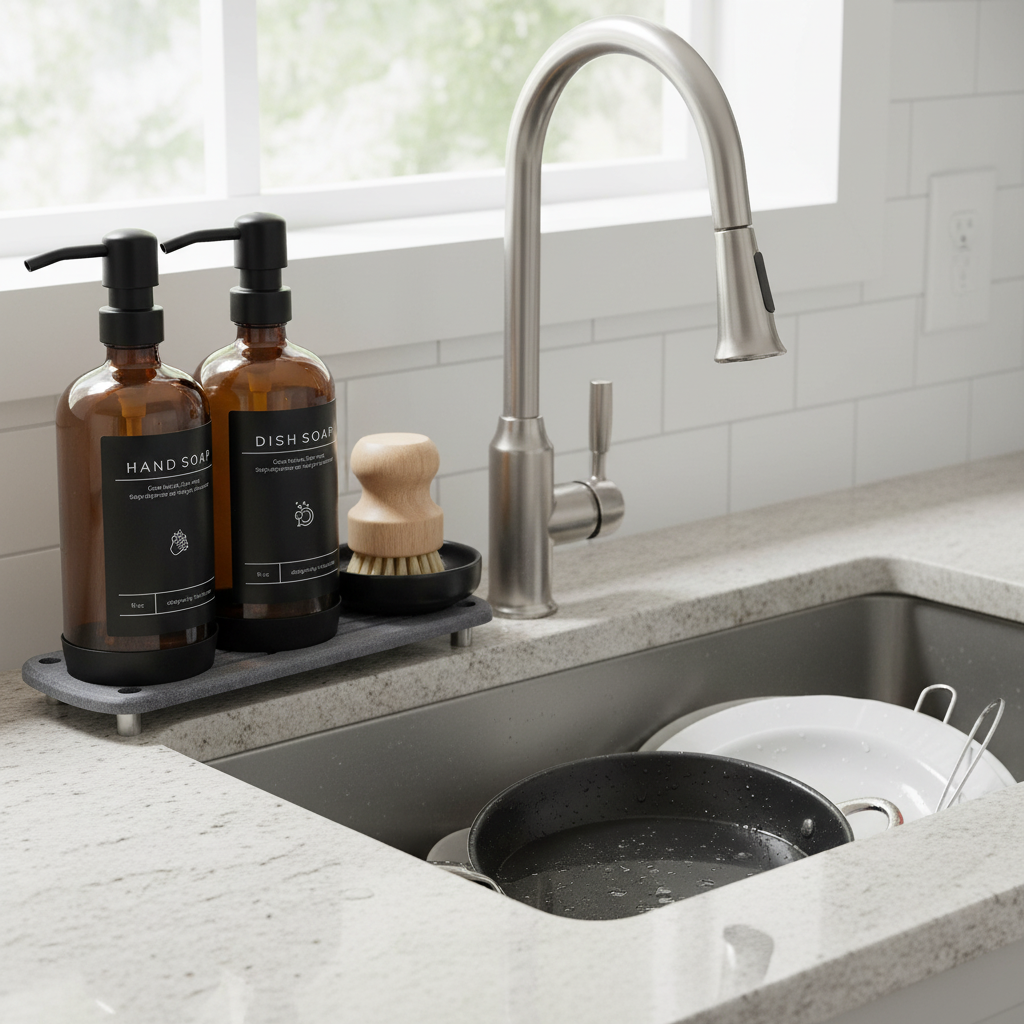
 OriginalAI Result
 OriginalAI Result
Unlock your full creative potential with our advanced AI Image Editor. Below, you will find a range of practical features designed to enhance your editing workflow. From quick fixes to complex transformations, this AI Image Editor provides the tools you need for professional results.
Preview shoulder-length hair, long waves, a short bob or a new hair color on your own photo.
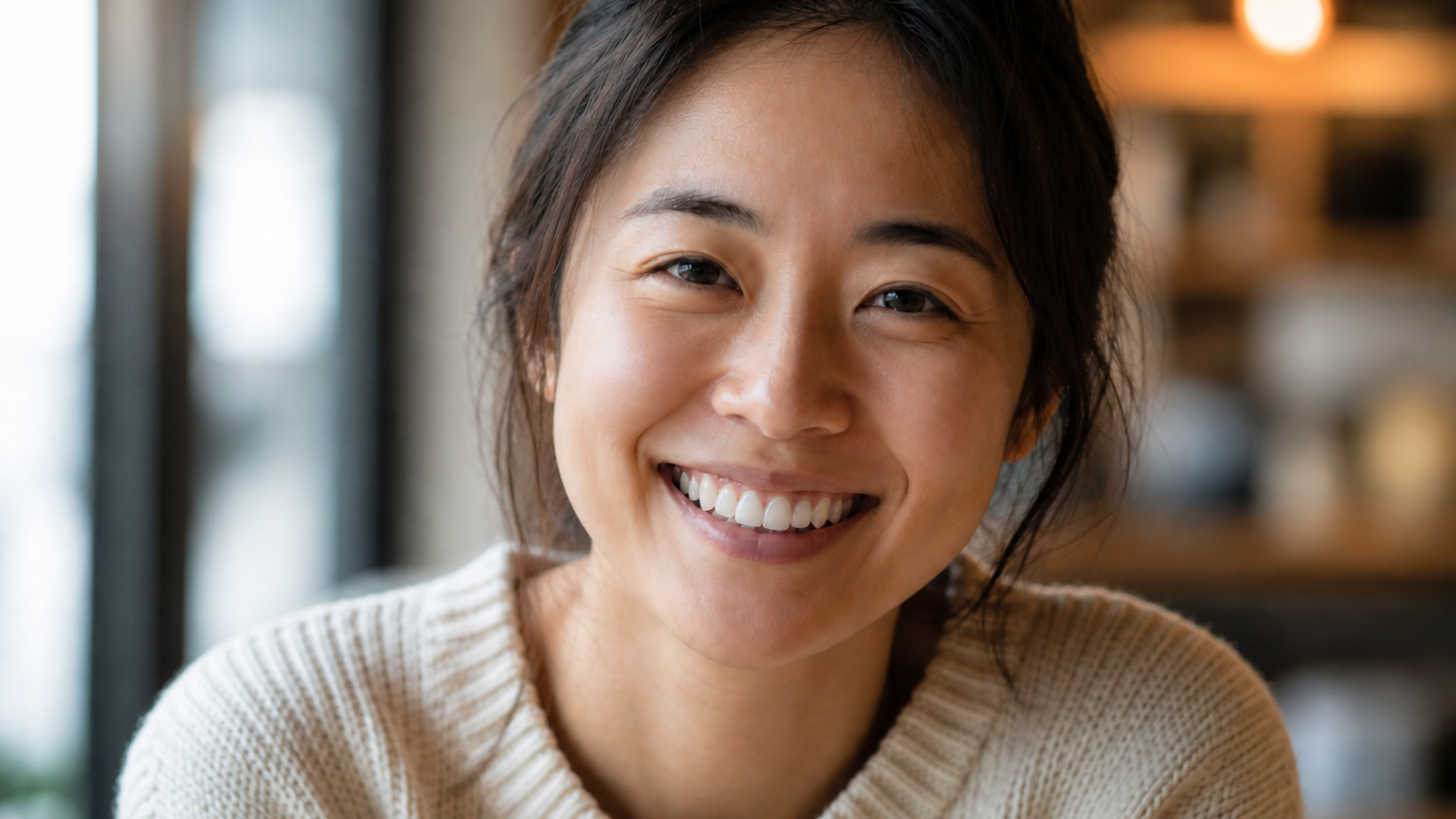
Whiten, straighten, fill small gaps, or repair chips in a portrait while keeping a natural smile.
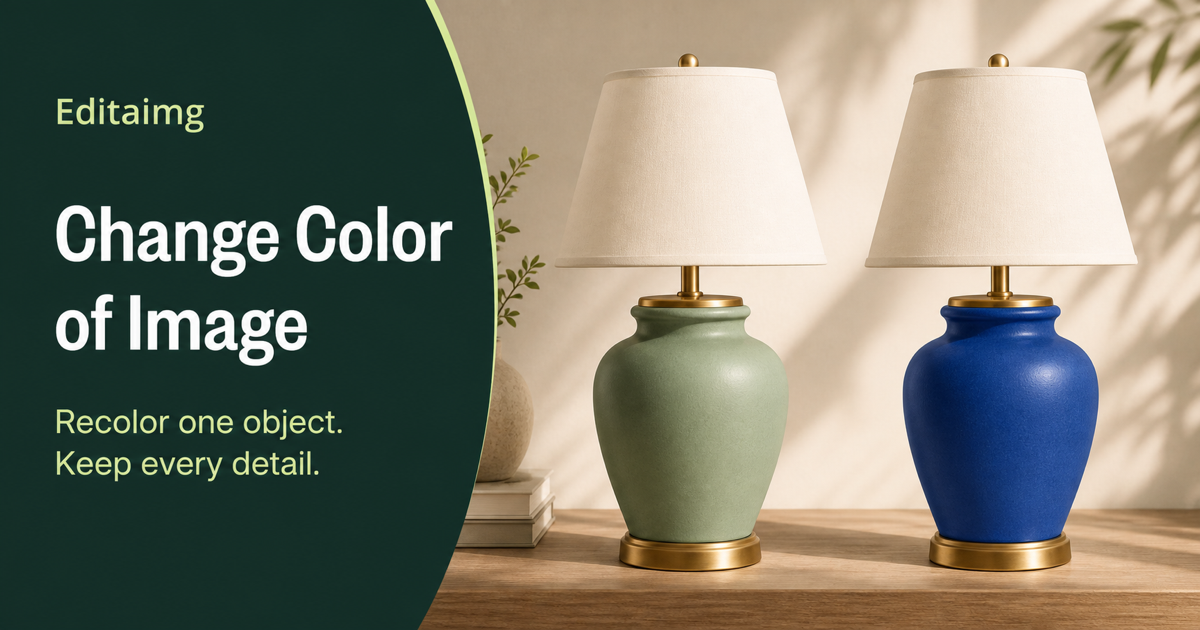
Recolor clothing, products, furniture, cars, or backgrounds while preserving texture, lighting, and surrounding details.
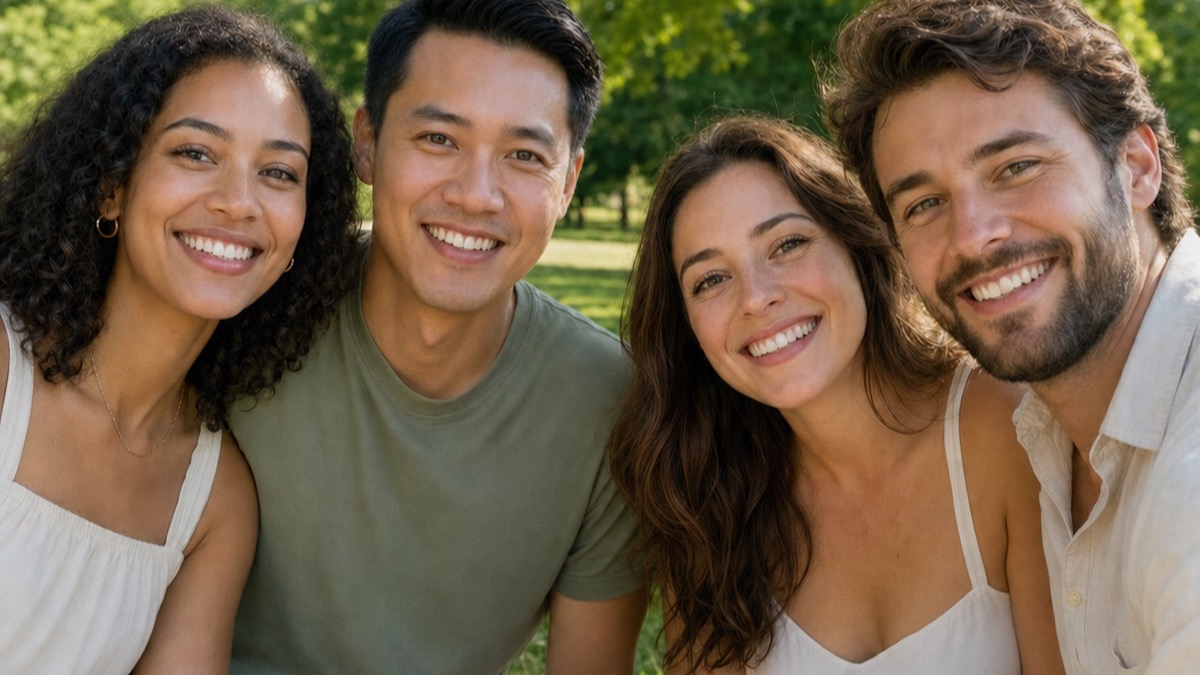
Fix closed or blinking eyes while preserving the person's face, expression, light, and background.
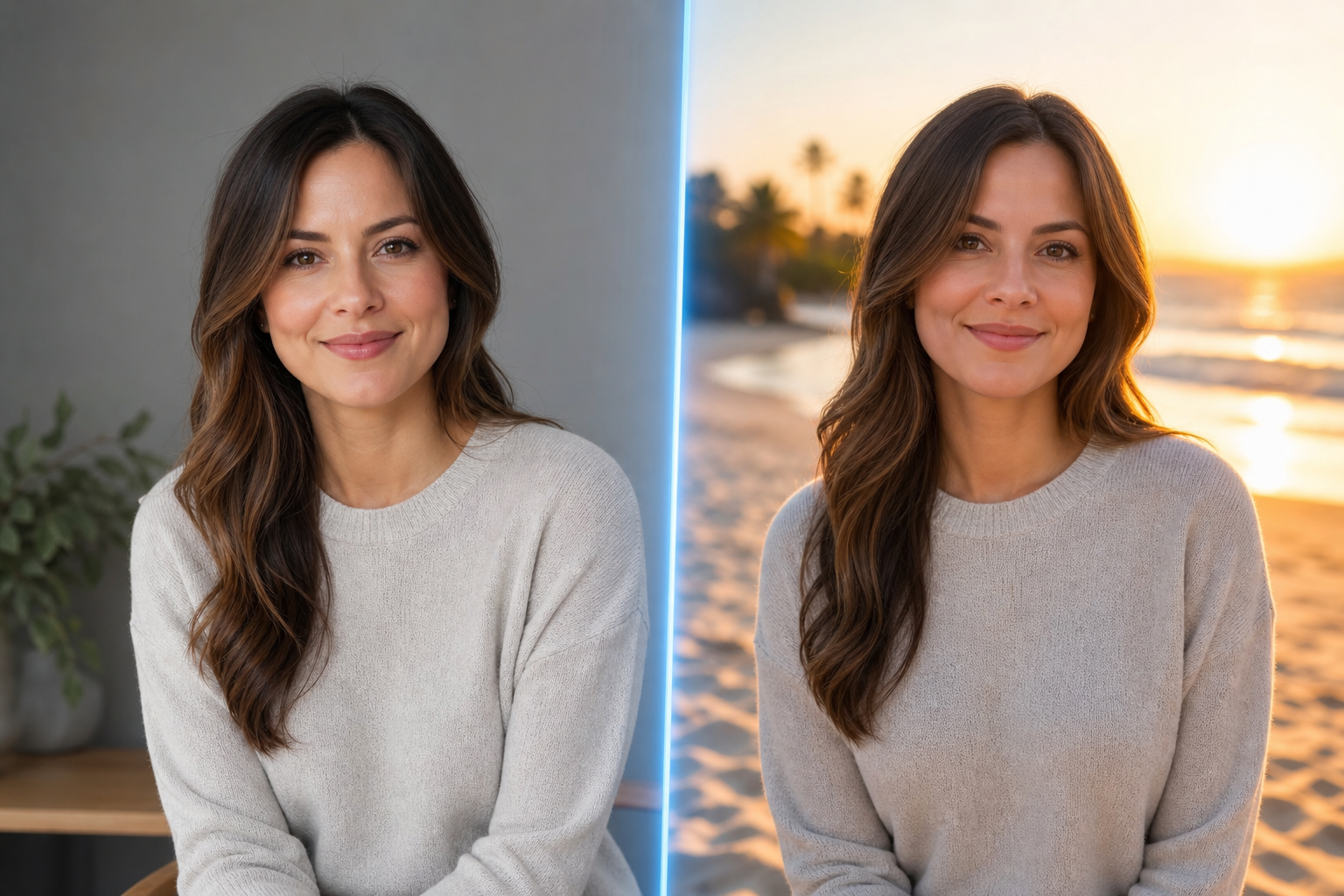
Change a photo's background, style, outfit, color, or object with one plain-language prompt.
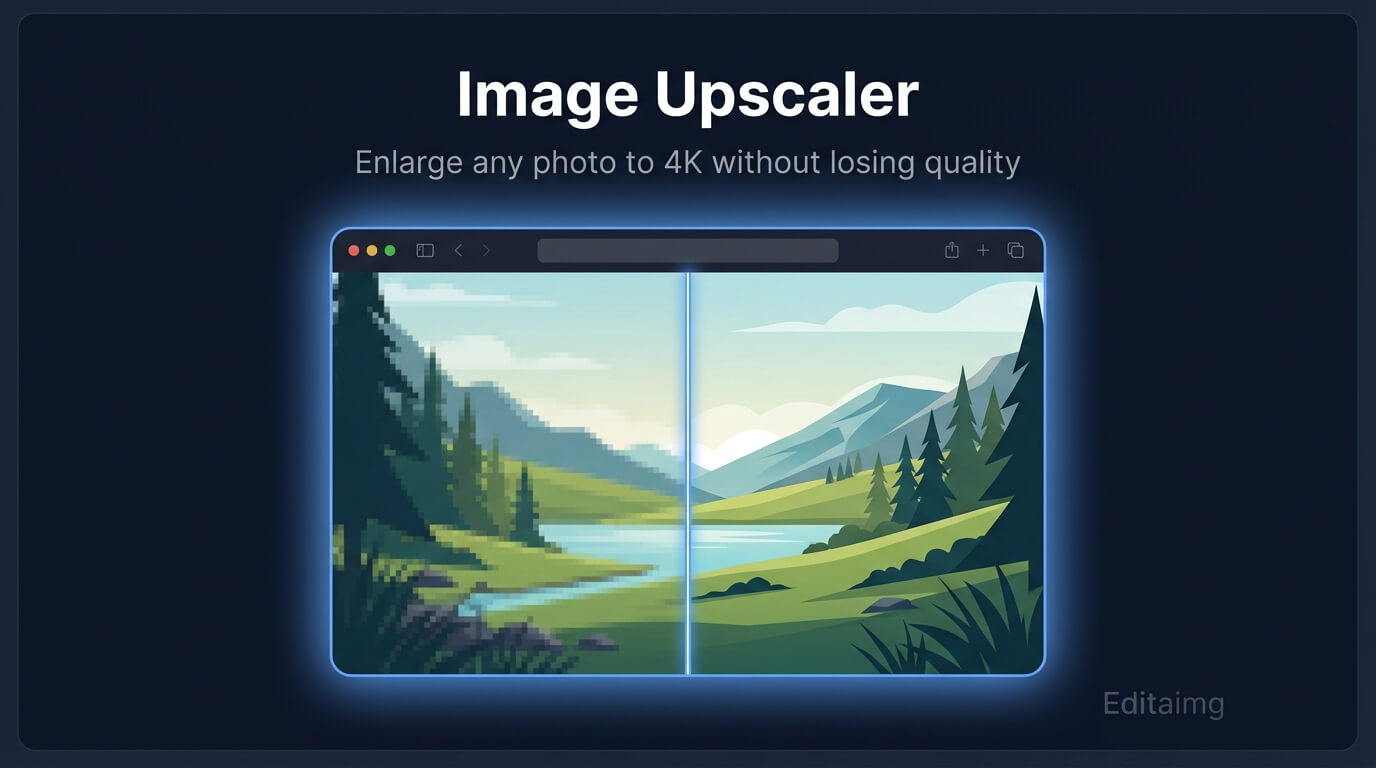
Double a photo's size while preserving sharpness, texture, and fine detail — no software needed.
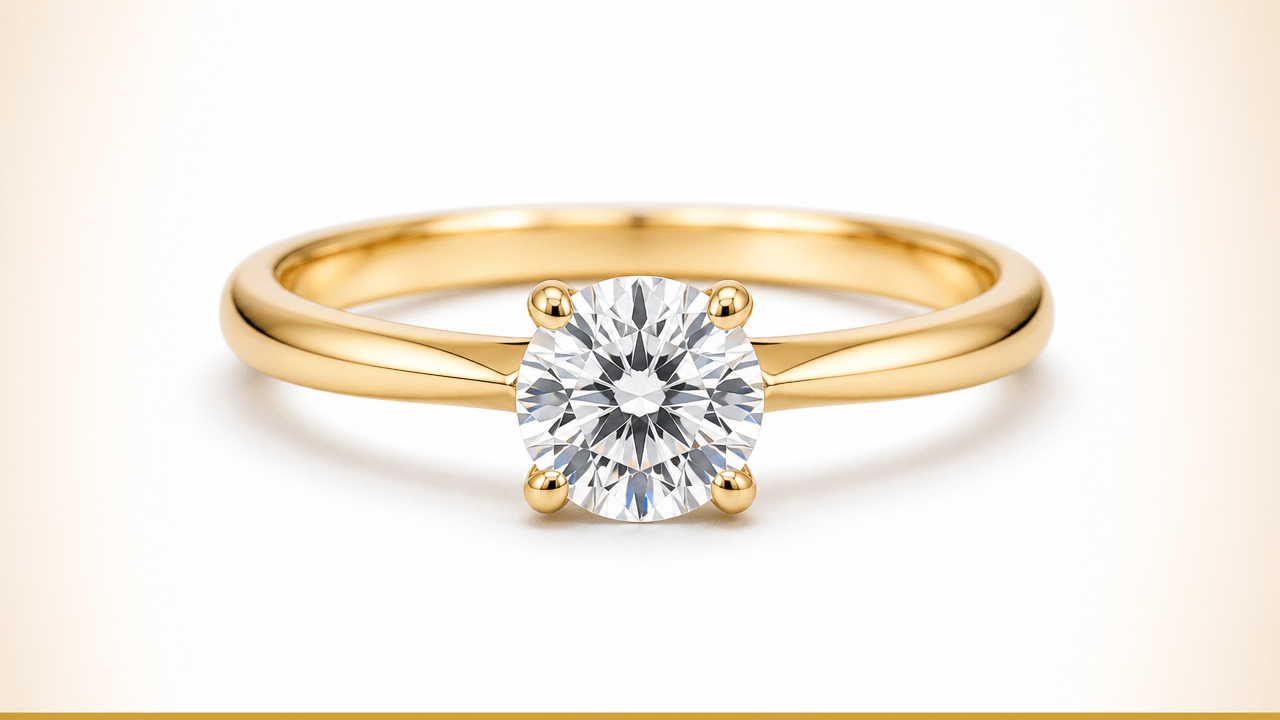
Turn coloured-background jewellery photos into clean, marketplace-ready white-background listing images in seconds.
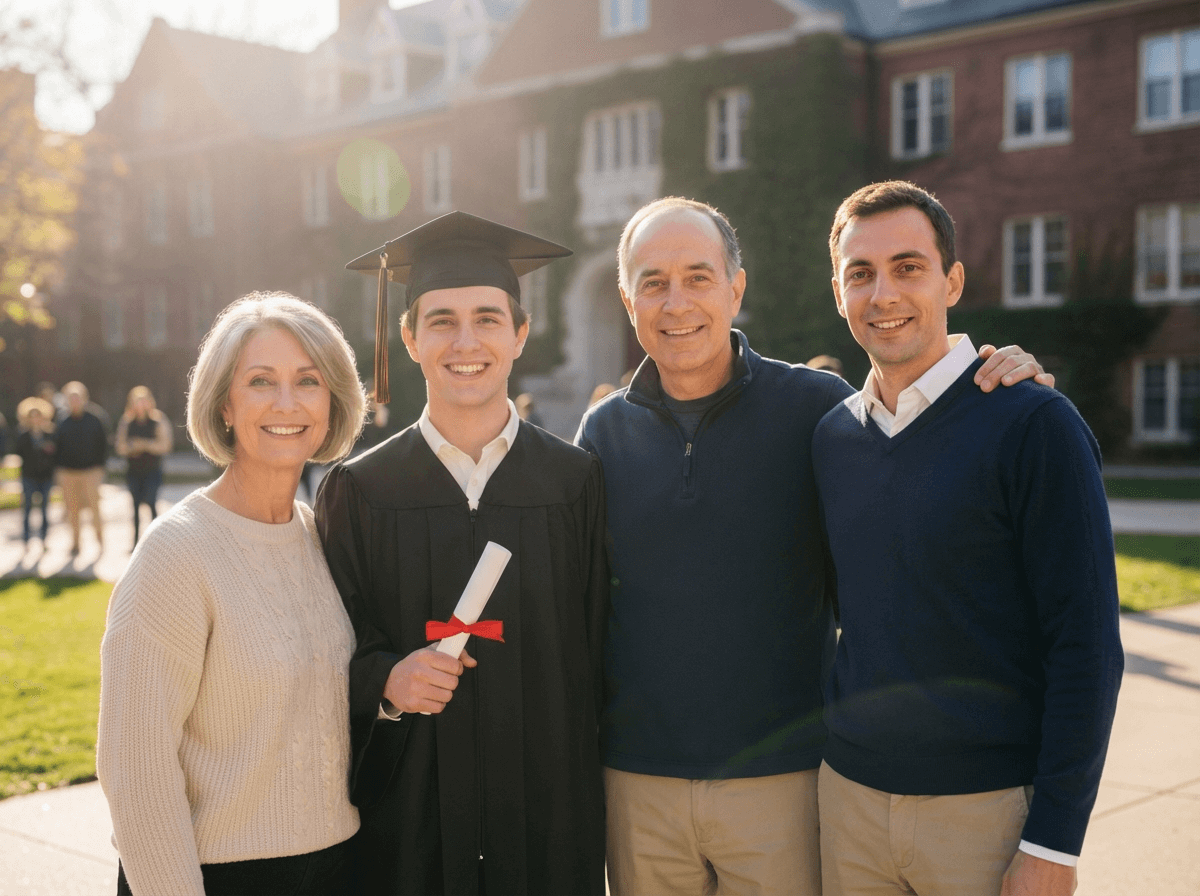
Add someone to a photo online and see how to add a person to a photo with natural blending in seconds.
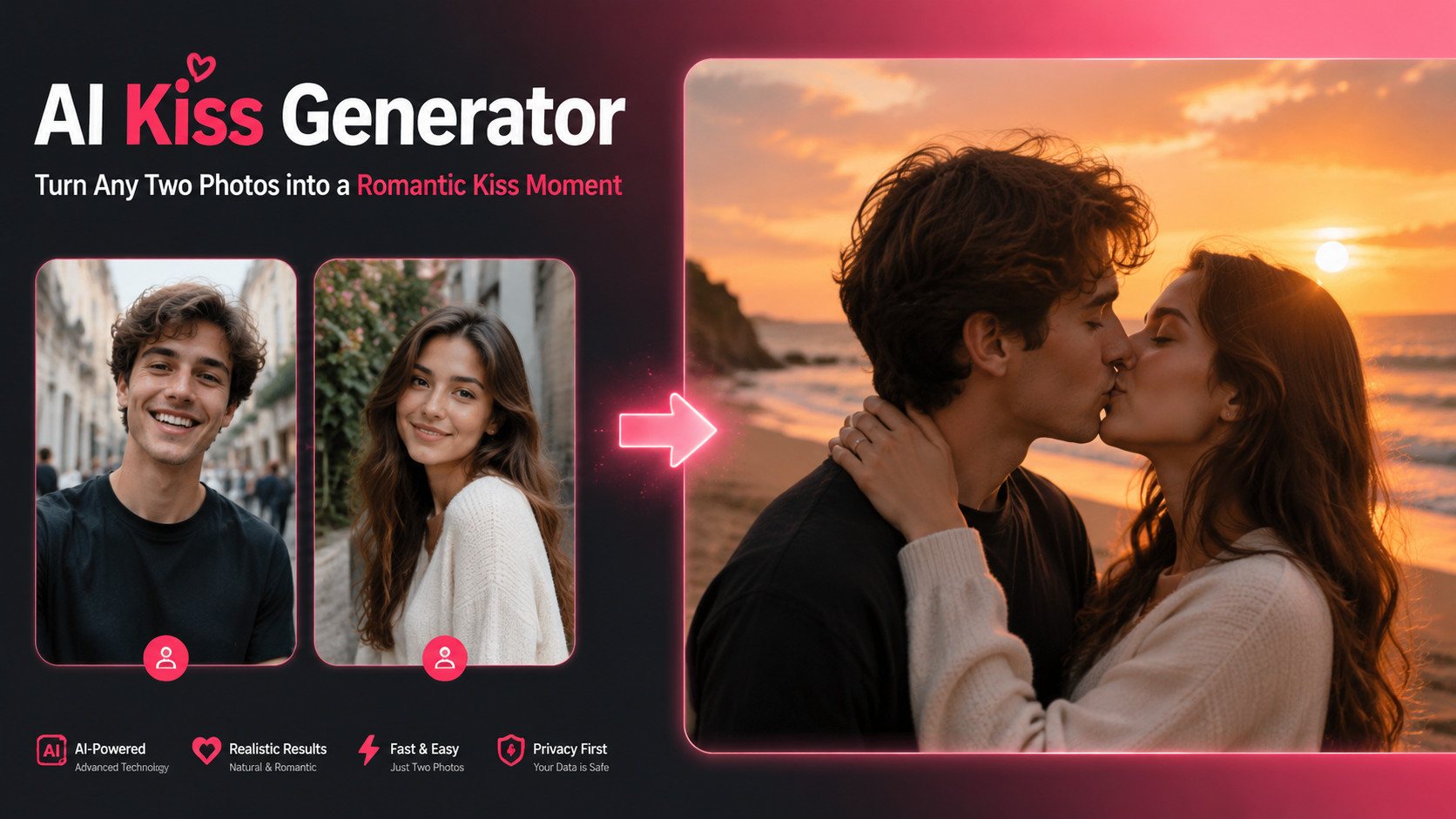
Turn any two photos — or even a single portrait — into a beautiful, romantic kiss image with realistic, anime, or cinematic styles.
Remove the visible Gemini watermark in your browser for clean, privacy-first exports.
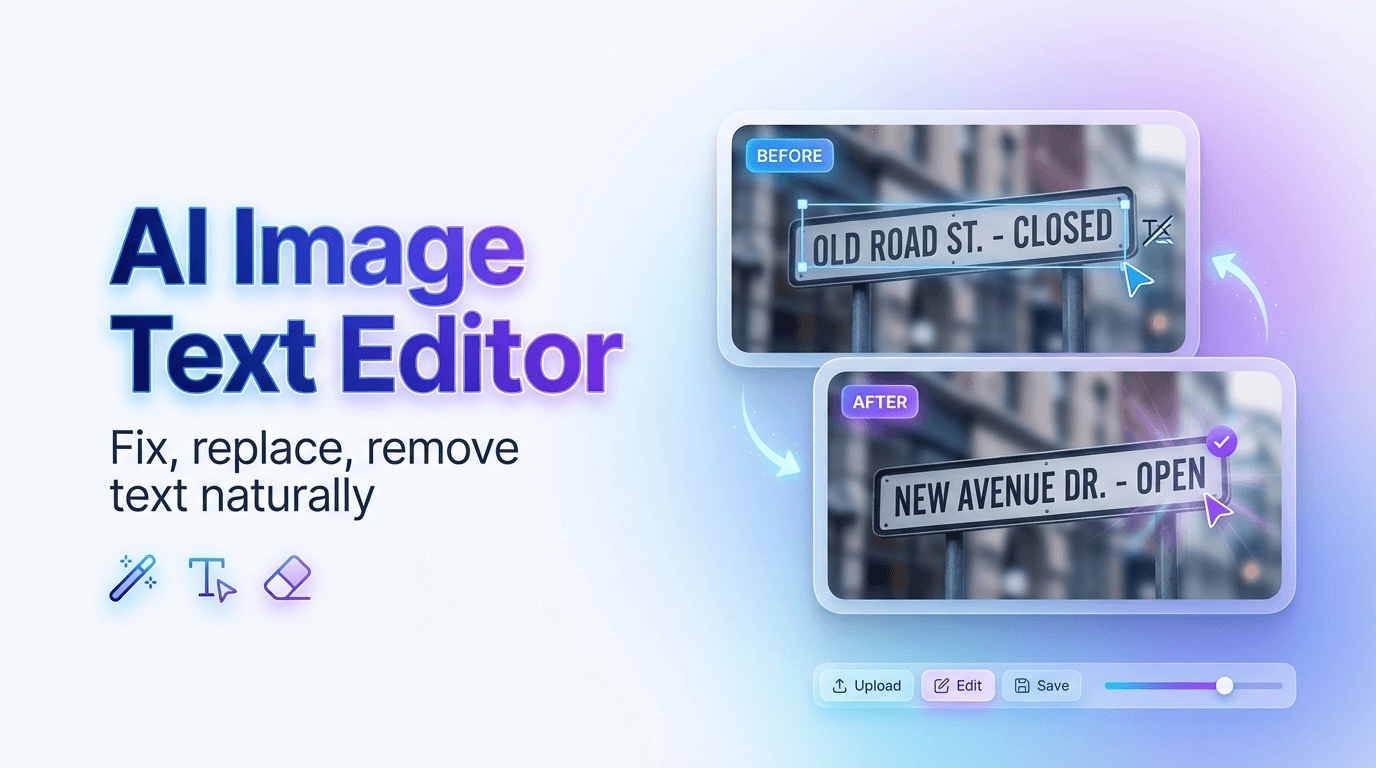
Add, edit, or remove text from images while matching fonts, colors, and texture.
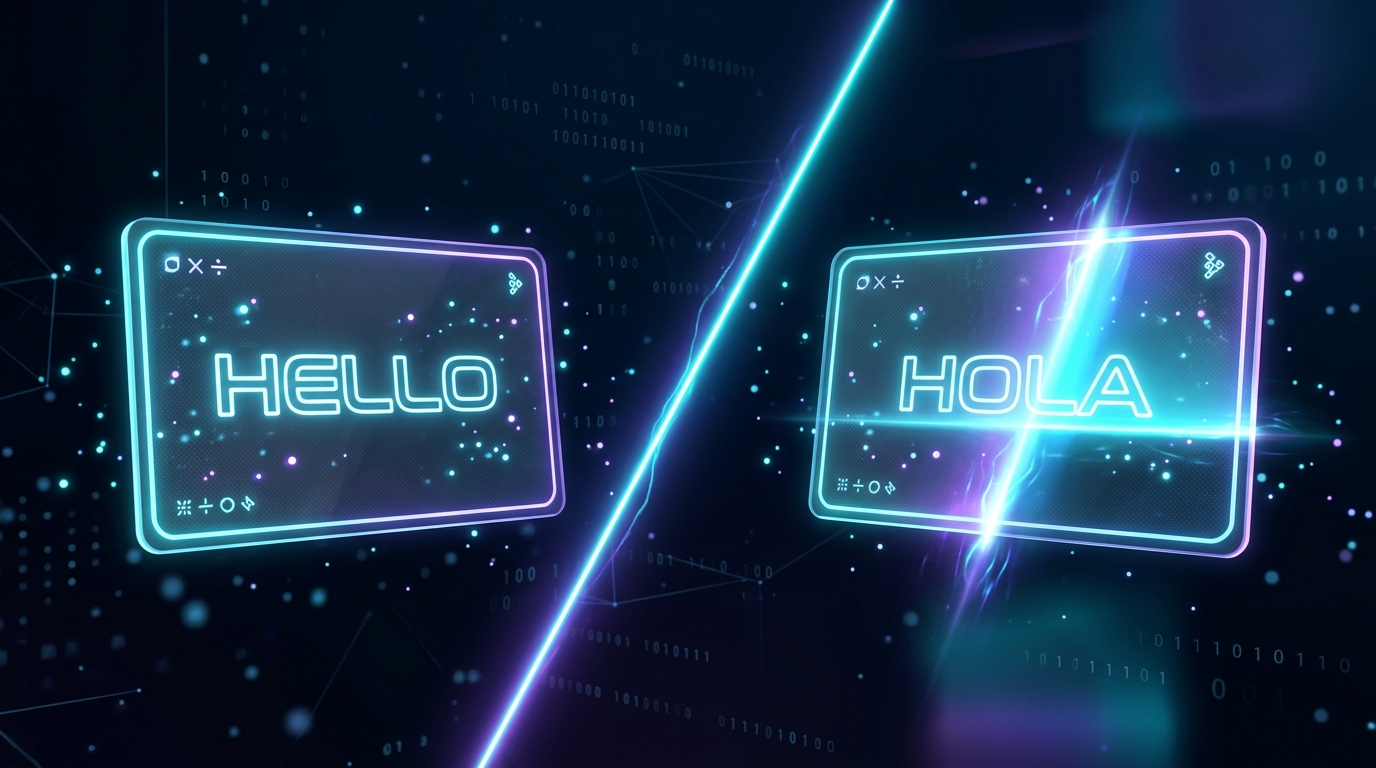
Translate text in images to over 130 languages while preserving the original style and formatting.

Add realistic snowfall and seasonal atmosphere to any image with adjustable intensity and lighting.
Streamline image work using AI Image Editor with non-destructive editing, instant previews, and one-click export. Clean up, remove backgrounds, upscale details, and restyle visuals—fast and simple.
Use AI Image Editor to apply artistic styles, color grading, and lighting adjustments that instantly transform the look of any image.
AI Image Editor for background removal, cleanup/inpainting, upscaling, and promptable transforms—no pro skills required.
Review results in a clean grid, then download or share with a single click.
From simple touch-ups to complete creative transformations, discover the power of AI Image Editor. Editaimg makes professional-level results accessible to everyone.
With AI Image Editor, subtly alter the details in your images. Seamlessly replace a coffee cup with a teacup in a poster, or swap any object to perfectly match your creative vision. AI Image Editor makes precise changes simple.


Let AI Image Editor transform your e-commerce product shots. Take a simple white-background image, like a soap dispenser, and place it in a realistic setting, such as on a kitchen sink. AI Image Editor creates professional, stunning product photos in an instant.
Try the AI Image Changer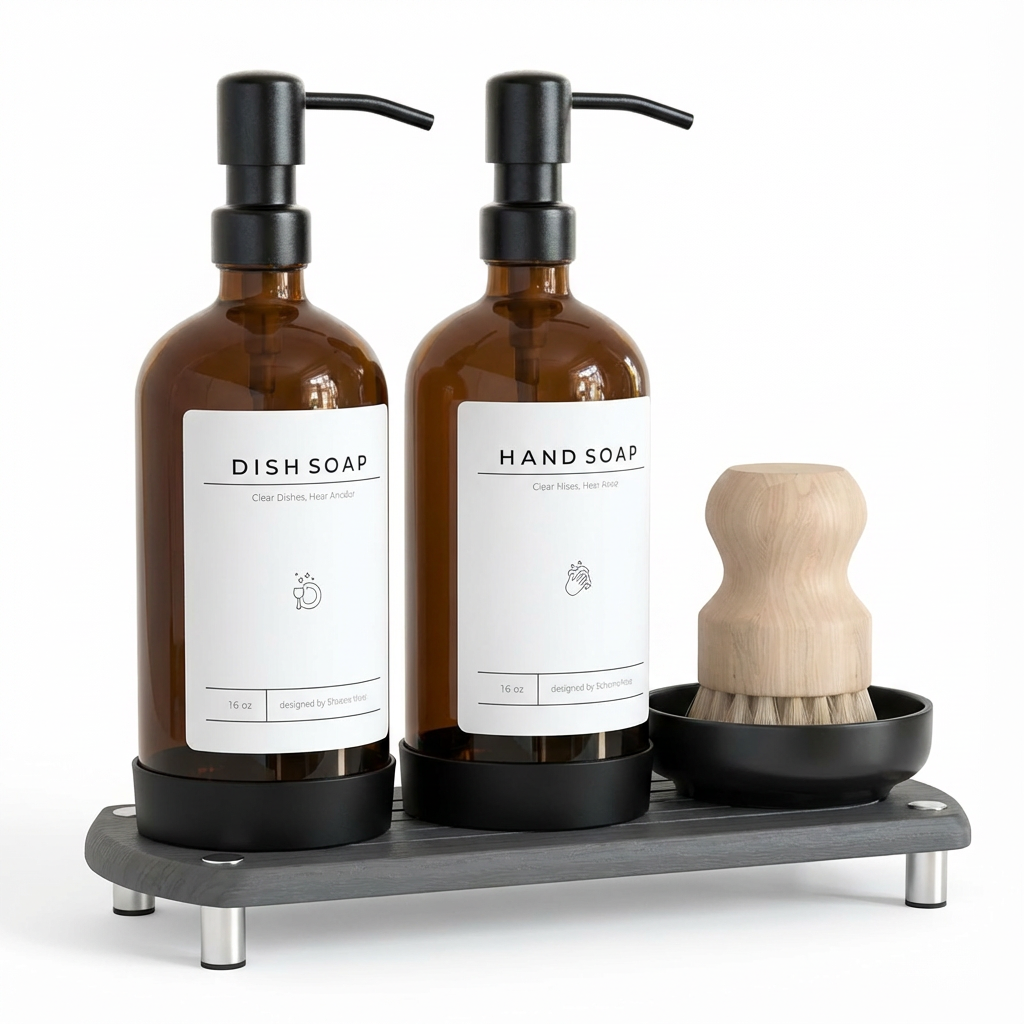

Leverage AI Image Editor to effortlessly remove unwanted people from your travel photos, erase distracting utility poles from landscape shots, or clear away trash for a perfect beach picture. AI Image Editor intelligently identifies and removes these objects, seamlessly reconstructing the background to give you a clean, beautiful, and uncluttered final image.
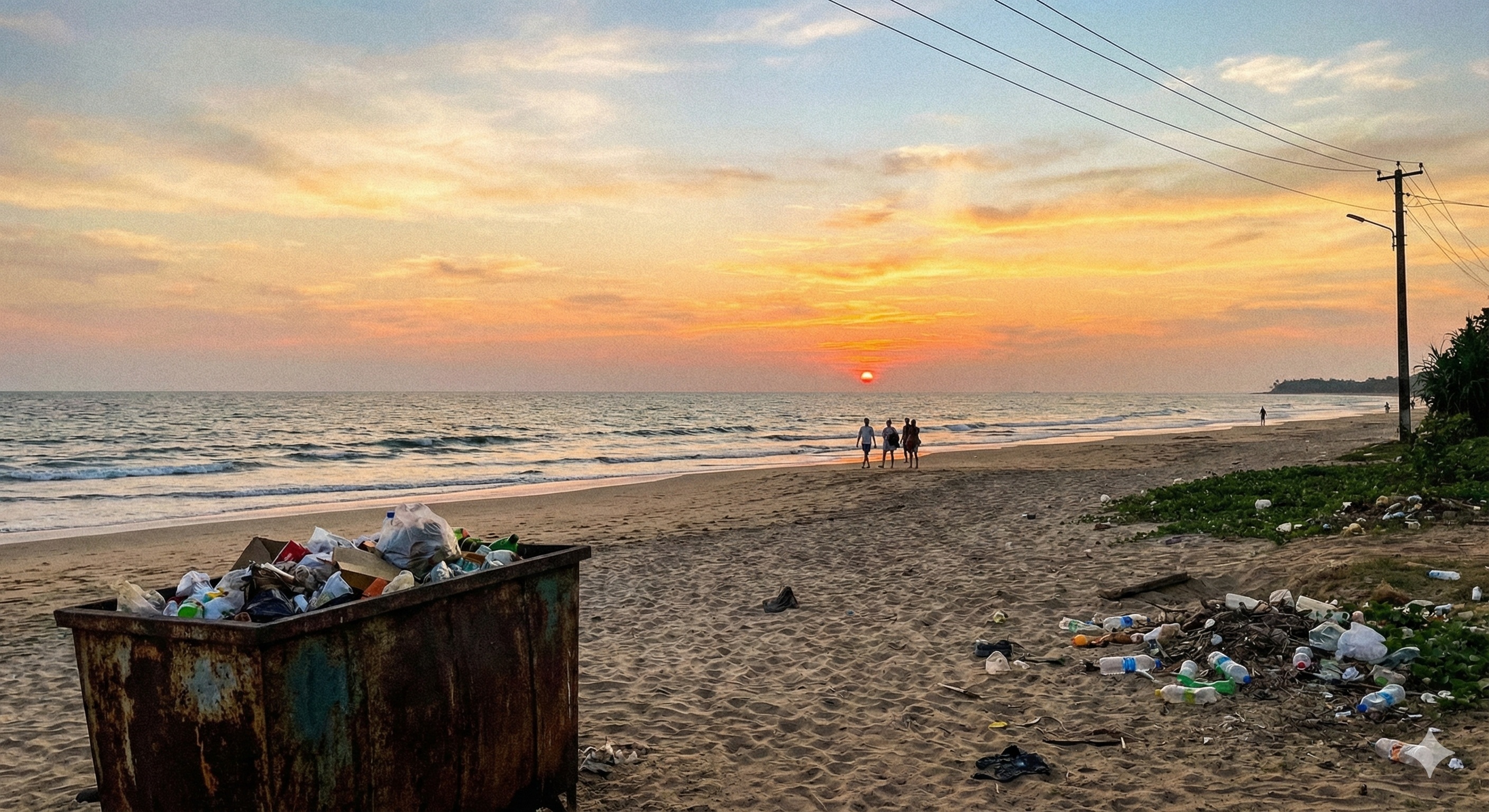
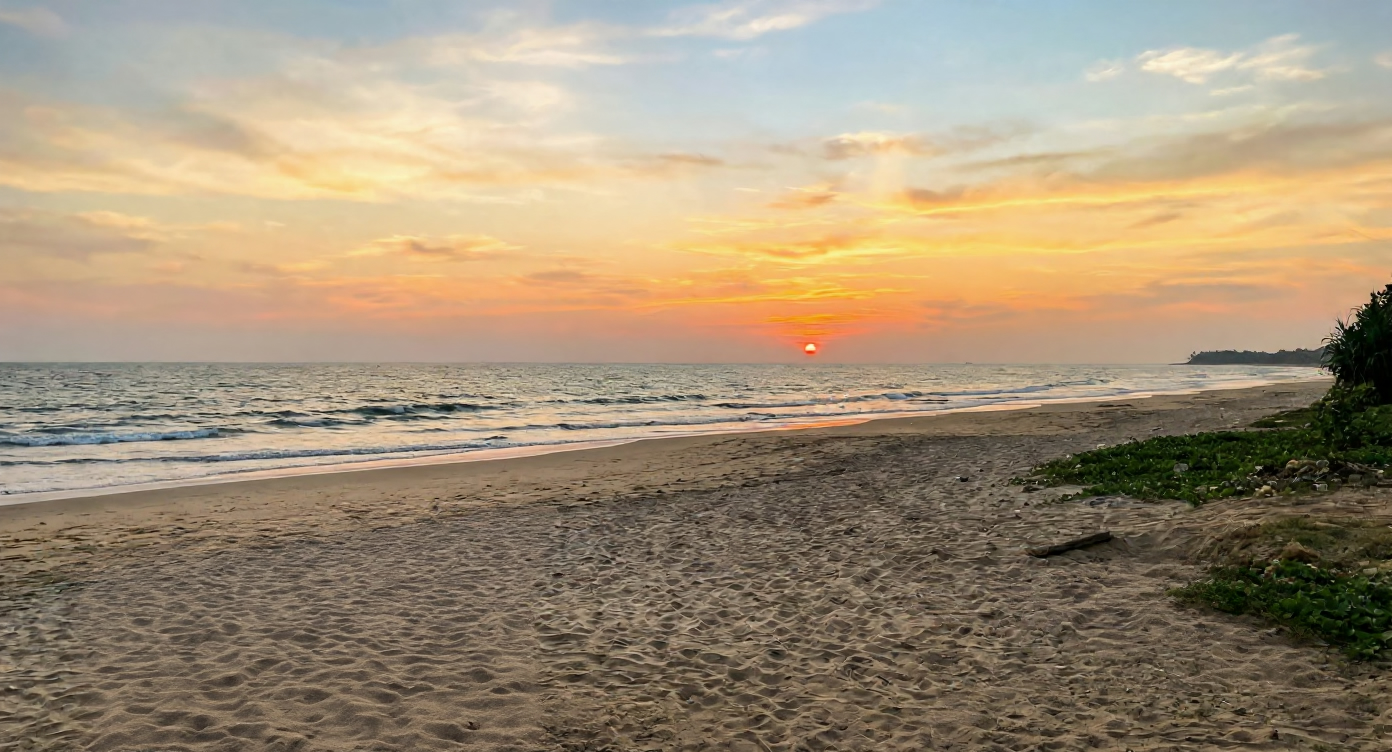
Quickly get started with AI Image Editor in four easy steps, and experience the seamless workflow that AI Image Editor brings to your creative process.
Drag and drop your file directly into AI Image Editor to begin. We support various formats, making it easy to start your creative process instantly.
Use the prompt box to tell AI Image Editor exactly what you need. Whether it's removing an object or changing the style, just type your vision.
Fine-tune your output with AI Image Editor's advanced settings. Adjust aspect ratios, select file formats, and choose style strength for precise control.
Hit the 'Edit' button and watch AI Image Editor transform your photo in seconds. Review the high-quality results and download them with a single click.
Get full access to the AI Image Editor features. One price, unlimited creativity.
Basic AI Image Editor credits for light usage
No subscription required. Flexible AI Image Editor credits.
Standard AI Image Editor pack for regular creators
No subscription required. Flexible AI Image Editor credits.
Premium AI Image Editor volume for professionals
No subscription required. Flexible AI Image Editor credits.
Everything you need to know about using our AI Image Editor for background removal, upscaling, and creative transforms.
From object removal to background changes, Editaimg's AI Image Editor empowers you to create stunning images in seconds.
Discover expert tutorials, detailed guides, and the latest updates to help you master AI image editing and achieve stunning visuals.
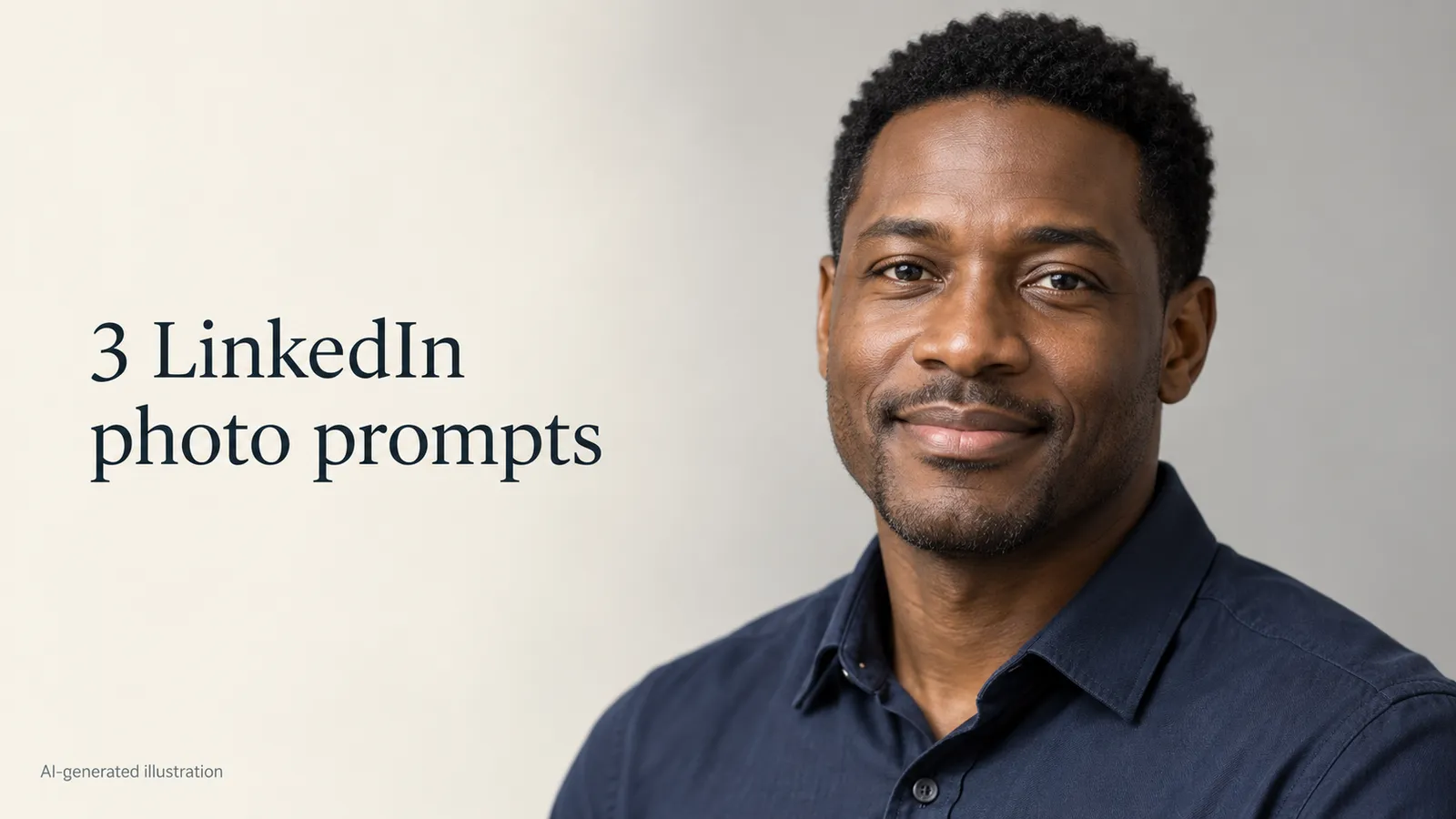
Copy three LinkedIn headshot prompts for a gray studio, bright office or warm backdrop. Choose a source photo, edit it, and check that it still looks like you.
 hinkid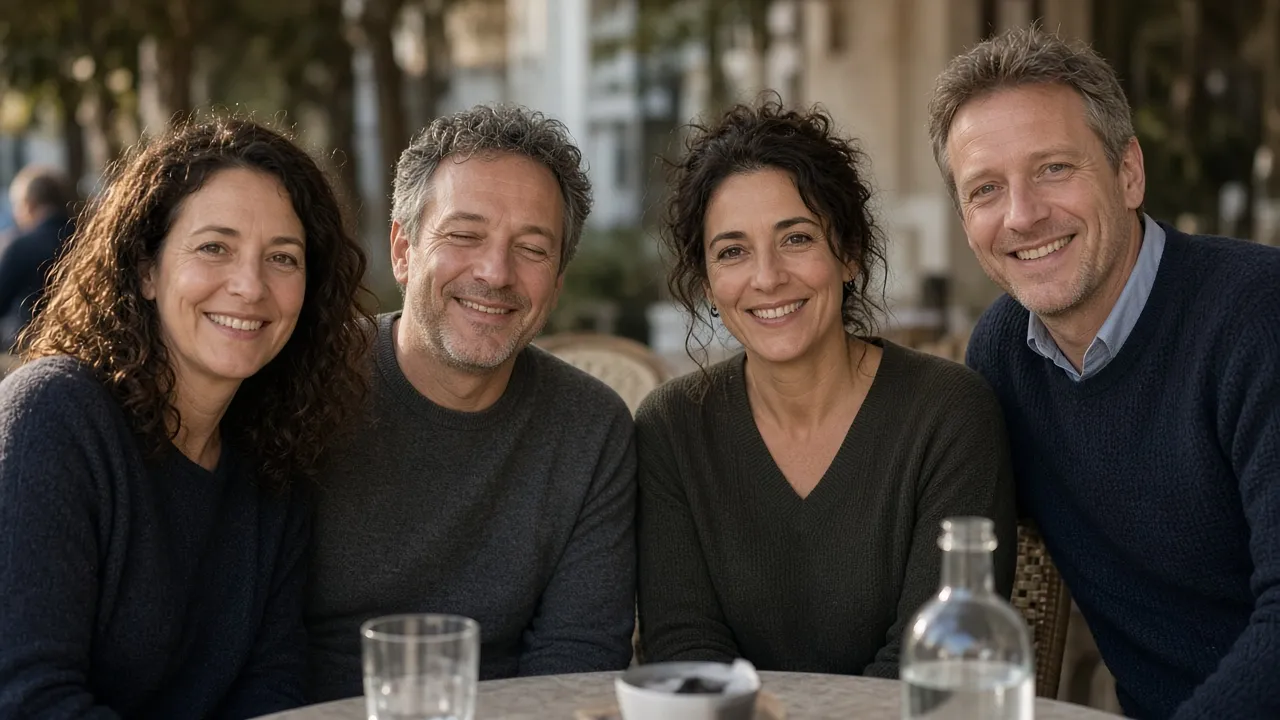
Both eyes shut and no other frame? Fix closed eyes in a photo without a donor shot, then check catchlights, gaze, and the smile before you send it.
hinkid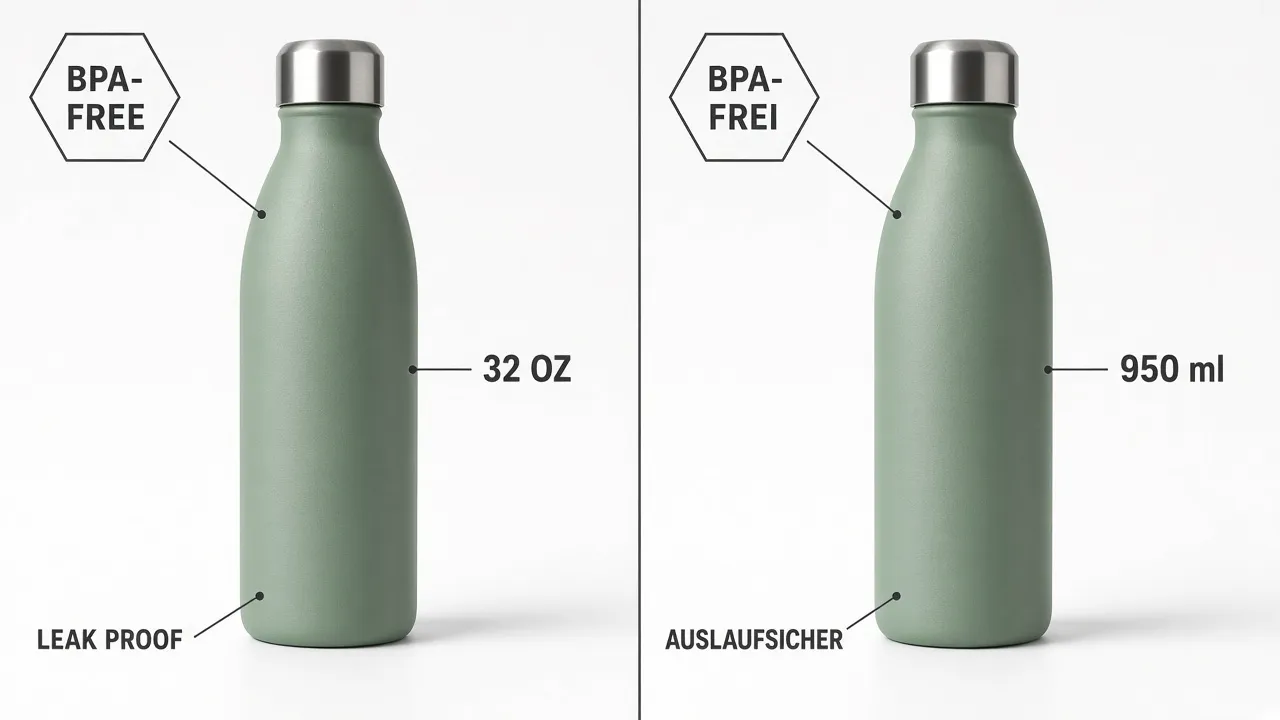
Amazon listing images stay English after Global Selling. Translate infographics for DE/JP without a reshoot, then QA claims Amazon auto-translate misses.
hinkid