5 Best AI Tools to Add a Person to a Photo in 2026
Looking for the best AI tool to add a person to a photo in 2026? We tested the most popular options and broke down exactly what each one is good for — so you can pick the right tool without wasting time.
How We Evaluated These Tools
We focused on four things that actually matter: how natural the blending looks (lighting, shadows, perspective), how easy the tool is to use with no prior editing experience, whether a free tier exists that produces usable results, and output quality without watermarks.
The 5 Best AI Tools to Add a Person to a Photo (2026)
1. Editaimg — Best for No-Prompt Simplicity
Best for: Anyone who wants realistic results without writing a single prompt
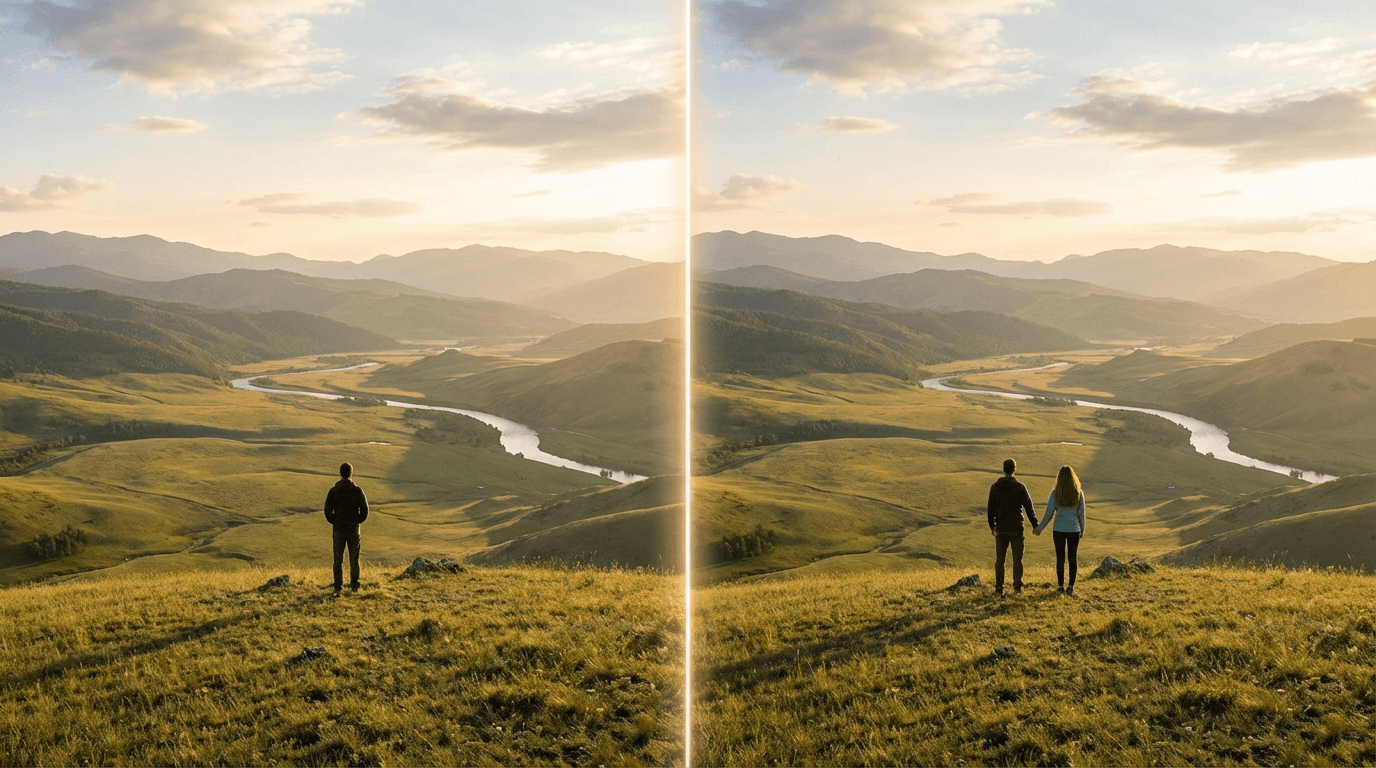
Editaimg takes a different approach from most tools: you upload two photos (background + person), select output size, and hit Generate. There's no prompt required. The AI automatically handles background removal, placement, lighting matching, and perspective — making it the most beginner-friendly option on this list.
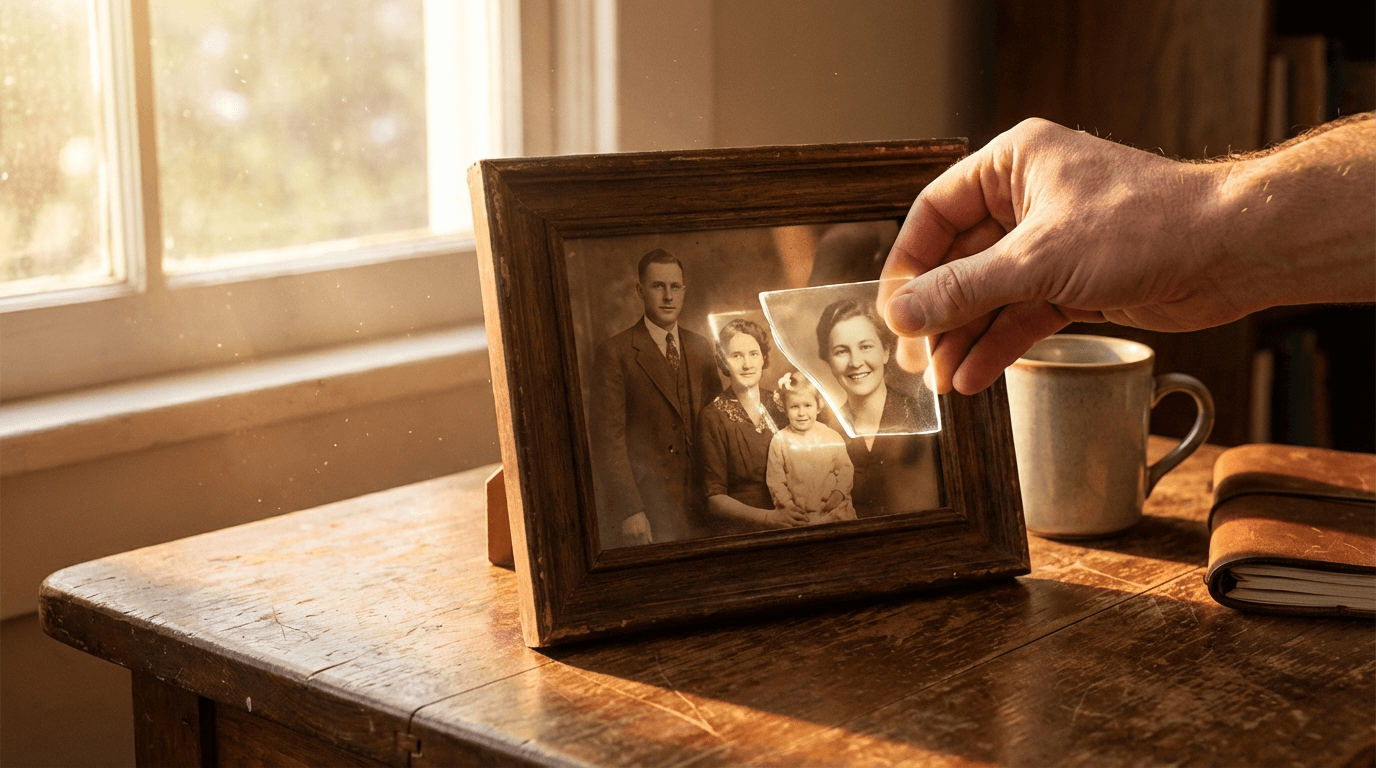
It's particularly strong for emotionally meaningful use cases: adding a deceased loved one to a family portrait, completing a group photo where someone was absent, or merging long-distance friends into a shared memory.
✓ Pros
- No prompt needed
- Free tier available
- Mobile optimized
- HD download
✗ Cons
- Less manual control vs. pro tools
2. Somake AI — Best for Creative Control
Best for: Users who want to specify exact placement and pose via text prompt
Somake AI lets you add a prompt describing where and how the person should appear — for example, "standing on the left side next to the tree." It also offers multiple AI models, including a premium photorealism model for higher-quality outputs. Great if you want more control over the final composition.
✓ Pros
- Prompt-based placement control
- Multiple AI model options
- 300+ other AI tools included
✗ Cons
- Requires prompt writing
- Premium model behind paywall
3. Fotor — Best for Group Photos
Best for: Adding multiple people at once or working with group shots
Fotor is a well-established browser-based photo editor with a dedicated Add Person feature. Its standout capability is handling multiple people simultaneously, which is useful when you need to composite several subjects into one scene. It also supports adding objects and pets, not just people.
✓ Pros
- Handles multiple people at once
- Supports objects and pets too
- Established platform, reliable
✗ Cons
- More steps than single-purpose tools
- Free tier has watermarks
4. Media.io — Best for Privacy-Conscious Users
Best for: Users who are sensitive about uploading personal photos
Media.io explicitly states that uploaded photos are automatically deleted within 7 days and never used for AI training — a meaningful differentiator when you're uploading photos of family members or loved ones. Results are realistic and it supports adding multiple people to a single image.
✓ Pros
- Clear privacy policy on uploads
- Supports multiple people
- Prompt library for beginners
✗ Cons
- Premium features behind paywall
5. Pokecut — Best for E-commerce & Marketing
Best for: Marketers and e-commerce sellers who need to place models into product scenes
Pokecut is optimized for commercial workflows — placing models or people into product and advertising scenes at scale. It supports manual resizing and repositioning after AI placement, giving you more layout control than most consumer tools. If you're running an online store and need quick product visuals, this is worth trying.
✓ Pros
- Manual resize and reposition
- Built for e-commerce workflows
- High resolution output
✗ Cons
- Less focused on personal/family use cases
Quick Comparison
Editaimg
Top PickSomake AI
Fotor
Media.io
Pokecut
| Tool | Free Tier | No Prompt | Multi-Person | Best For |
|---|---|---|---|---|
| Editaimg | ✓ | ✓ | — | Beginners, family photos |
| Somake AI | ✓ | — | ✓ | Creative control |
| Fotor | ✓ (watermark) | — | ✓ | Group photos |
| Media.io | ✓ | — | ✓ | Privacy-conscious users |
| Pokecut | ✓ | — | ✓ | E-commerce & marketing |
Which Tool Should You Choose?
If you want the fastest, most frictionless experience with no learning curve, Editaimg is the right starting point — upload two photos and you're done. If you need precise control over placement via text prompts, try Somake AI. For group composites with multiple people, Fotor handles that well. If privacy is your main concern when uploading family photos, Media.io's explicit data deletion policy is a meaningful differentiator. And if you're building marketing visuals at scale, Pokecut's e-commerce workflow is purpose-built for that.
Not sure how to actually use it? We have a step-by-step walkthrough here → How to Add Someone to a Photo with AI (2026 Guide).
If you want a dedicated tool built specifically for this use case — with one-time credit pricing and no subscription — add-person-to-photo.com is worth a look.
🪄 Try Editaimg Free — No Prompt, No Photoshop
Upload two photos, click Generate. Realistic results in seconds.