Manga Scanlation Tools: Automate Your Workflow (2026)
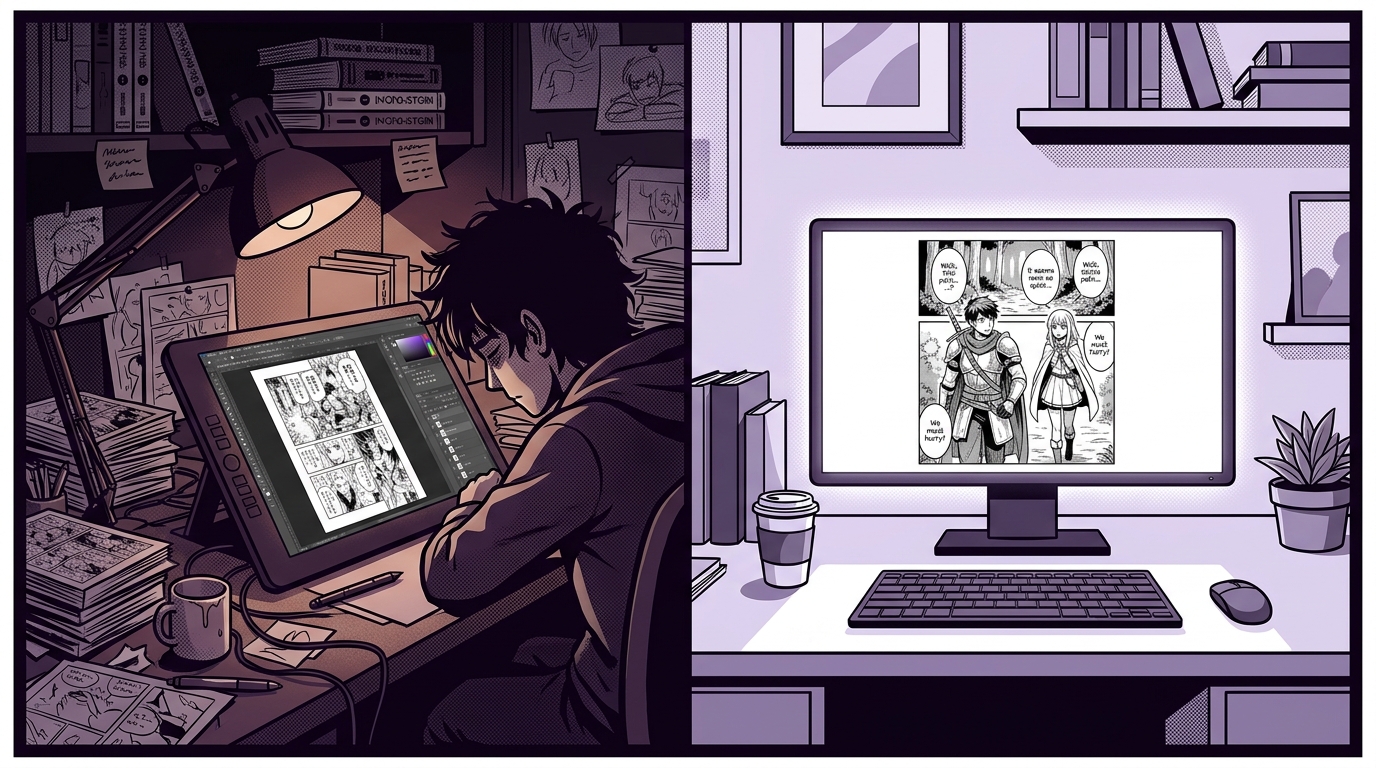
If you're running a scanlation group, you already know the workflow. Someone rips the raw, you clean it, redraw the backgrounds behind the text, translate, typeset, proofread, and finally release. A single chapter can take a team of four people an entire weekend.
Most "manga translation tools" you find online are built for readers — someone who wants to casually understand a panel on their phone. This guide is not for them. This is for groups who care about output quality and want to find out which parts of the scanlation pipeline can realistically be automated in 2026, and which parts still need a human.
What a Real Scanlation Workflow Actually Looks Like
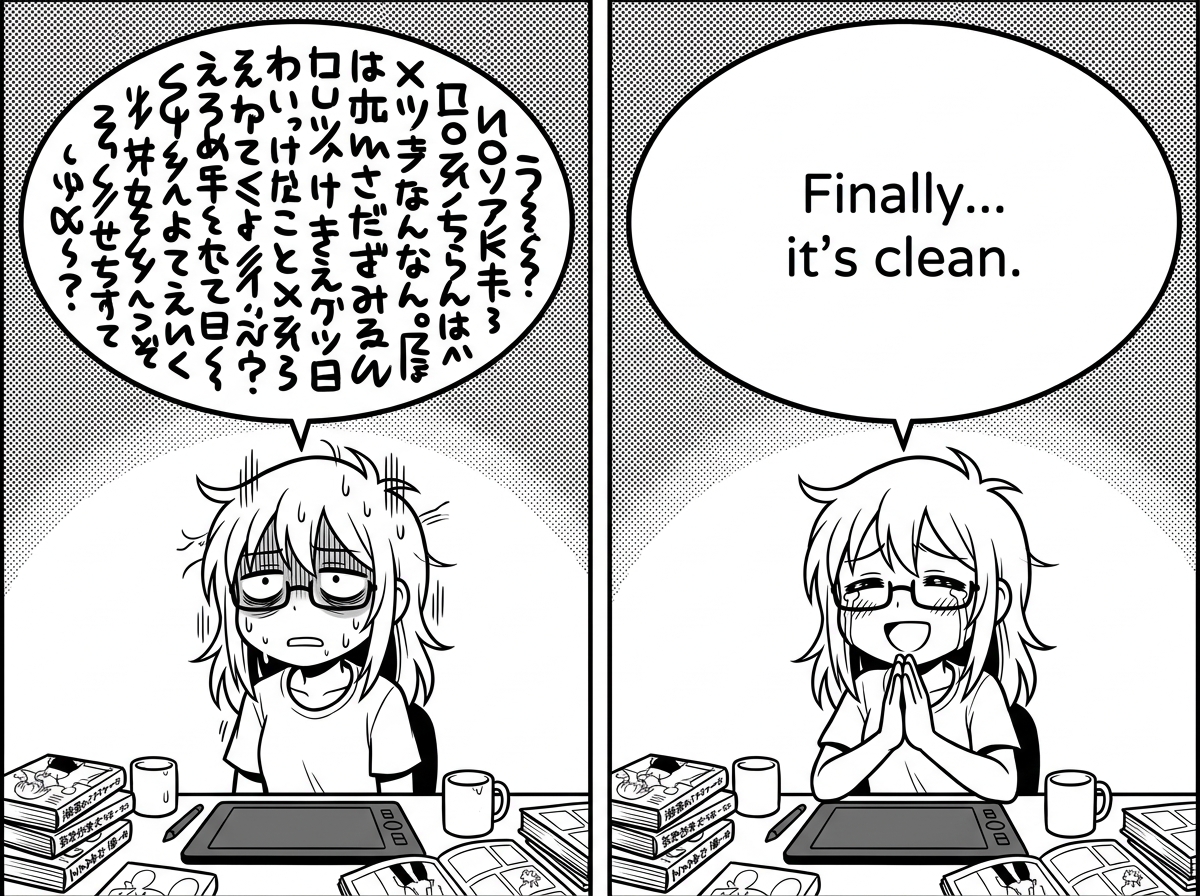
Before talking about automation, it helps to be precise about where the time actually goes. A typical chapter workflow breaks down into these stages:
- Ripping / scanning — getting the raw image files
- Cleaning — removing dust, moiré patterns, leveling tones
- Text removal & redrawing — erasing original text, reconstructing the background underneath
- Translation — converting the script from source language
- Typesetting — placing translated text back into bubbles with correct font, size, and spacing
- Proofreading / QC — catching errors before release
Steps 3 and 5 — redrawing and typesetting — consistently eat the most hours. Cleaning is fast once you have Photoshop actions set up. Translation speed depends on your translator. But redrawing a complex background behind a speech bubble, then typesetting 200 bubbles across 40 pages? That's where groups burn out and releases slow down.
The Two Bottlenecks Worth Automating
1. Text Removal & Redrawing
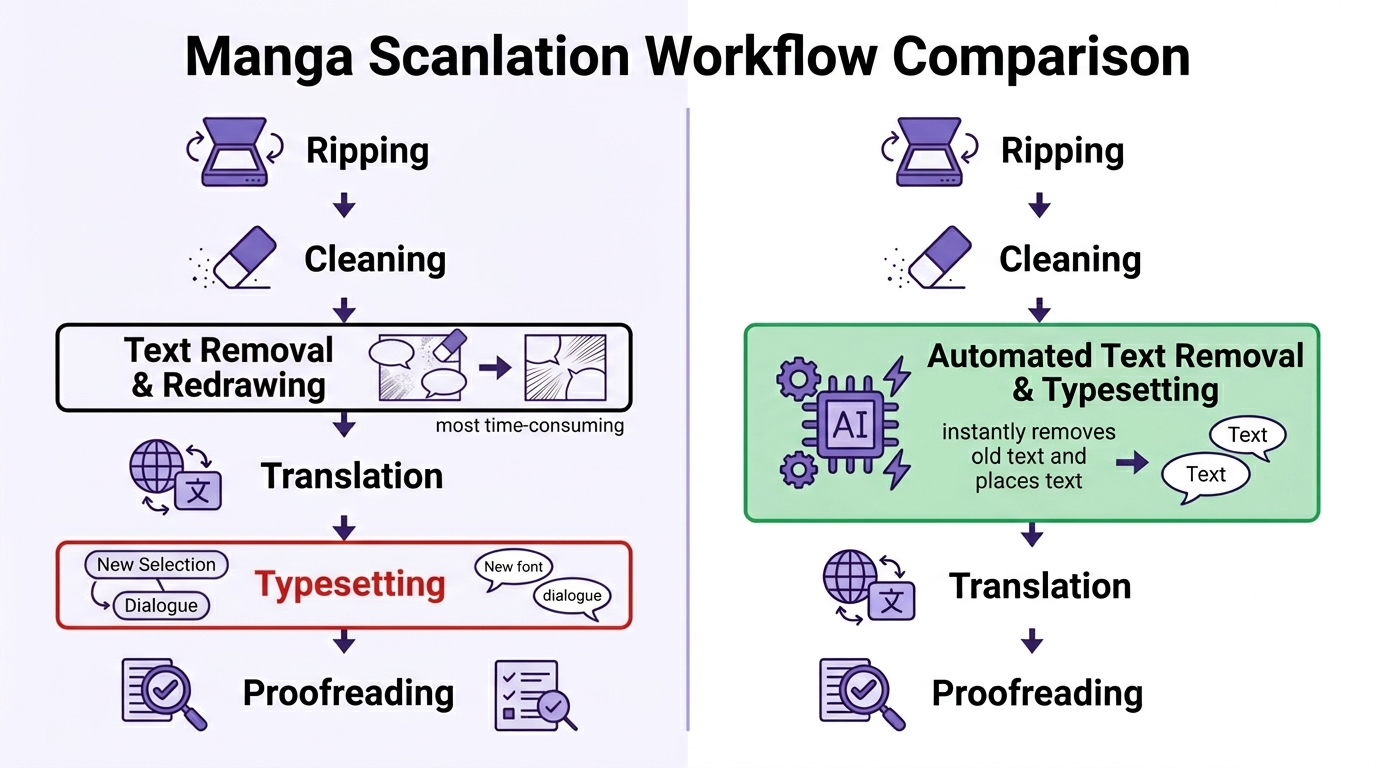
This is the most painful step in the entire pipeline, and the one most groups complain about. Most manga pages use speech bubbles — and the key thing to understand is that the bubble itself stays. What needs to go is only the original text inside it. The AI clears the source-language text from within the bubble and fills the interior cleanly, preserving the bubble border and the surrounding art completely untouched.
Where genuine redrawing is required is a different scenario: SFX (sound effects) and bare text — stylized characters drawn directly onto the background art, with no bubble around them. Removing those means reconstructing whatever was behind them: screentones, gradients, character details. That's the hard part, and where AI reconstruction has gotten genuinely useful.
An experienced cleaner might spend 5–15 minutes per page on this work alone. For a 45-page chapter, that's potentially over 10 hours of work before a single translated word goes in.
AI-based text removal tools have gotten genuinely good at this specific task. The approach is different from Photoshop's Content-Aware Fill — instead of sampling nearby pixels, modern AI models reconstruct the background by understanding what should be there based on the surrounding art context. On manga with consistent screentone patterns or relatively simple backgrounds, the results are often clean enough to go straight to typesetting.
On highly detailed or irregular backgrounds, you'll still want a human pass. But even if AI handles 70% of pages cleanly, that's a significant chunk of hours returned to your team.
2. Typesetting at Scale
Typesetting is tedious in a way that's hard to explain to people who haven't done it. You're not just pasting text into a box — you're adjusting font size so it fits without touching the bubble border, choosing between bold and regular weight for emphasis, making sure no line breaks at an awkward word, and keeping style consistent across a 200-bubble chapter.
For groups releasing multiple series simultaneously, typesetting is often the final queue where chapters pile up waiting for one person.
AI tools that handle the full pipeline — text detection, removal, translation, and typesetting in one pass — can produce a draft that a human typesetter then reviews and corrects, rather than building from scratch. The shift from "create" to "review" is where you get real time savings.
Traditional Tool Stack vs. AI-Assisted Workflow
Here's an honest comparison. The goal isn't to replace your stack — it's to be clear about what AI handles well and what it doesn't.
| Task | Traditional (PS / GIMP) | AI-Assisted |
|---|---|---|
| Text removal (bubbles) | Manual erase inside bubble, 2–5 min/page | Auto-detect + clean interior, seconds/page |
| SFX / bare text redrawing | Clone stamp, texture matching, 5–15 min/page | AI reconstruction — good on screentones, variable on complex art |
| Typesetting | Manual per bubble, 1–3 min/bubble | Draft auto-generated, human reviews and corrects |
| Font matching | Manual selection per series | Consistent within a run, may not match original style |
| Style consistency | Depends on typesetter discipline | Uniform across all pages in a batch |
| Final QC | Human review always | Human review always |
The honest takeaway: AI handles the mechanical, repeatable parts well. It doesn't replace a skilled cleaner's eye for quality or a translator's understanding of tone and cultural nuance. What it does is get you from raw page to "reviewable draft" much faster.
Where Editaimg's AI Image Translator Fits In
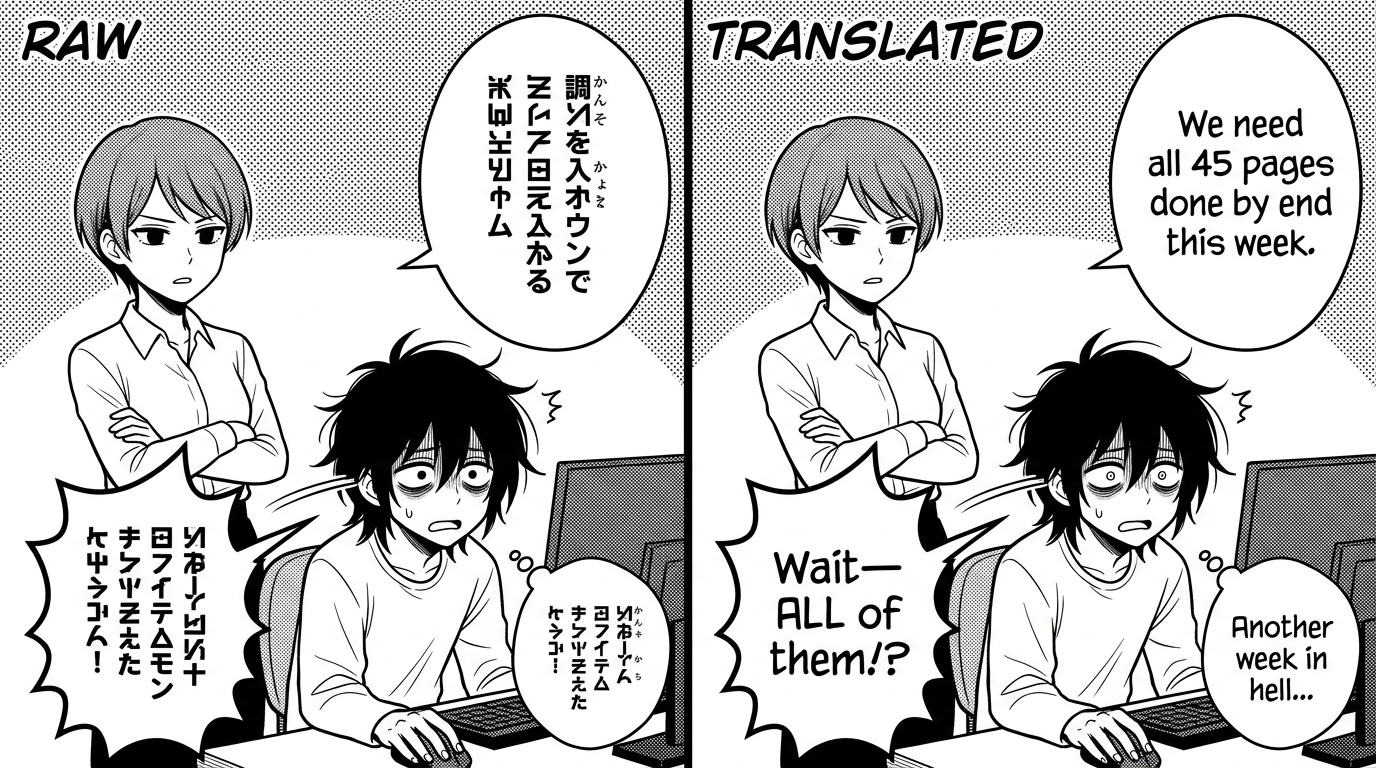
The tool at Editaimg's AI Image Translator approaches the scanlation problem differently from OCR-based tools. Instead of extracting text and leaving the image untouched, it operates on the image itself — detecting text regions, clearing the source text, and compositing the translated text back in as a single pass. The bubble stays intact; only what's inside it changes.
This matters for scanlation work because the output is a complete image with the translation already integrated — not a text layer floating above a patchy cleaned version. The text sits naturally within the bubble in the visual context of the art, which is closer to what a typesetter produces manually than what you get from a text-overlay tool.
Practical fit in a scanlation pipeline:
- Use it on standard dialogue pages — speech bubbles over screentones or simple backgrounds, where AI text removal is reliable
- Run it as a first pass — generate a complete draft of all pages, then have your team focus QC effort on pages where the AI output needs correction
- Useful for groups with translation capacity but typesetting bottlenecks — if your translator is fast but you're waiting on typesetting, this removes that queue
What AI Can't Replace (Be Honest With Your Group)
Any tool that claims to fully automate scanlation is overselling. Here's what still needs humans:
- Translation nuance — honorifics, dialect, cultural jokes, and character voice all require a translator who understands context, not just words
- Complex SFX redraws — when stylized sound effects are drawn directly into detailed art, AI reconstruction can fail in ways that are obvious to readers
- Creative typesetting decisions — when a line needs to feel urgent, scared, or whispered, font weight and placement choices matter and benefit from a human's judgment
- Final QC — a human proofreader catching a mistranslation or a bubble that's cut off is not optional
- Unusual bubble shapes — thought bubbles, jagged emotion bubbles, or text that bleeds outside a panel may trip up automated detection
The realistic goal of AI tooling in scanlation is to compress the mechanical work so your team's human hours go toward the decisions that actually require humans.
Recommended Tool Stack for a Modern Scanlation Group
This is a practical setup based on what's available in 2026. The goal is to keep your existing quality standards while reducing the hours required per chapter.
Core Stack
- Cleaning: Photoshop with recorded actions for leveling and dust removal — still the fastest for batch cleaning
- Text removal + initial typesetting: Editaimg AI Image Translator — handles the mechanical erase-and-replace pass on dialogue pages
- QC and corrections: Photoshop or Clip Studio Paint — for pages where AI output needs manual correction, and for SFX work
- Translation management: A shared doc or your group's existing system — AI doesn't replace this
- Publishing: MangaDex or your group's preferred platform
The shift this stack enables: instead of a typesetter spending a weekend on 40 pages, they spend an afternoon reviewing and correcting the AI draft. That's the difference between releasing weekly and releasing monthly on the same team size.
FAQ
Does AI text removal work on webtoons (vertical scroll format)?
Yes — the page format doesn't affect text detection and removal. Webtoons often have cleaner, simpler backgrounds than traditional manga, which actually makes AI work more reliable, not less.
What about Chinese manhwa or Korean webtoons?
AI image translation tools work across source languages — the detection is image-based, not language-specific. Editaimg's translator handles Chinese and Korean source text the same way it handles Japanese.
Will the output quality be acceptable to MangaDex standards?
For the AI-generated draft: probably not without a QC pass. After a human reviews and corrects the output: yes, for most pages. Groups uploading to MangaDex should always plan for a QC stage regardless of what tools they use.
Can I batch process an entire chapter at once?
Yes. Processing pages one by one would defeat the purpose — batch processing is the core time-saving mechanism for chapter-level work.
Is this better than just using Google Translate on the image?
Significantly. Google Translate's image feature overlays text without removing the original — you end up with two layers of text in the panel. AI image translation removes the source text first, then places the translation in cleanly. The output is a finished image, not a sticker on top of the original.
Conclusion
Scanlation groups run on volunteer time, and the biggest threat to a consistent release schedule is burnout on the mechanical parts of the workflow. Text removal, redrawing, and typesetting are real skills — but they're also tasks with a high degree of repetition that AI tooling can now handle at draft quality.
The practical approach in 2026 isn't to replace your pipeline. It's to use AI for the parts that don't require judgment — freeing your team to focus on translation quality, creative typesetting decisions, and the final QC pass that separates a scanlation group's output from a machine dump.
If you want to test what AI-assisted text removal and typesetting looks like on an actual raw page from your group, try Editaimg's AI Image Translator free here. Upload one page and see where the AI draft lands before committing to any workflow changes.
Cut Your Chapter Turnaround Time
Upload a raw page. See what AI handles. Decide what needs your team's time.
Try AI Image Translator Free →